Available on iPhone, iPhone Duo, iPad, Mac & Apple TV
Every camera, at a glance.
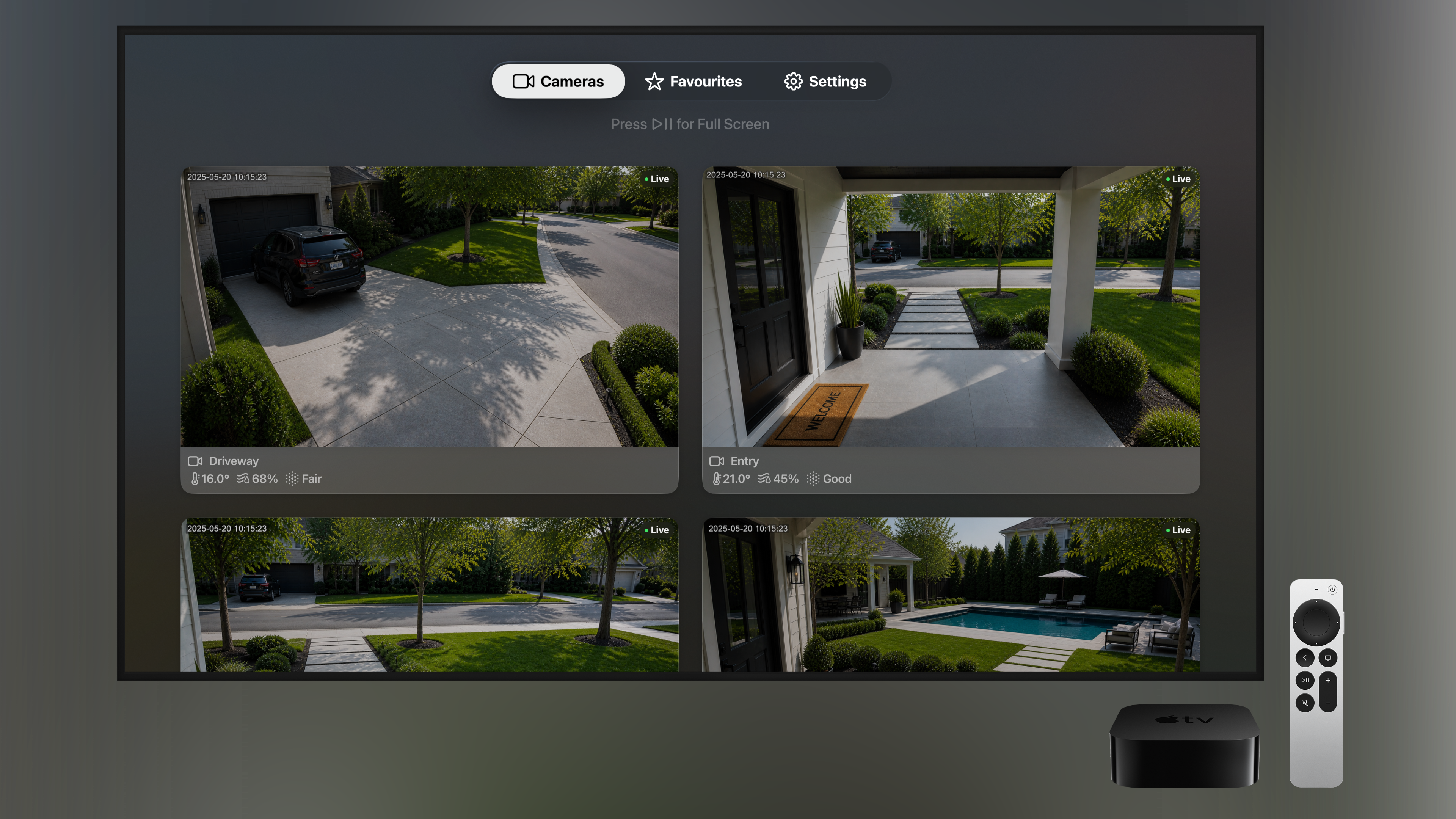
A clean, modern way to view all of your HomeKit cameras at once — beautifully grouped by room, with live conditions for each space. On every Apple device you own.
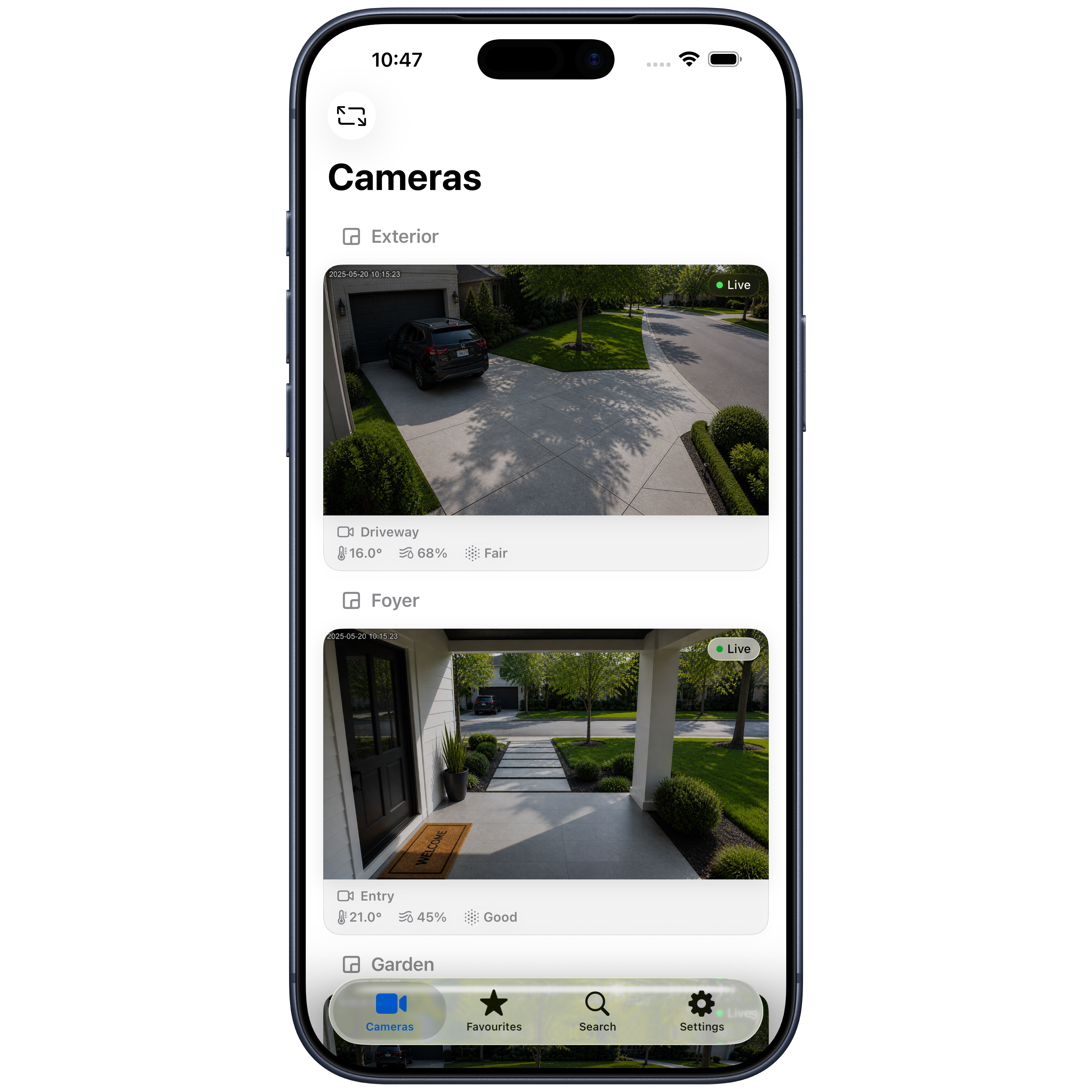
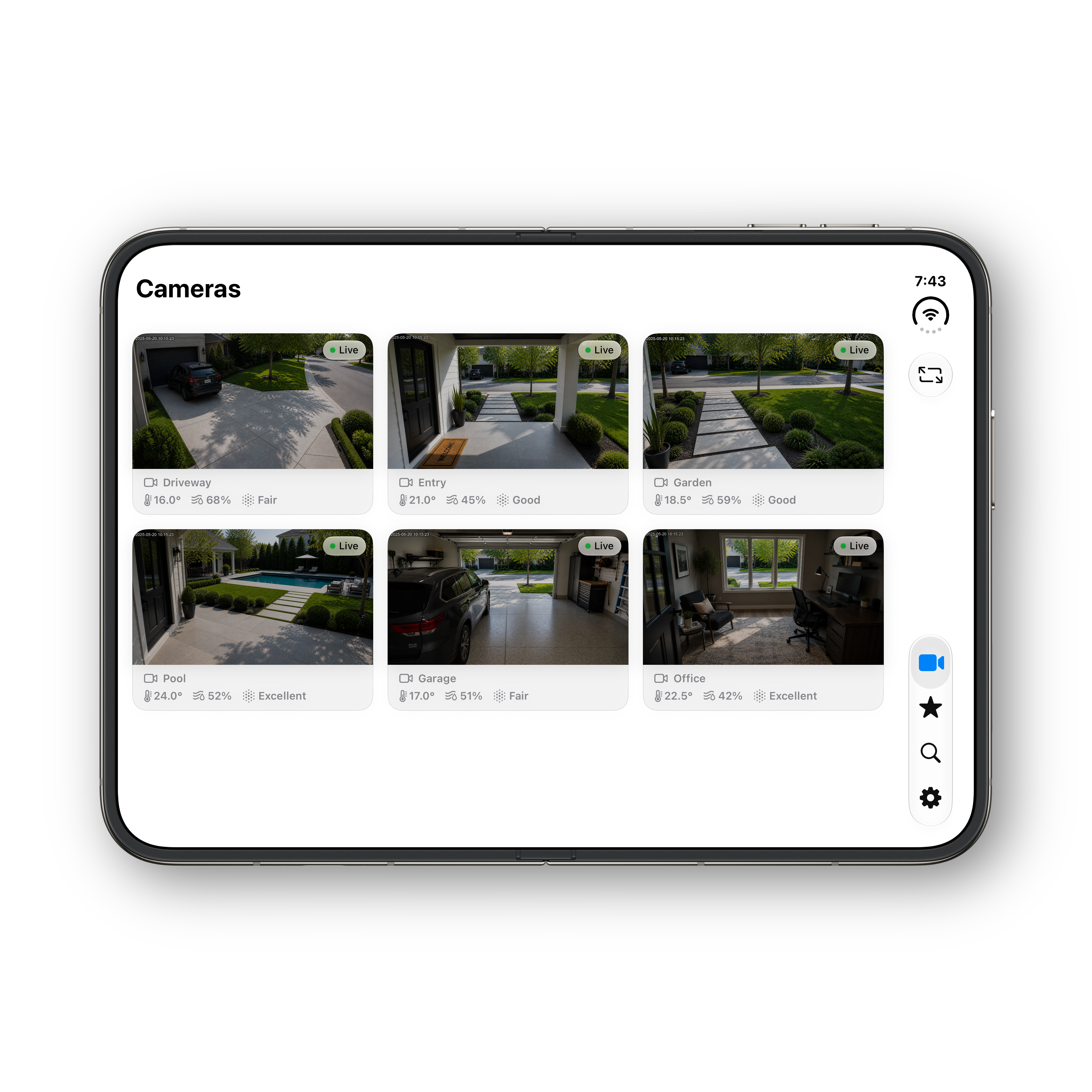
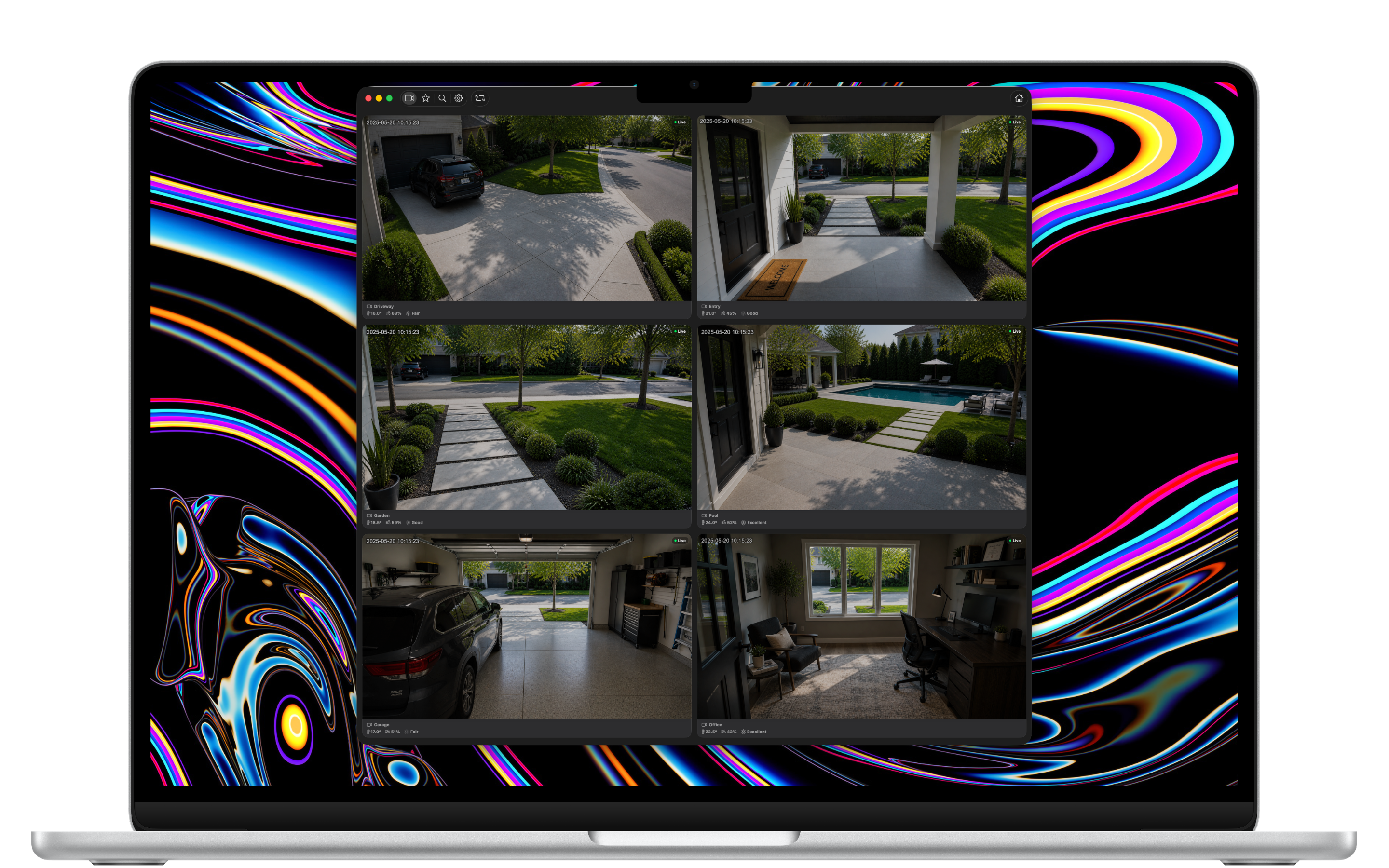
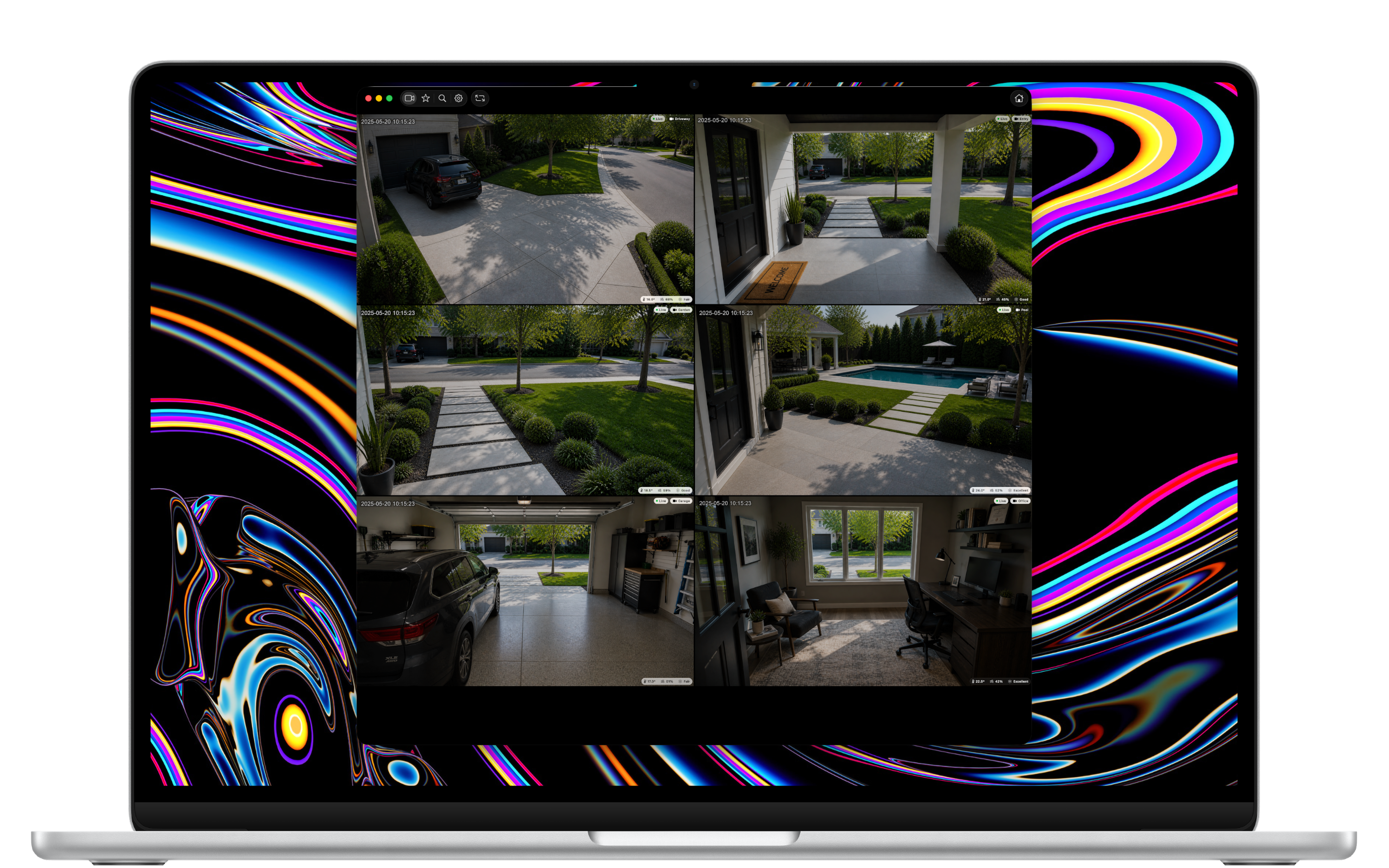
All of your HomeKit cameras, beautifully arranged by the rooms they live in — without the clutter of a smart home app.
All Your Cameras
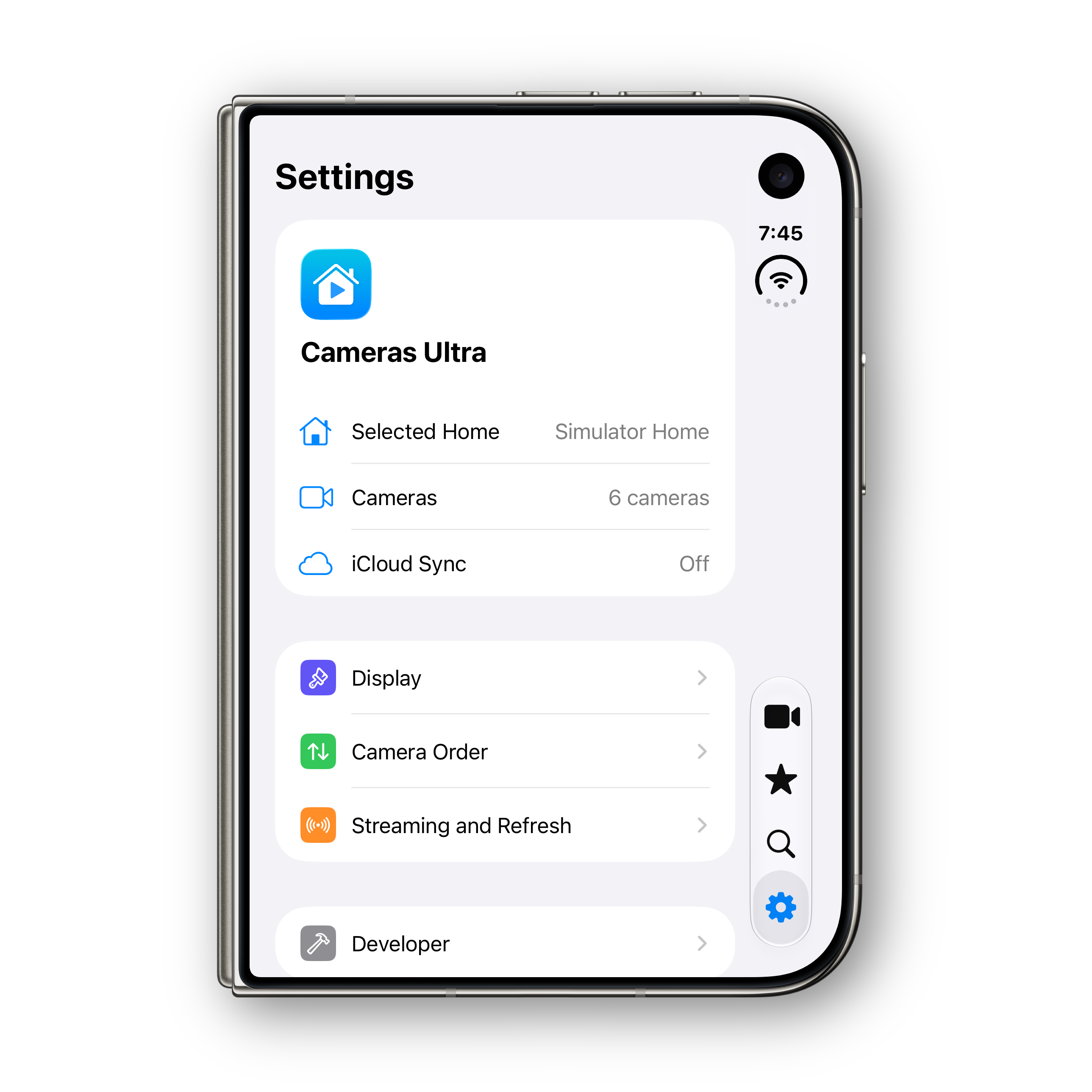
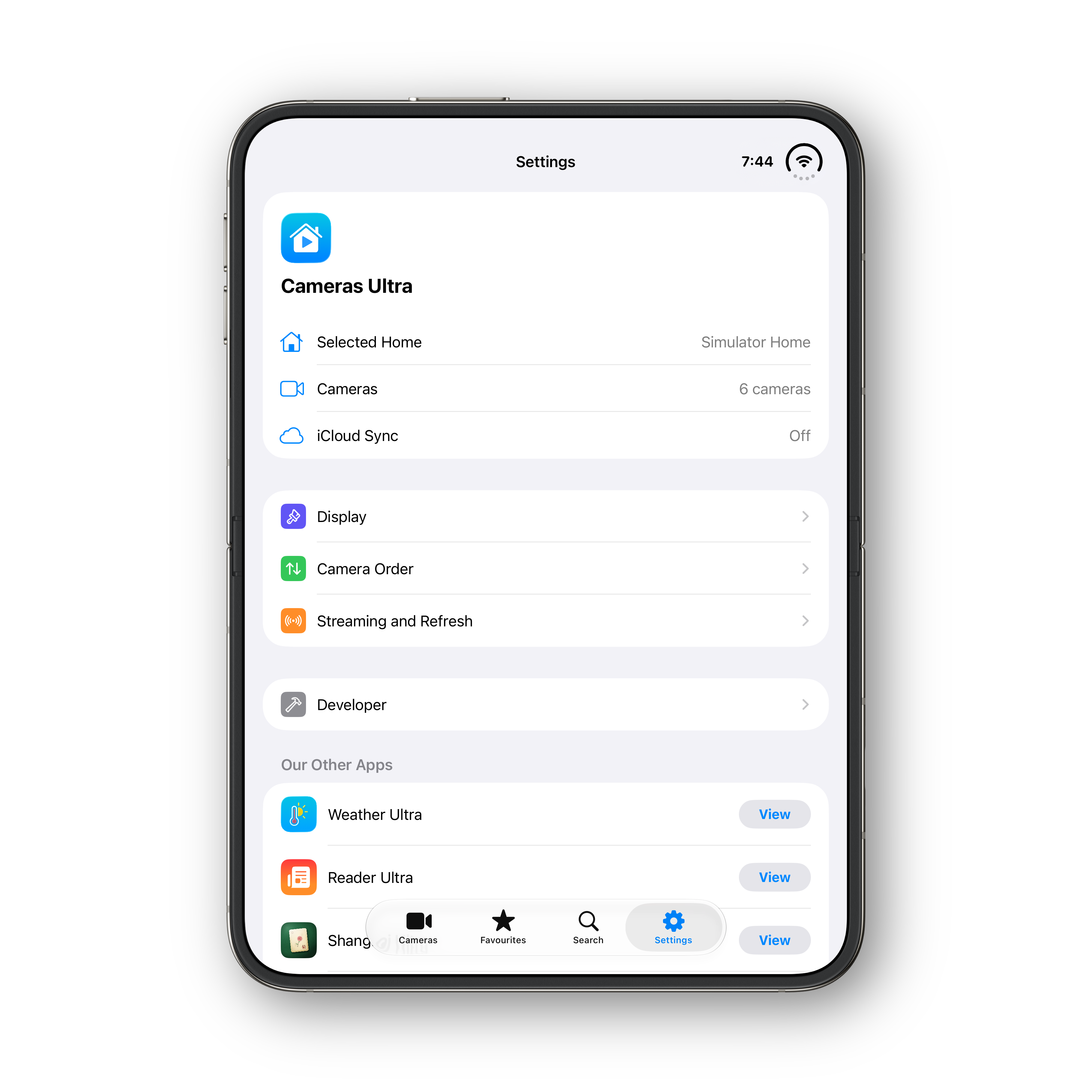
Cameras Ultra reads your cameras directly from HomeKit and lays them out cleanly. No re-pairing, no duplicate accounts — your existing setup just works.
Grouped by Room
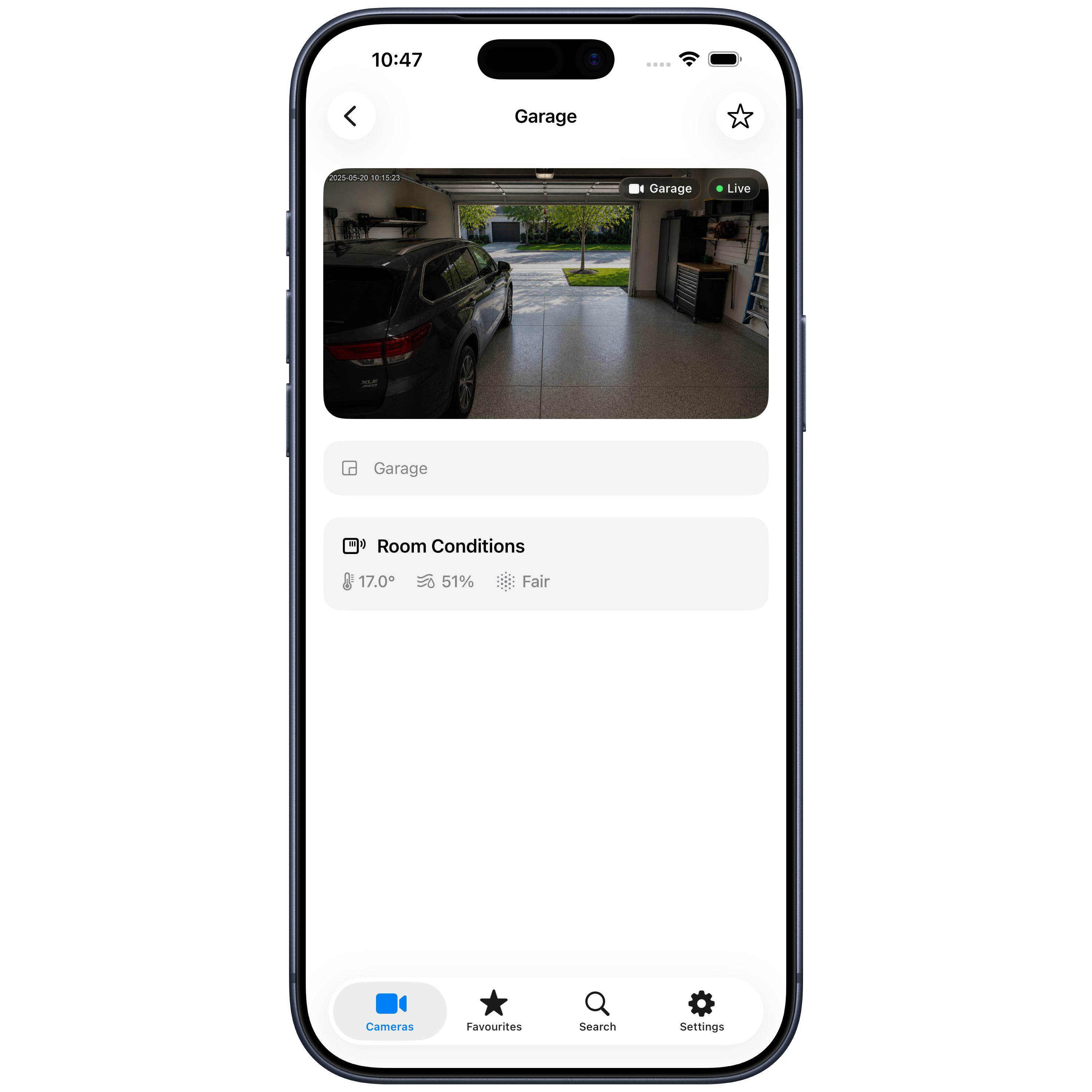
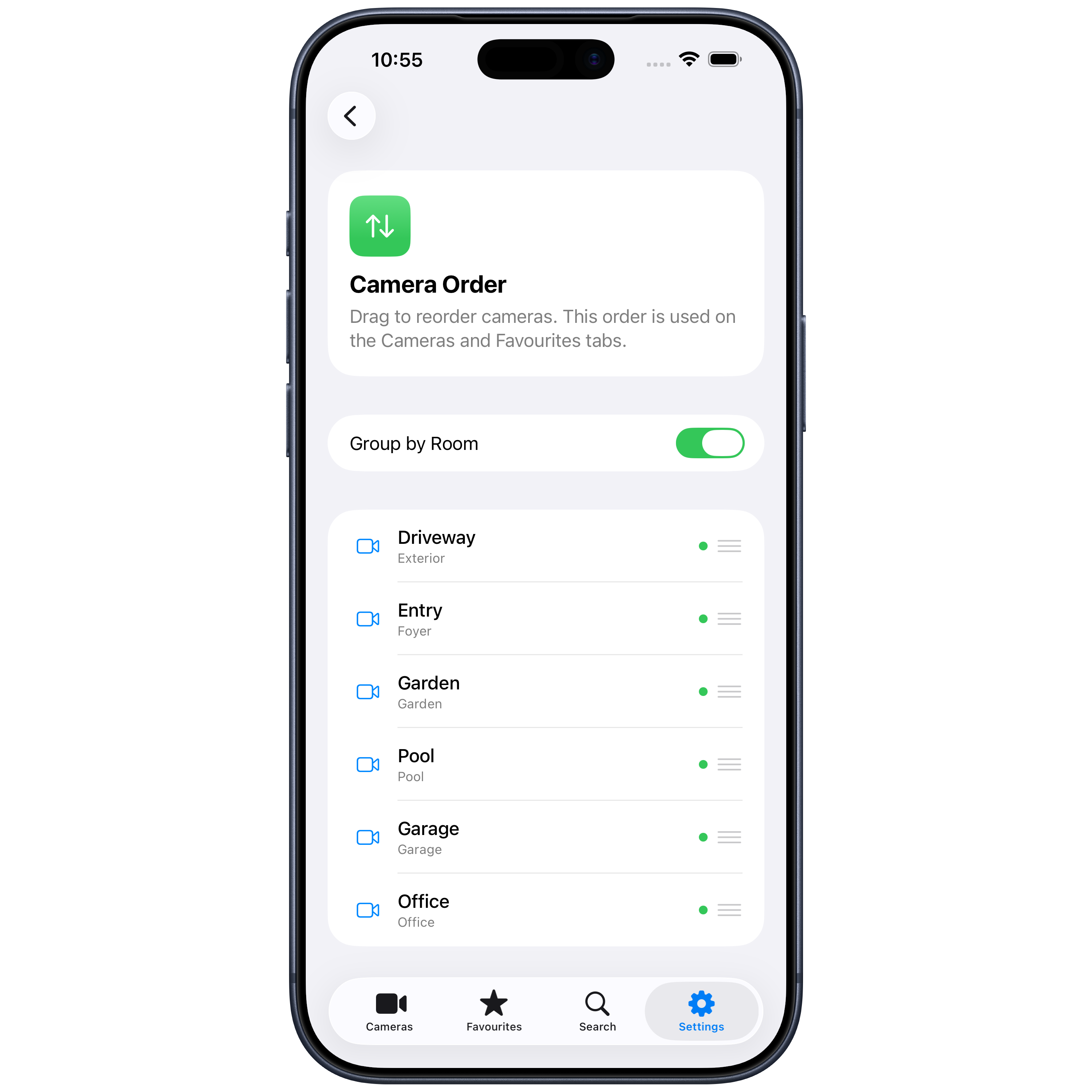
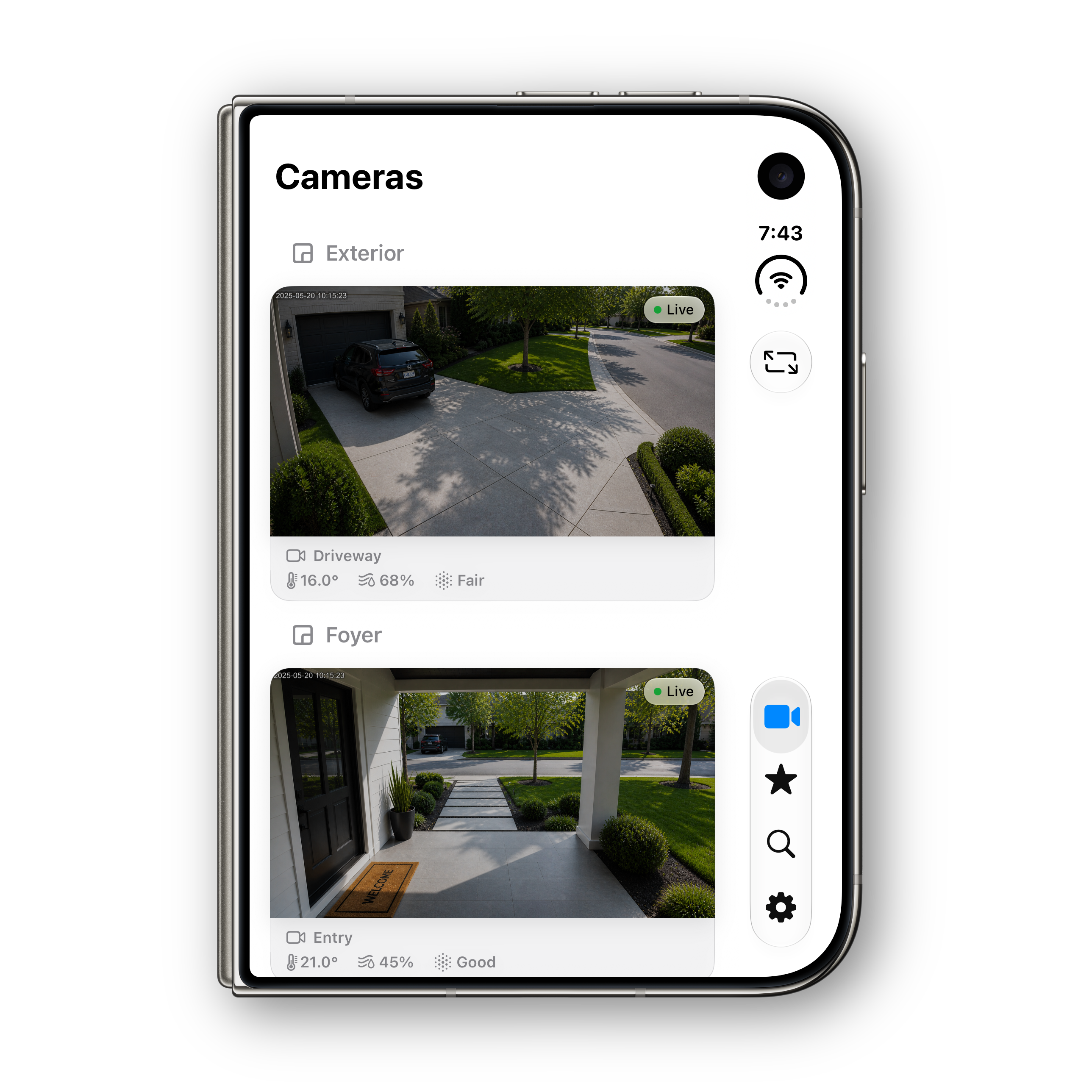
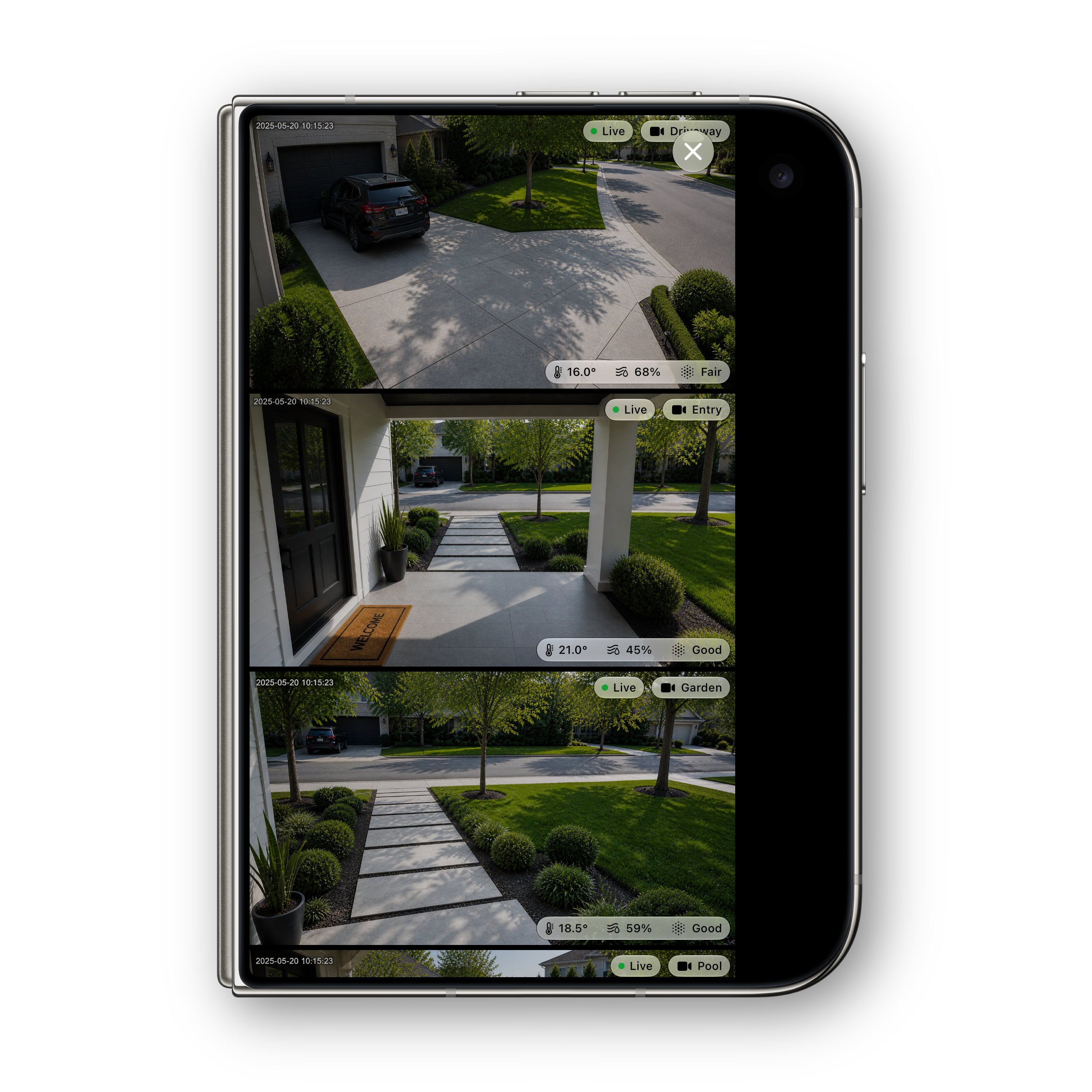
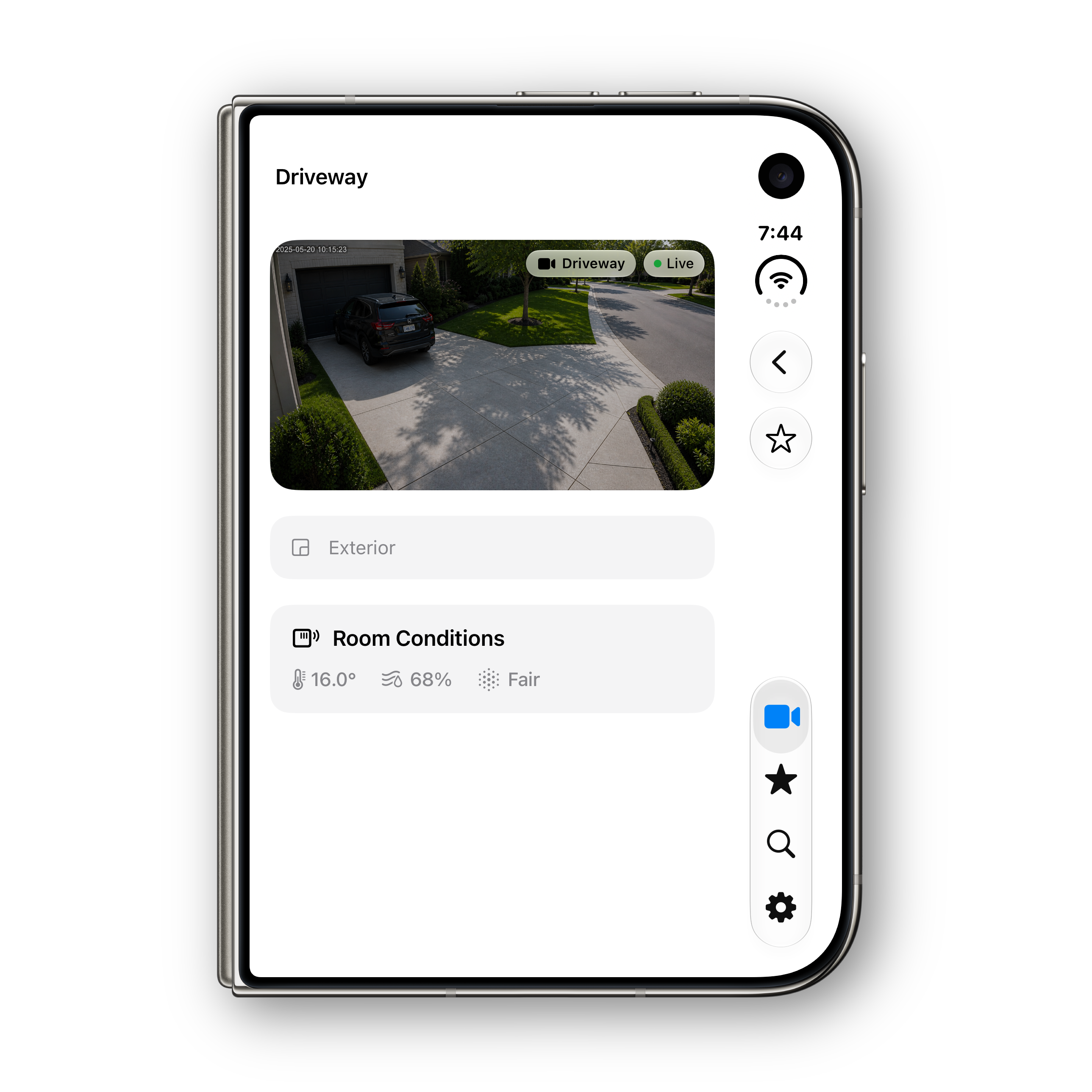
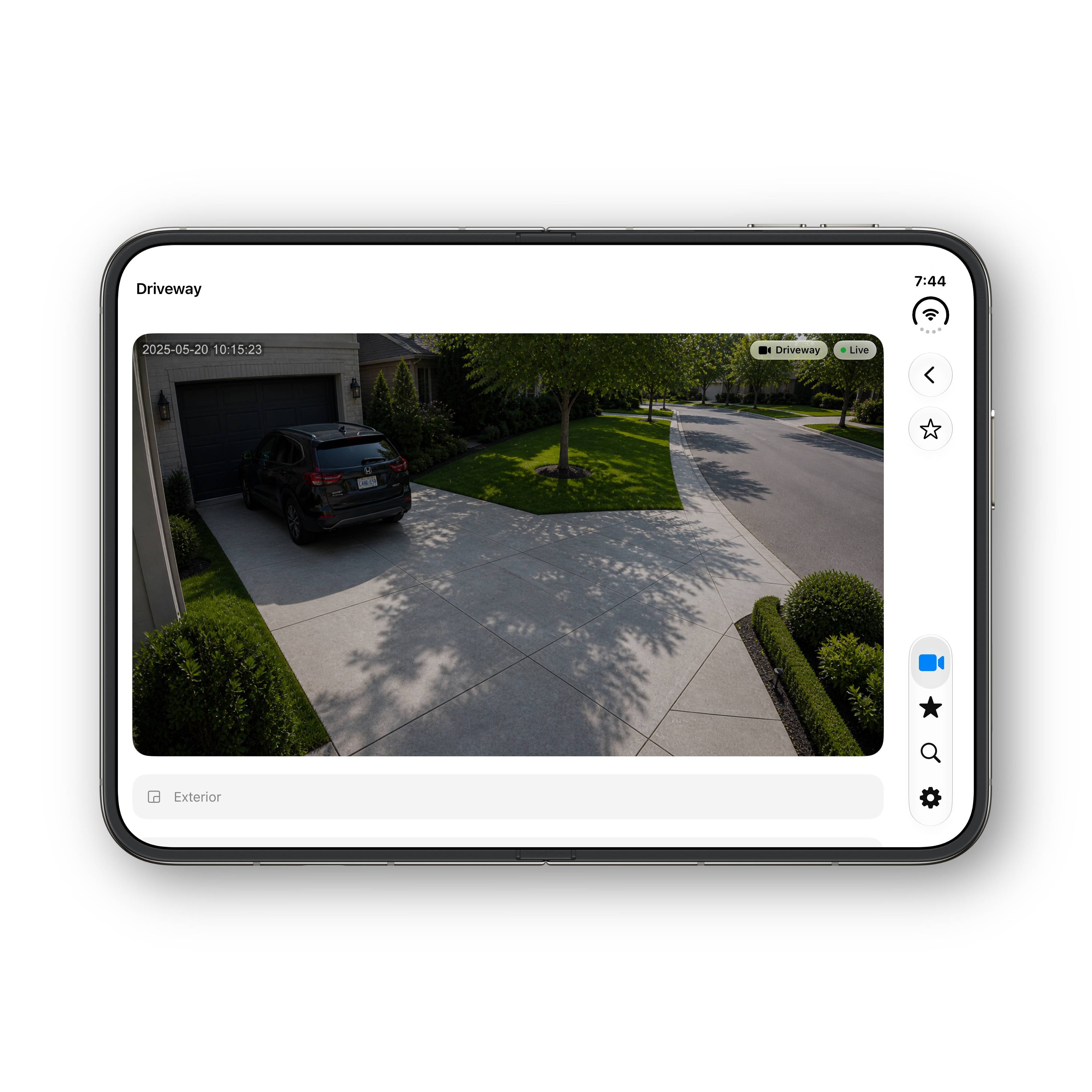
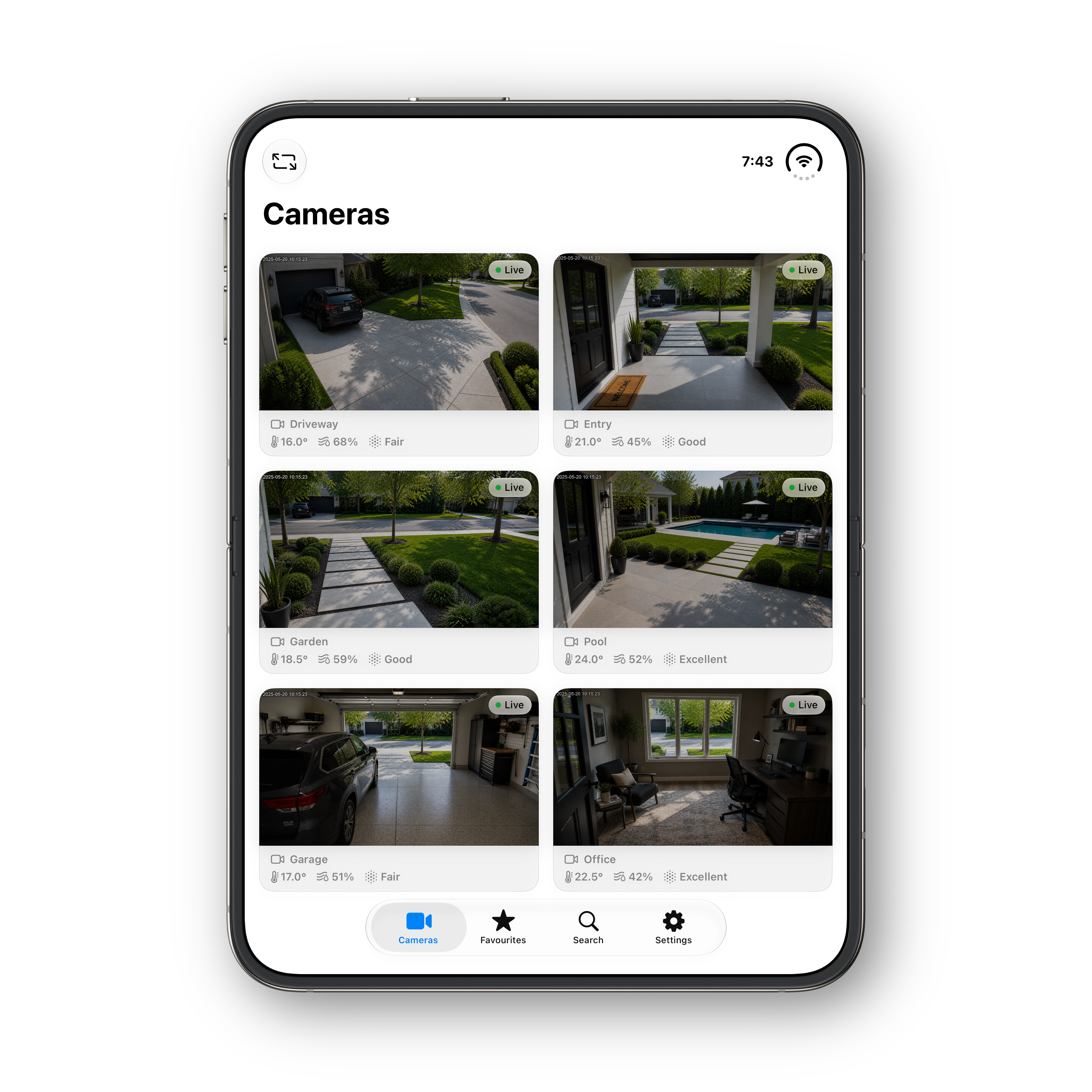
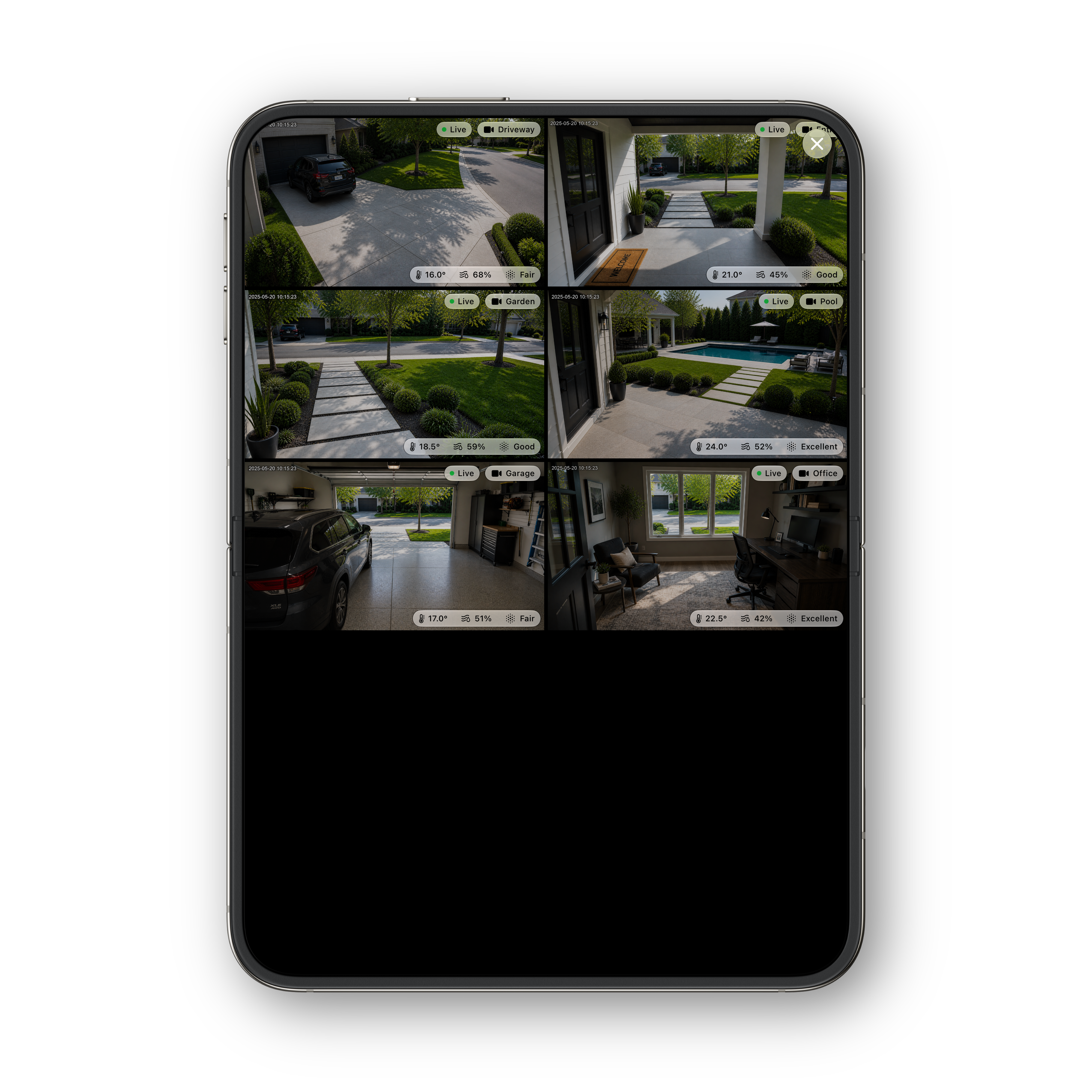
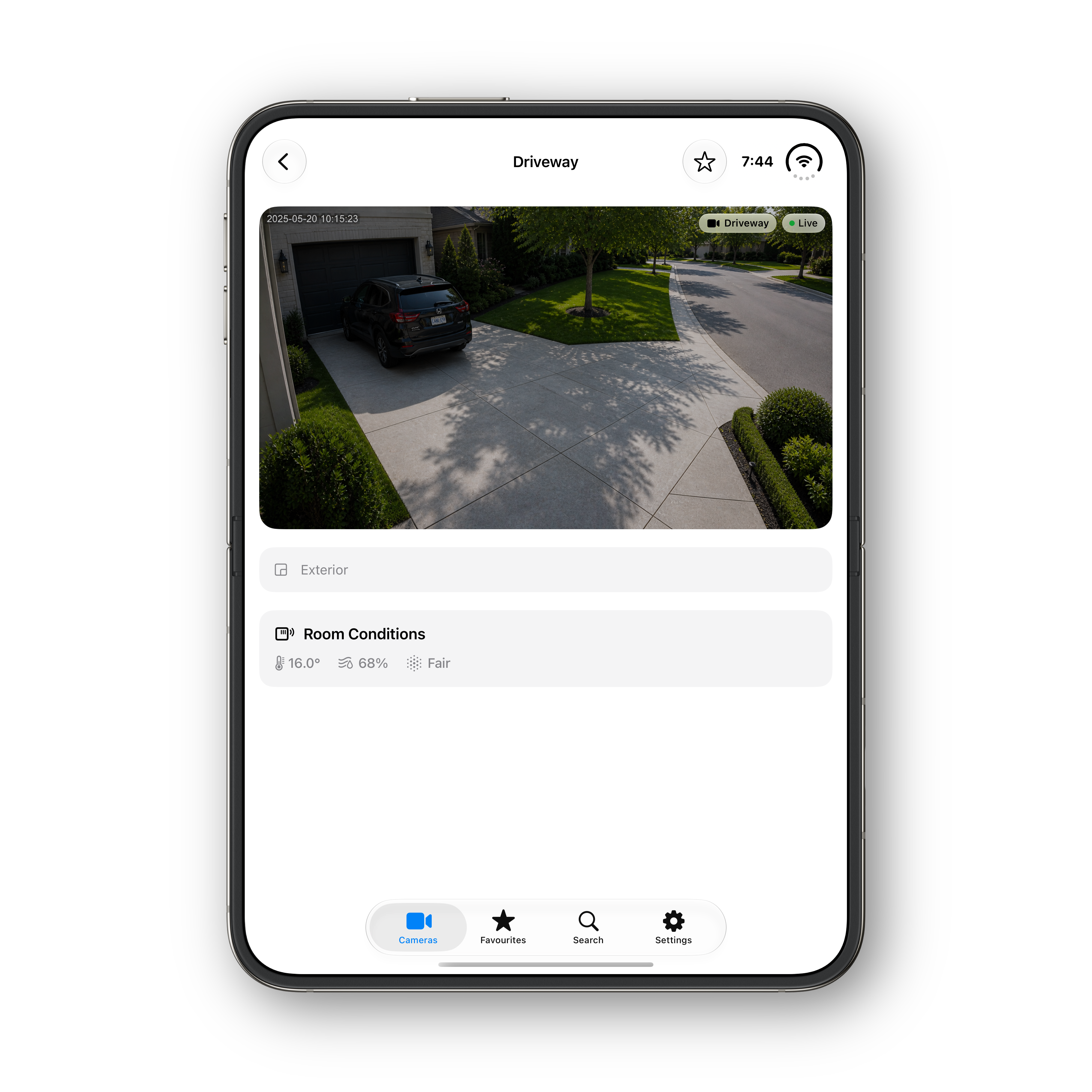
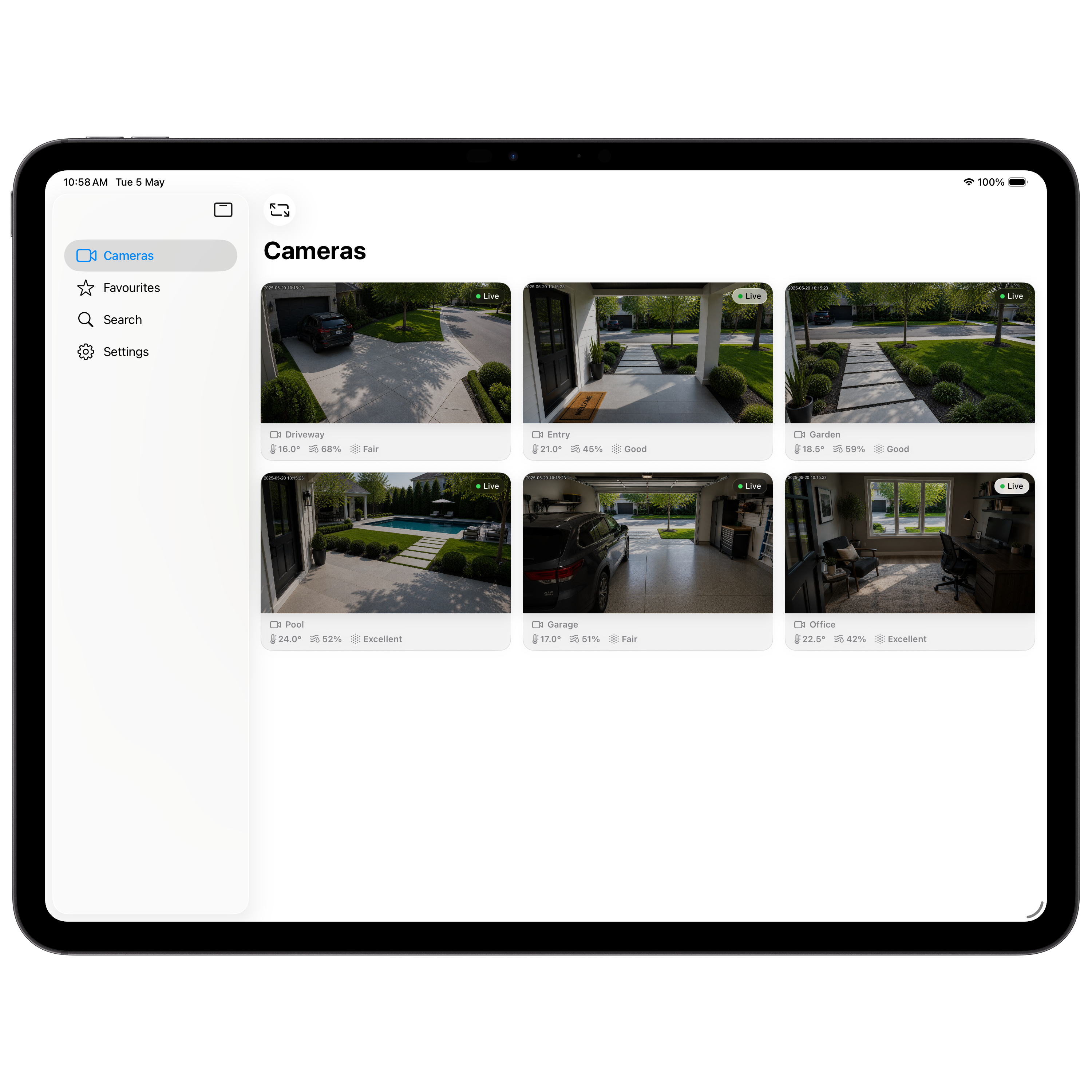
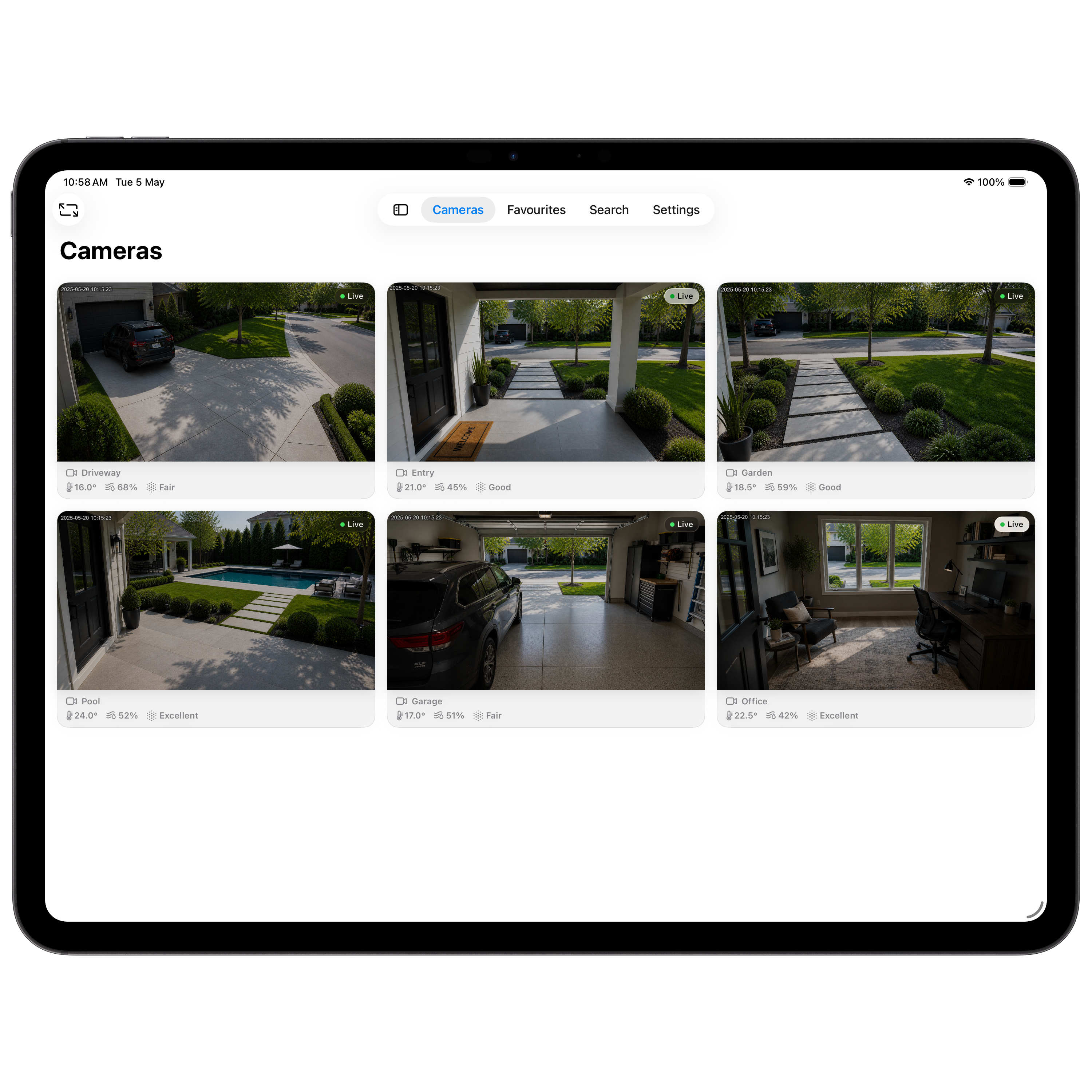
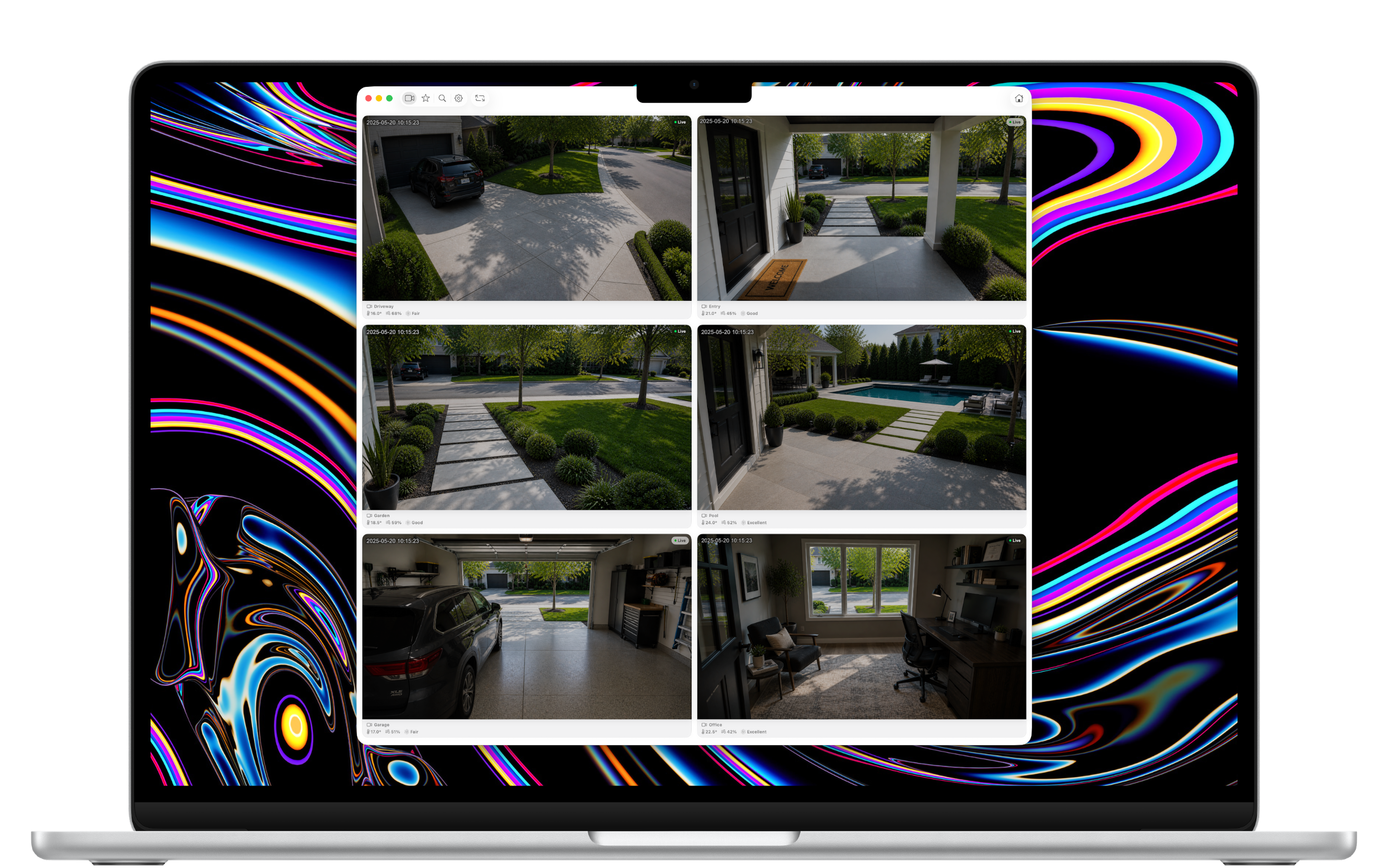
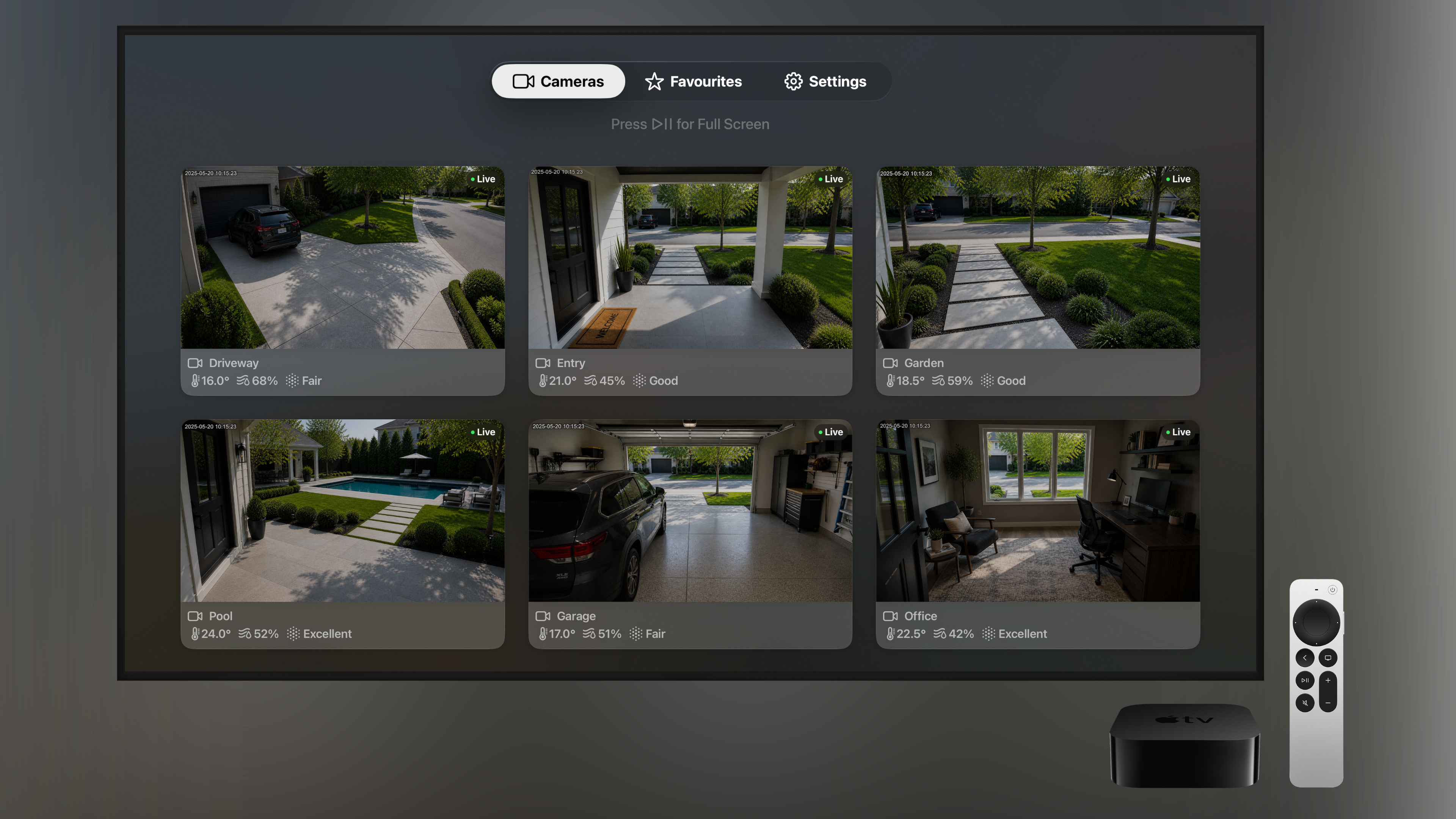
Cameras are organised by the rooms you've set up in HomeKit — Exterior, Garage, Garden, Pool, Office. Easy to scan, no guessing where each feed is from.
Live Room Conditions
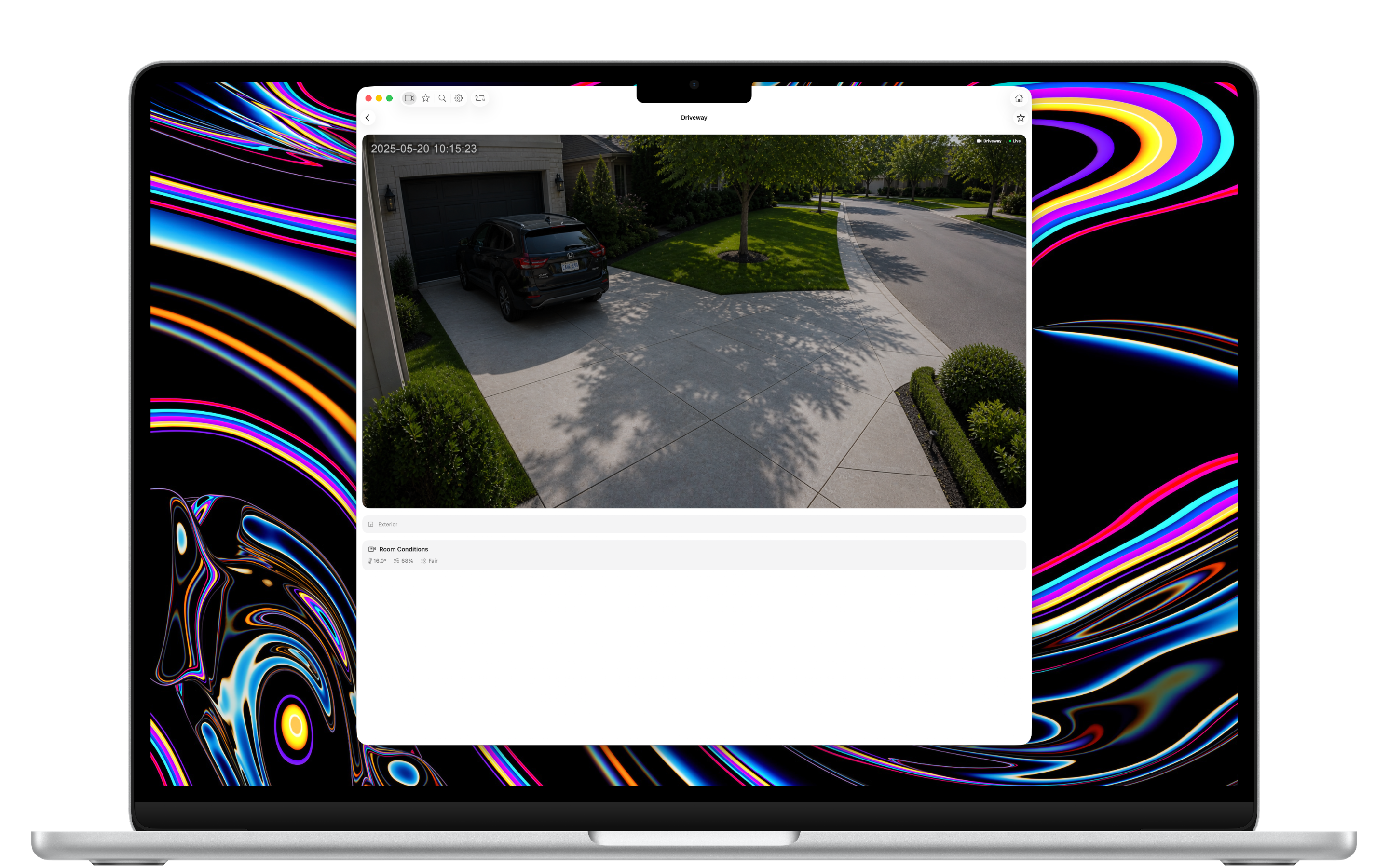
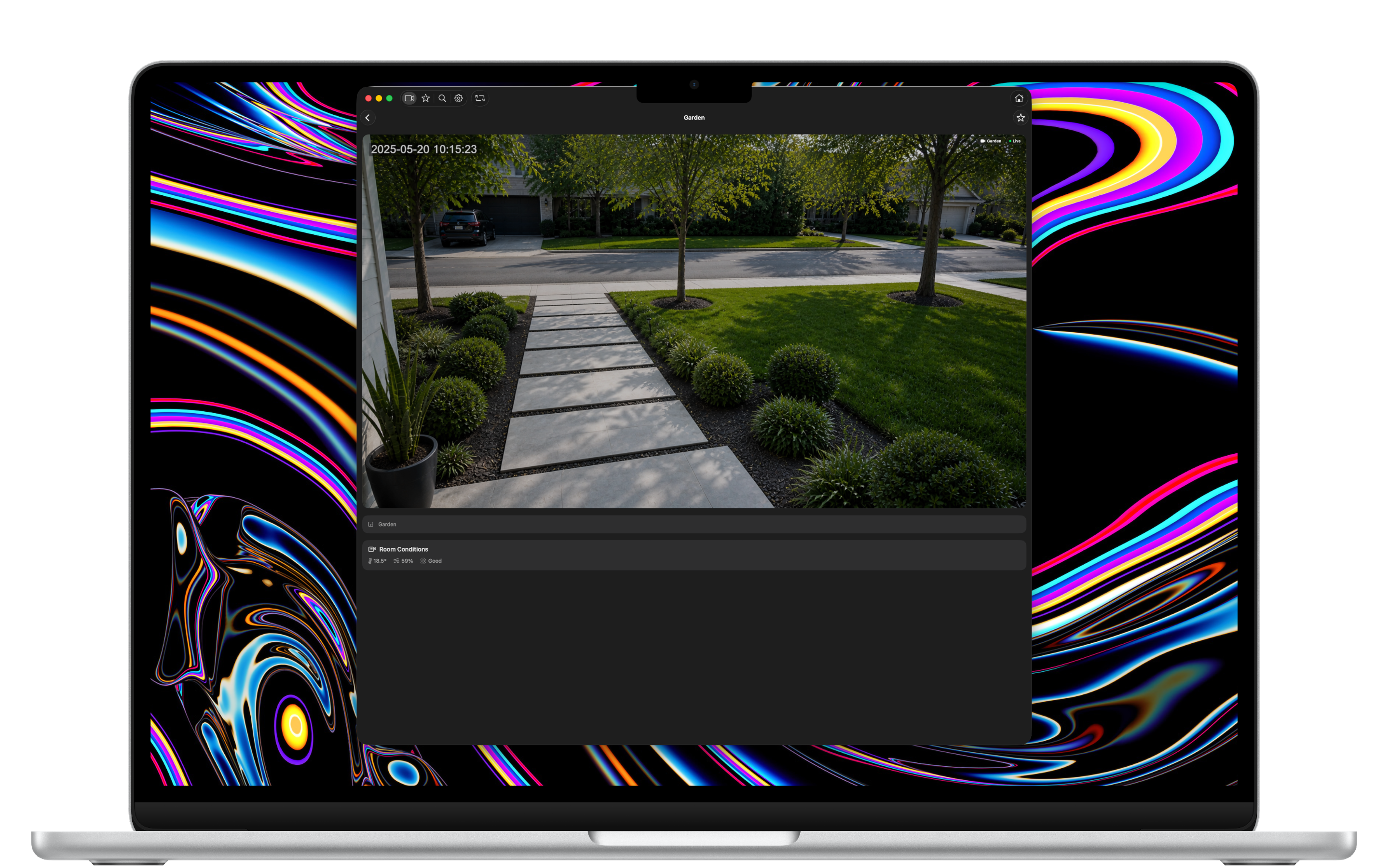
Temperature, humidity, and air quality for each room are shown alongside the camera feed — pulled from any HomeKit sensors you have.
Full-Screen Mode
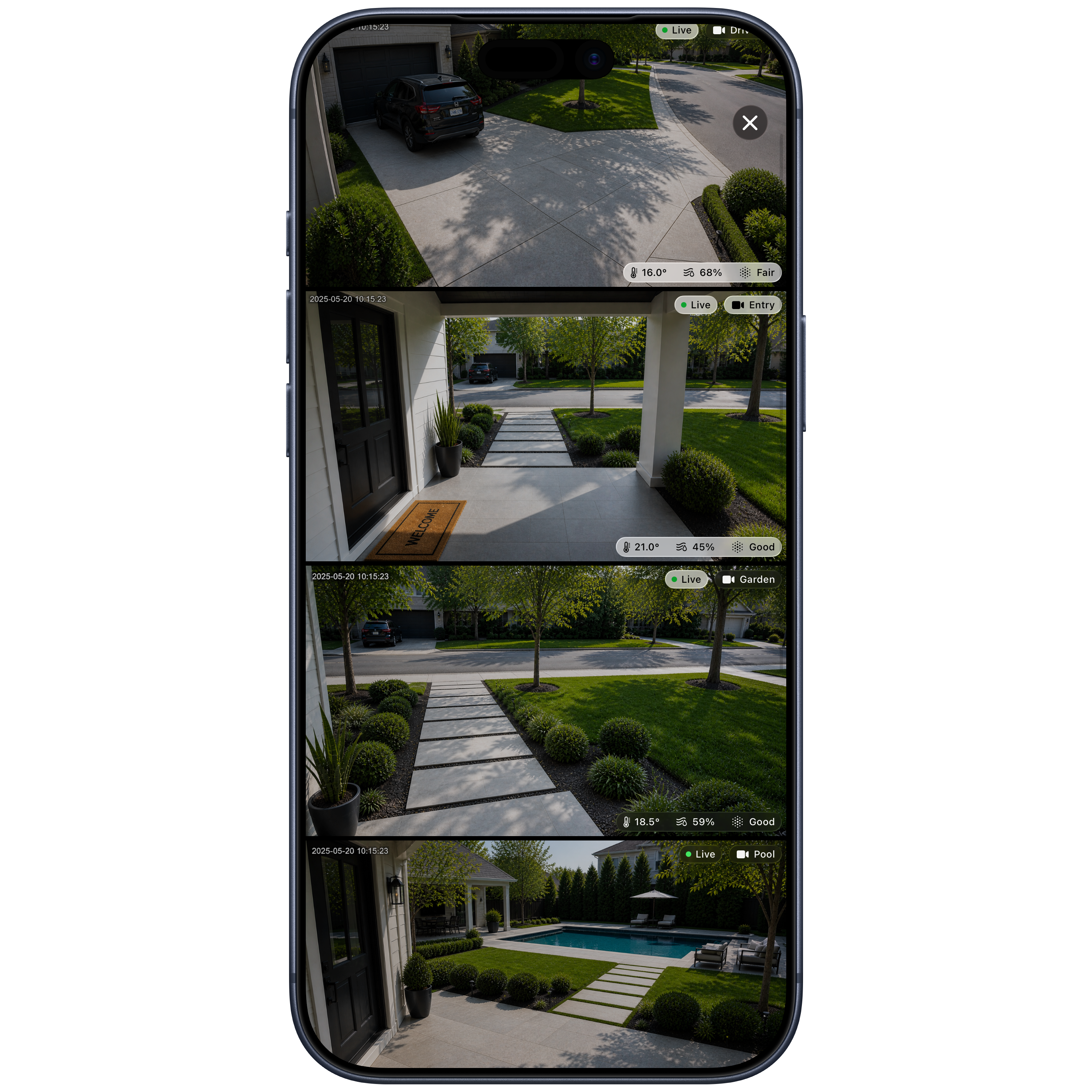
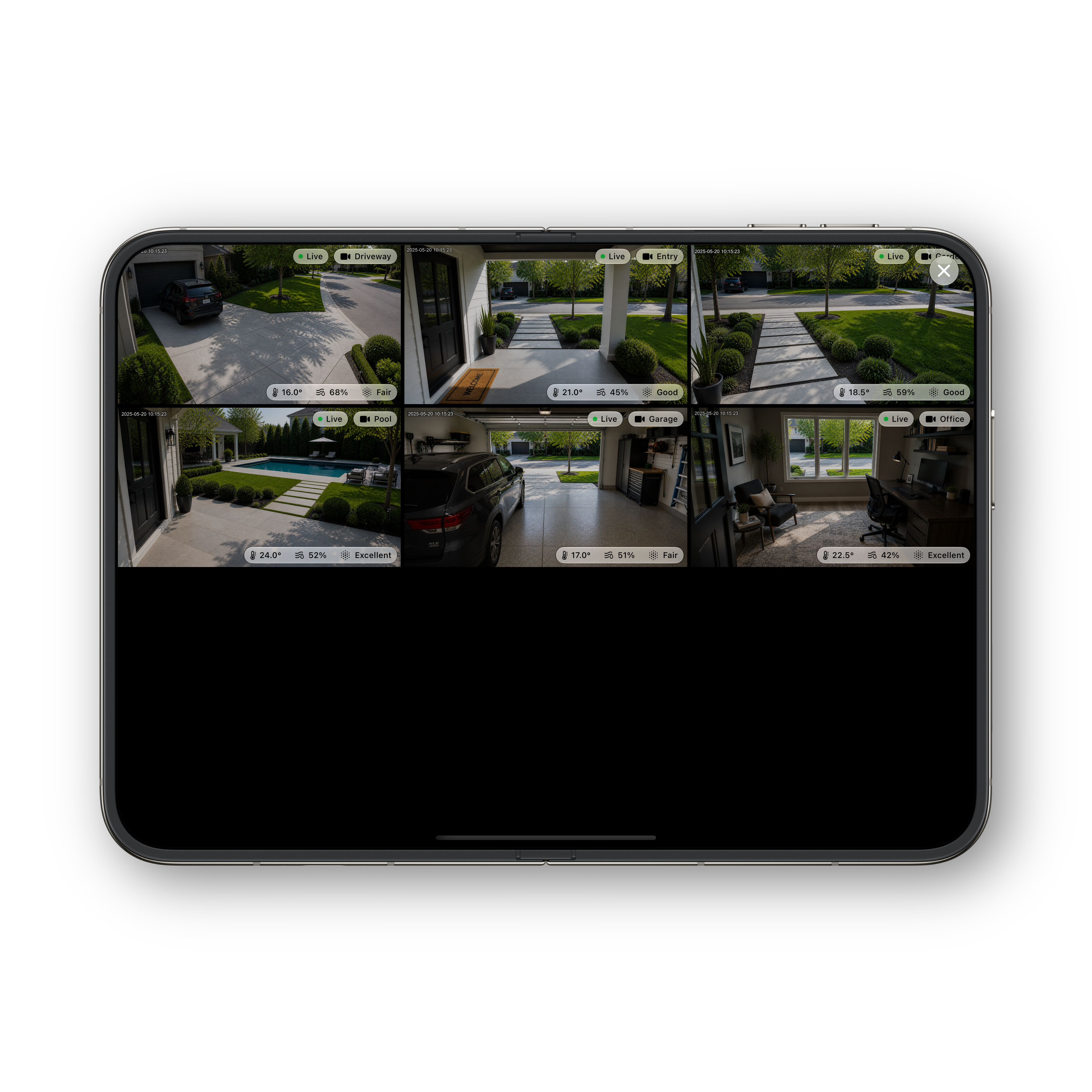
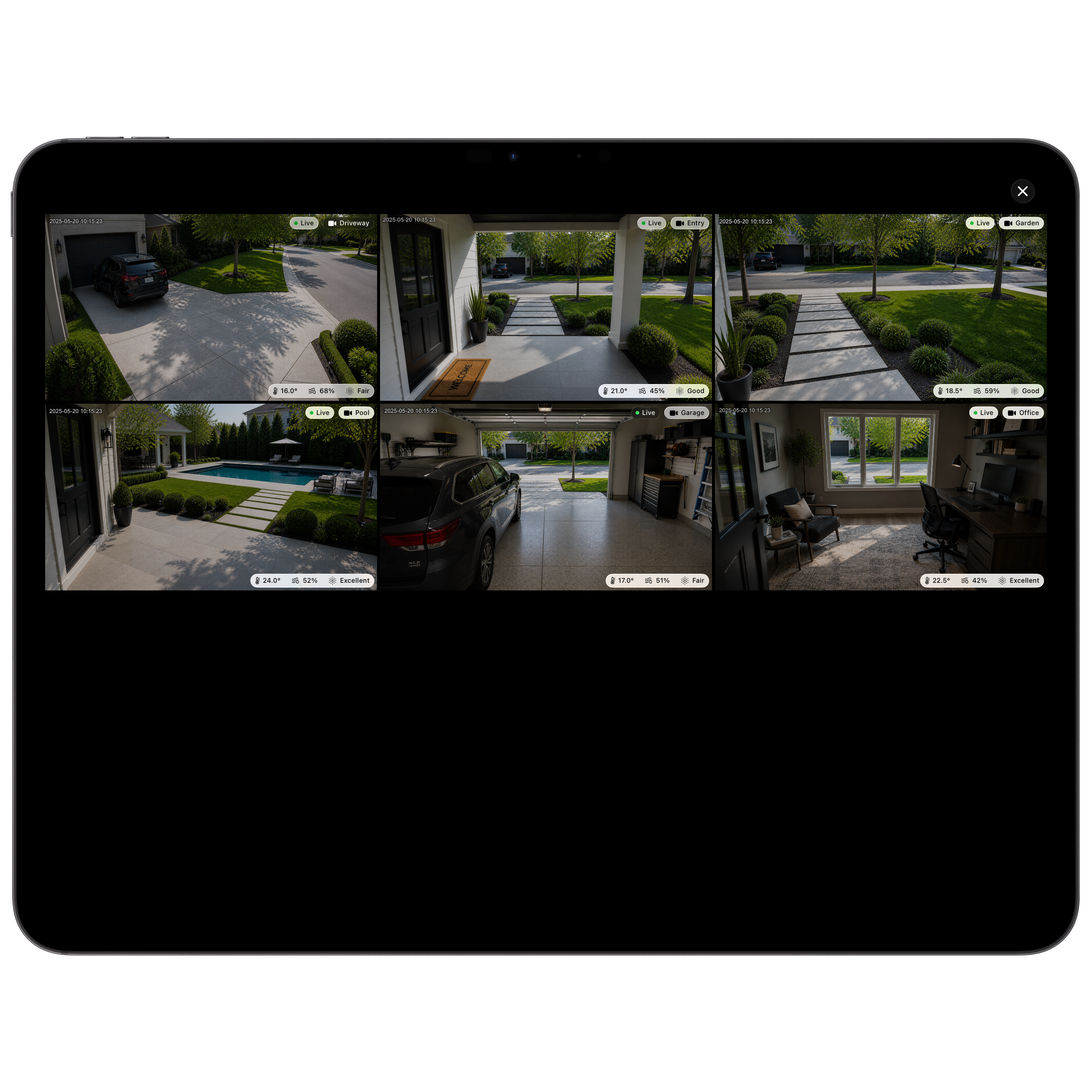
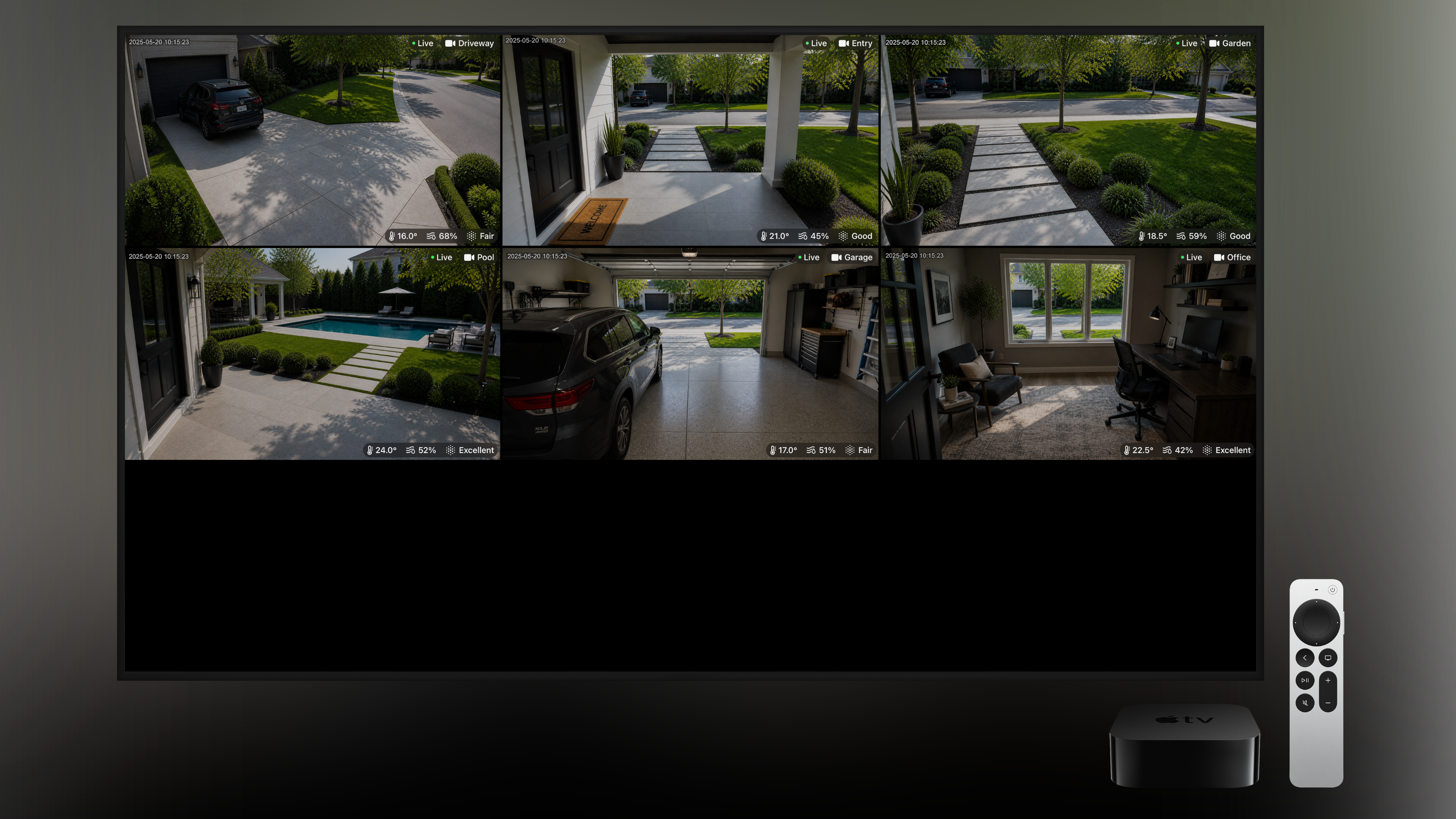
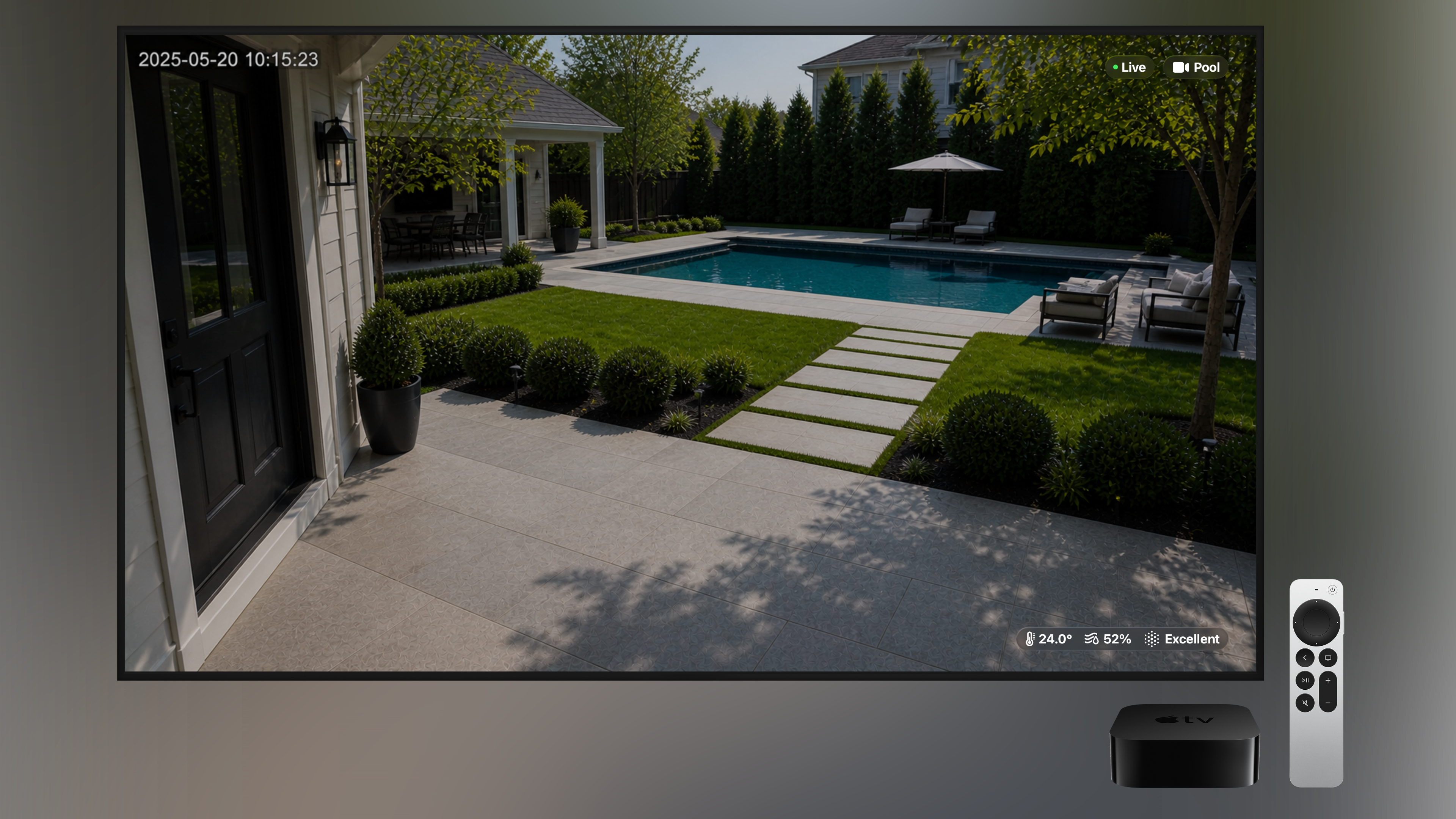
Tap once to fill your screen with every camera at the same time — perfect for a quick look around, or a permanent display on Apple TV.
Favourites
Star the cameras you check most often and they'll appear together in your Favourites tab — your front door and your kids' room, just one tap away.
Search
Big homes, lots of cameras? Quickly find any camera by name or room — handy on Apple TV with the Siri Remote, and even better with a keyboard.
Customisable Layout
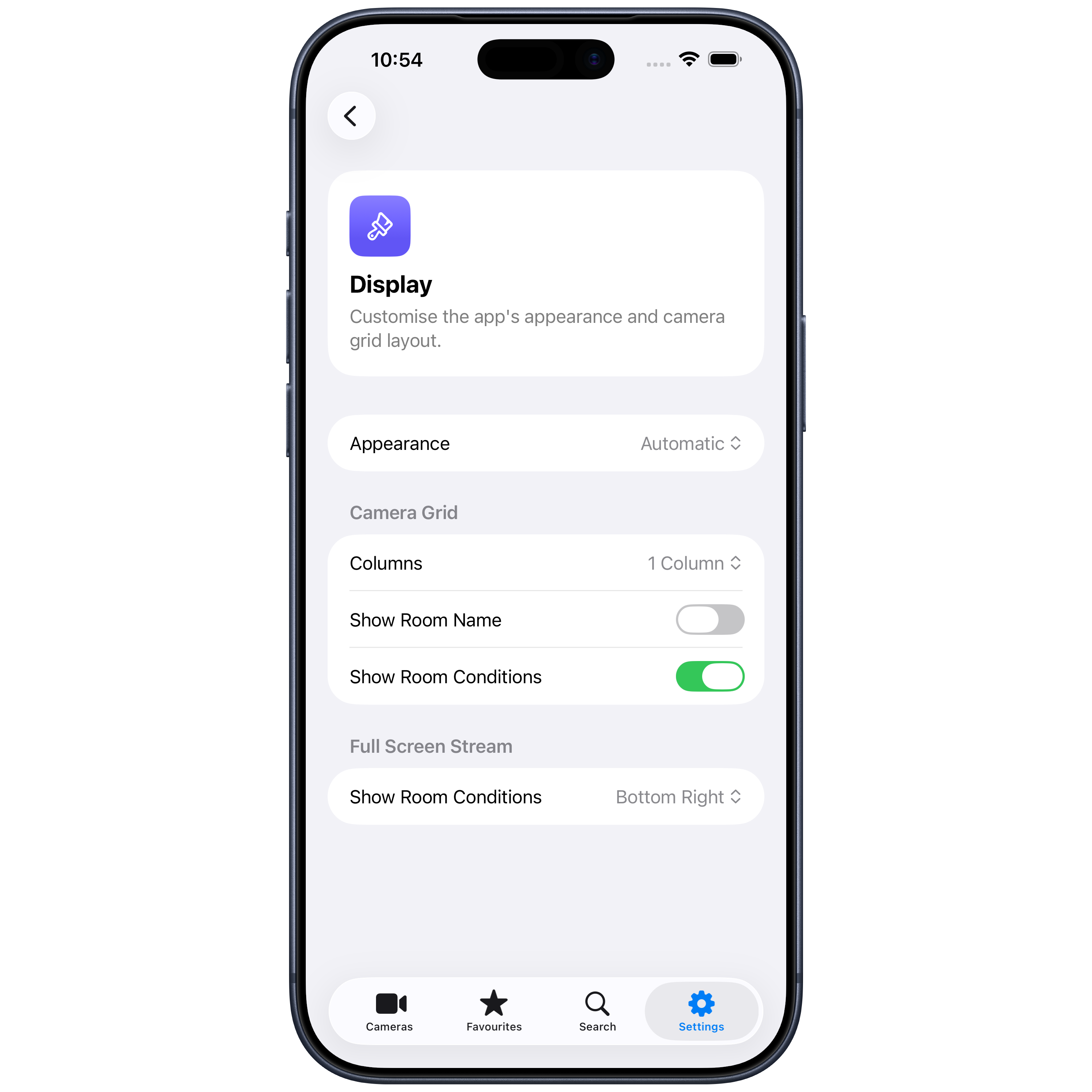
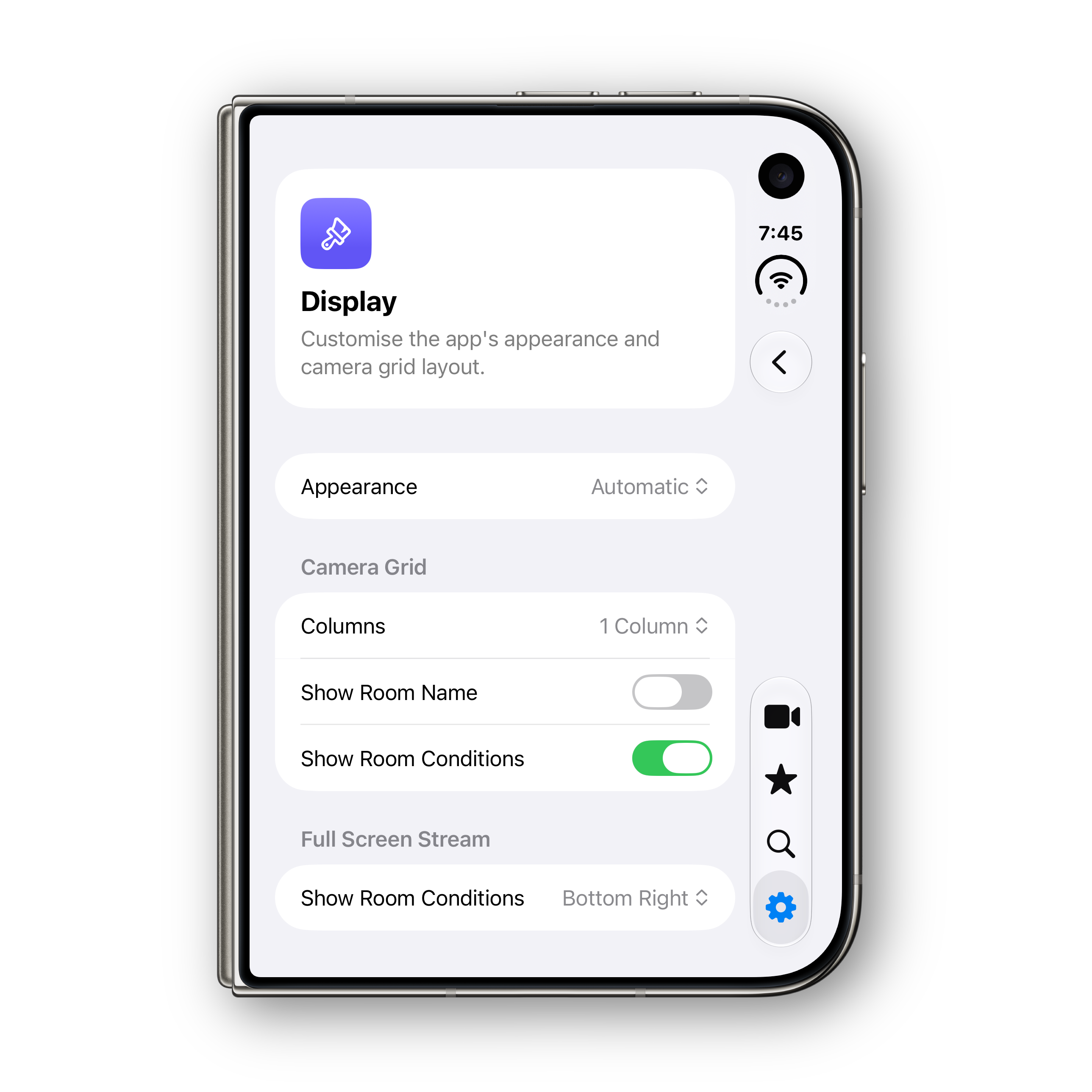
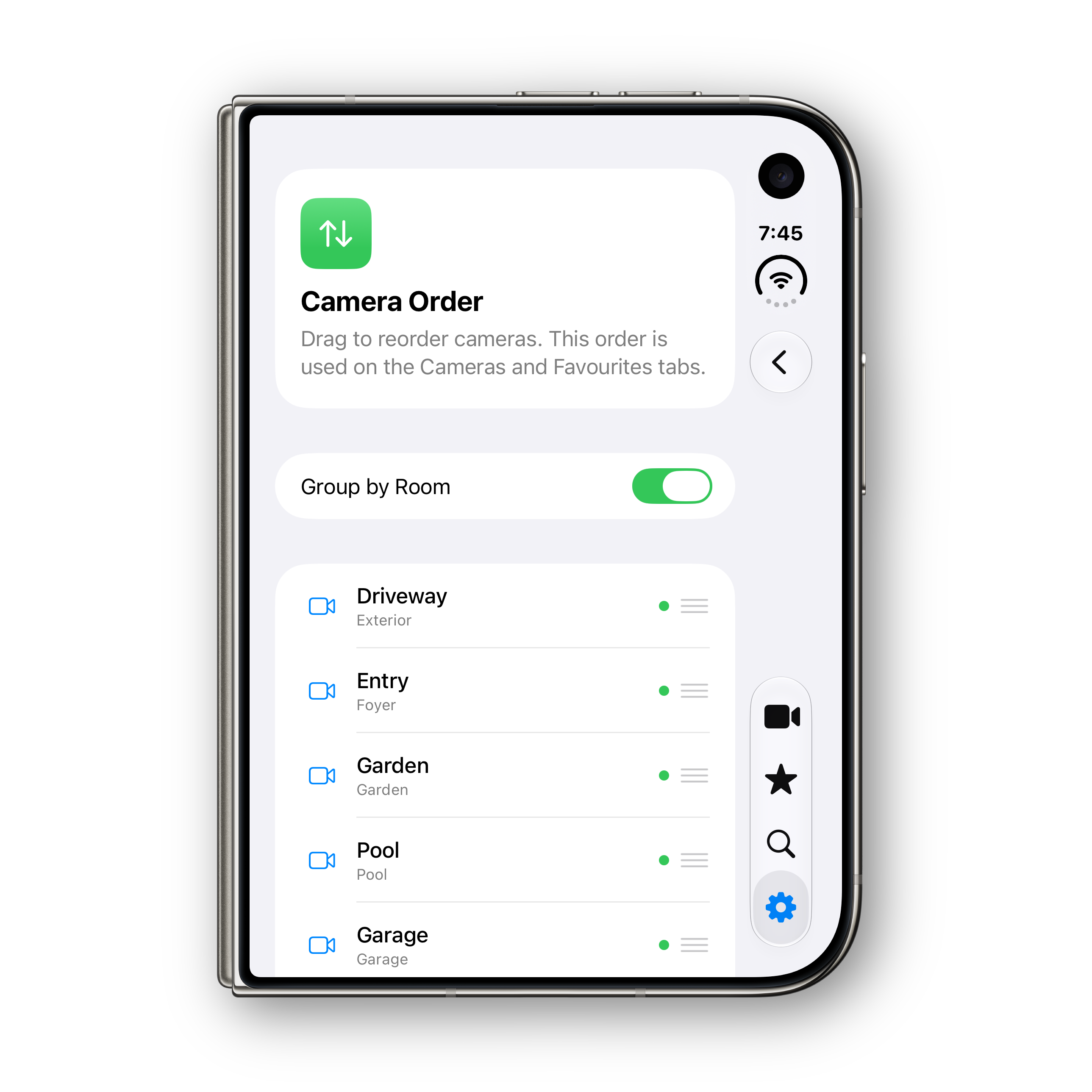
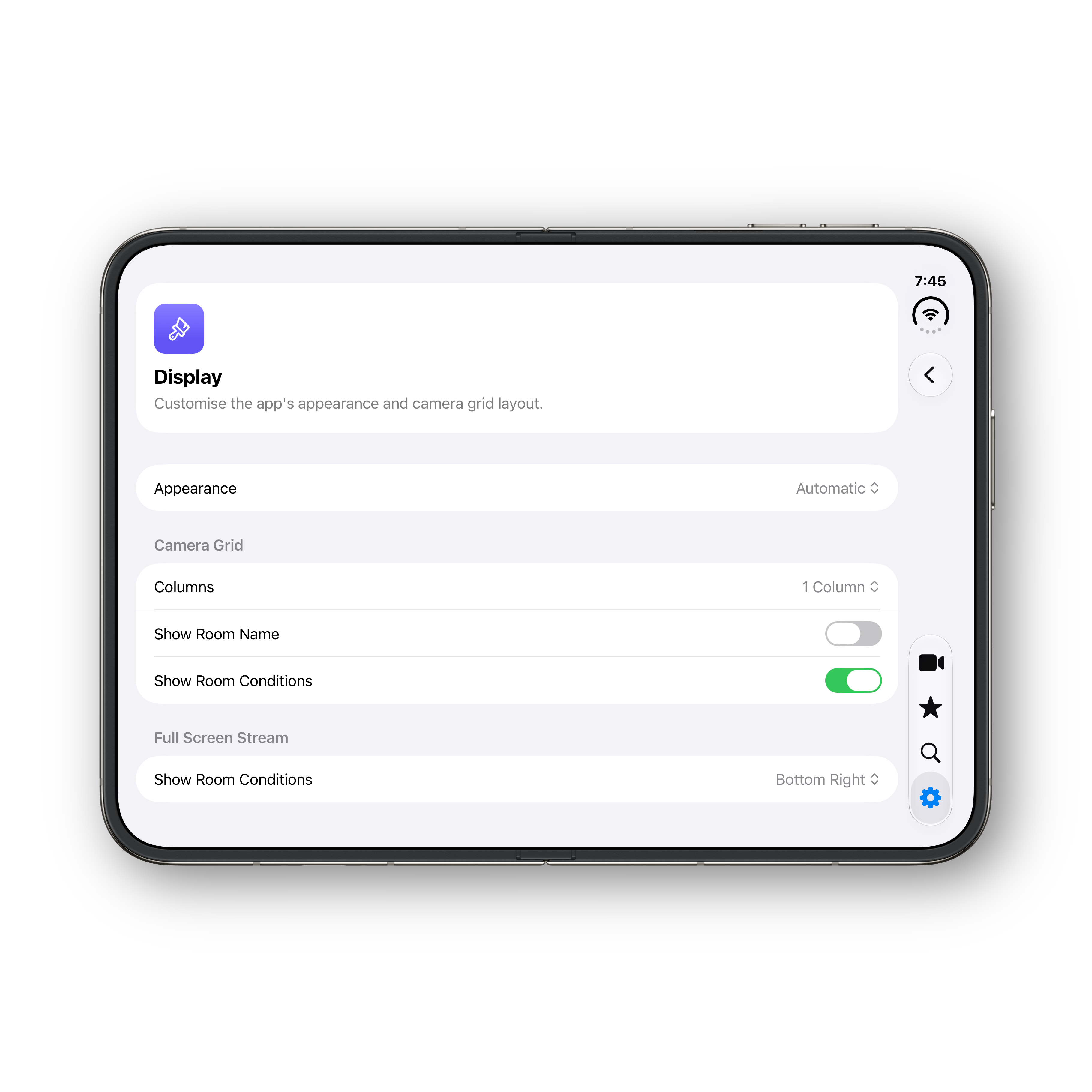
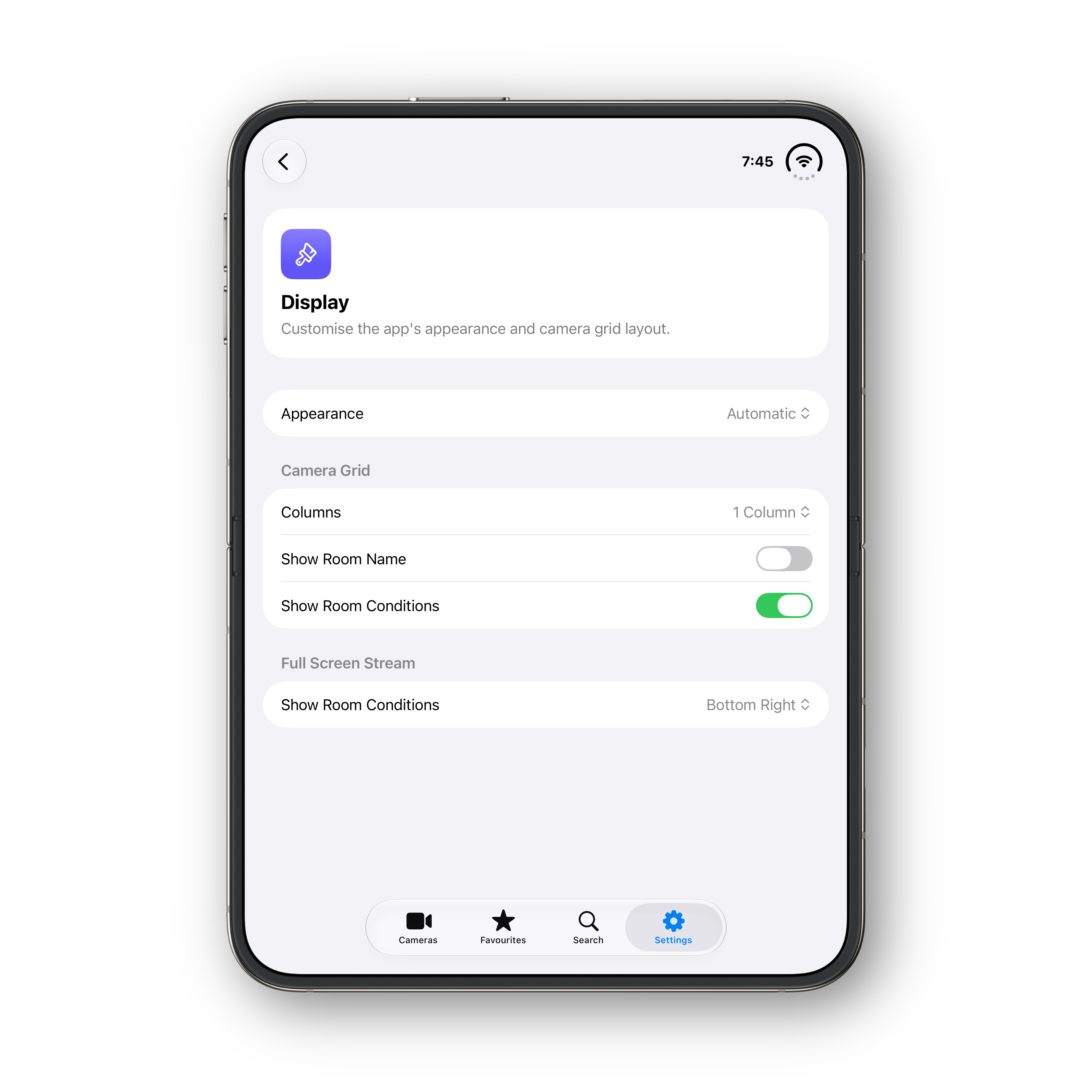
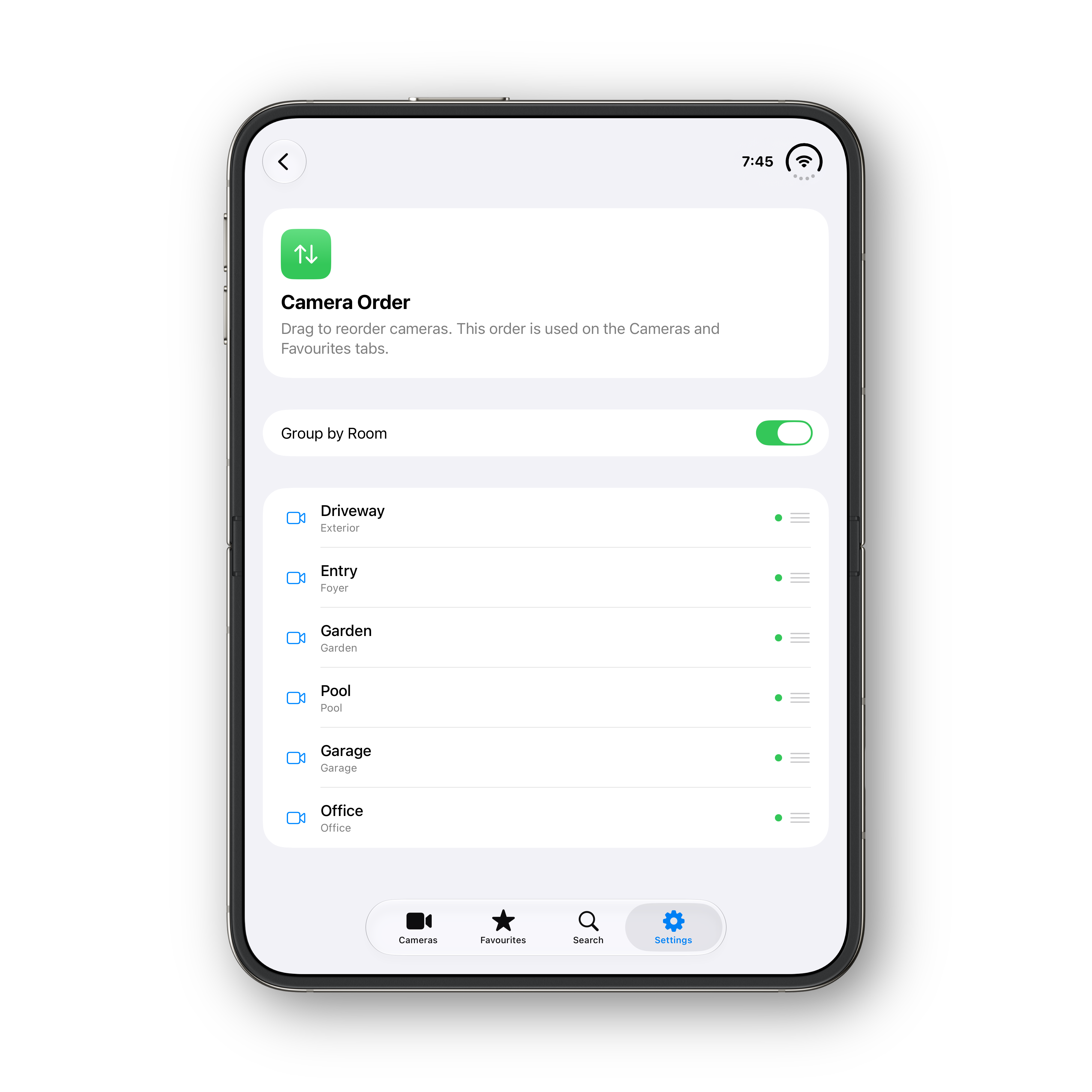
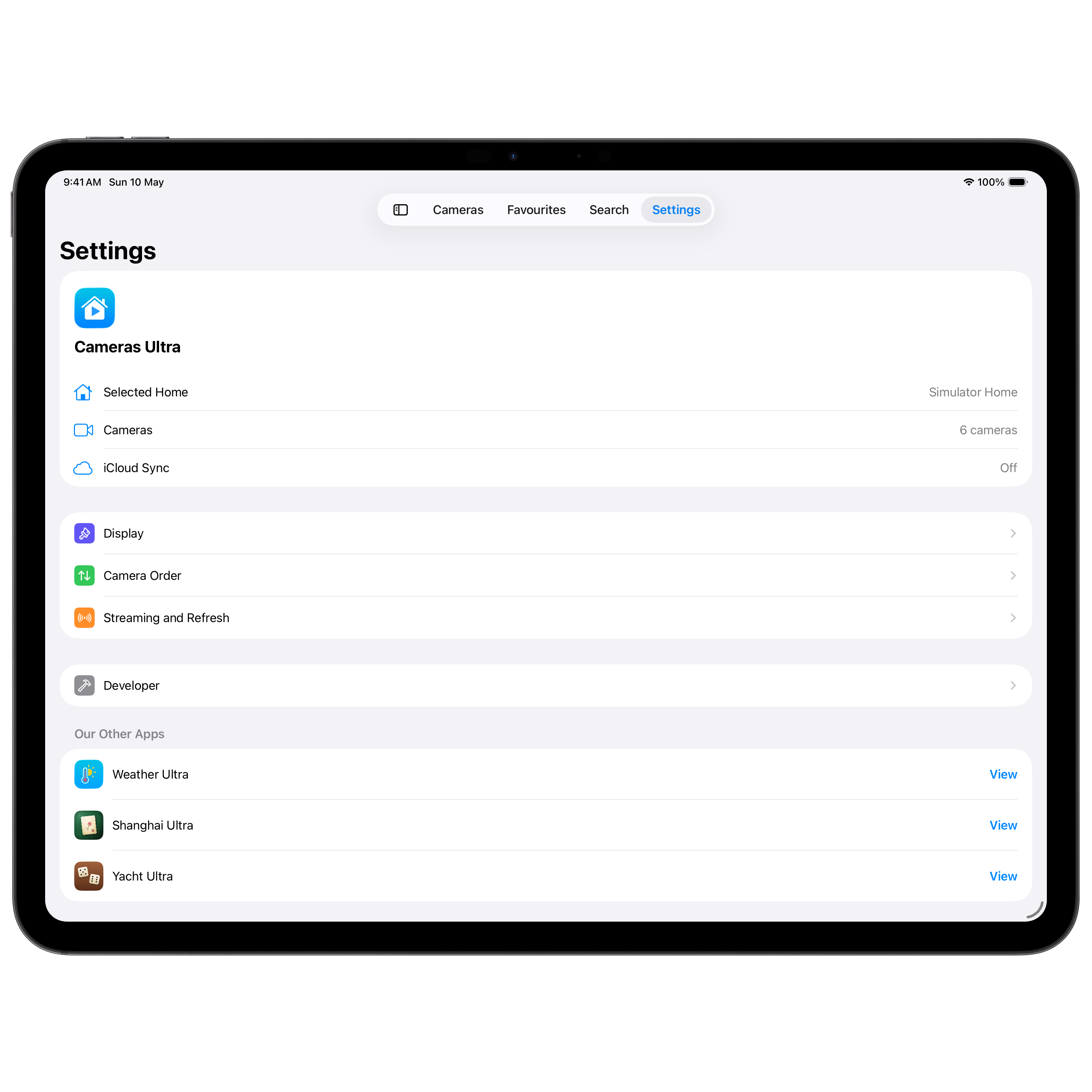
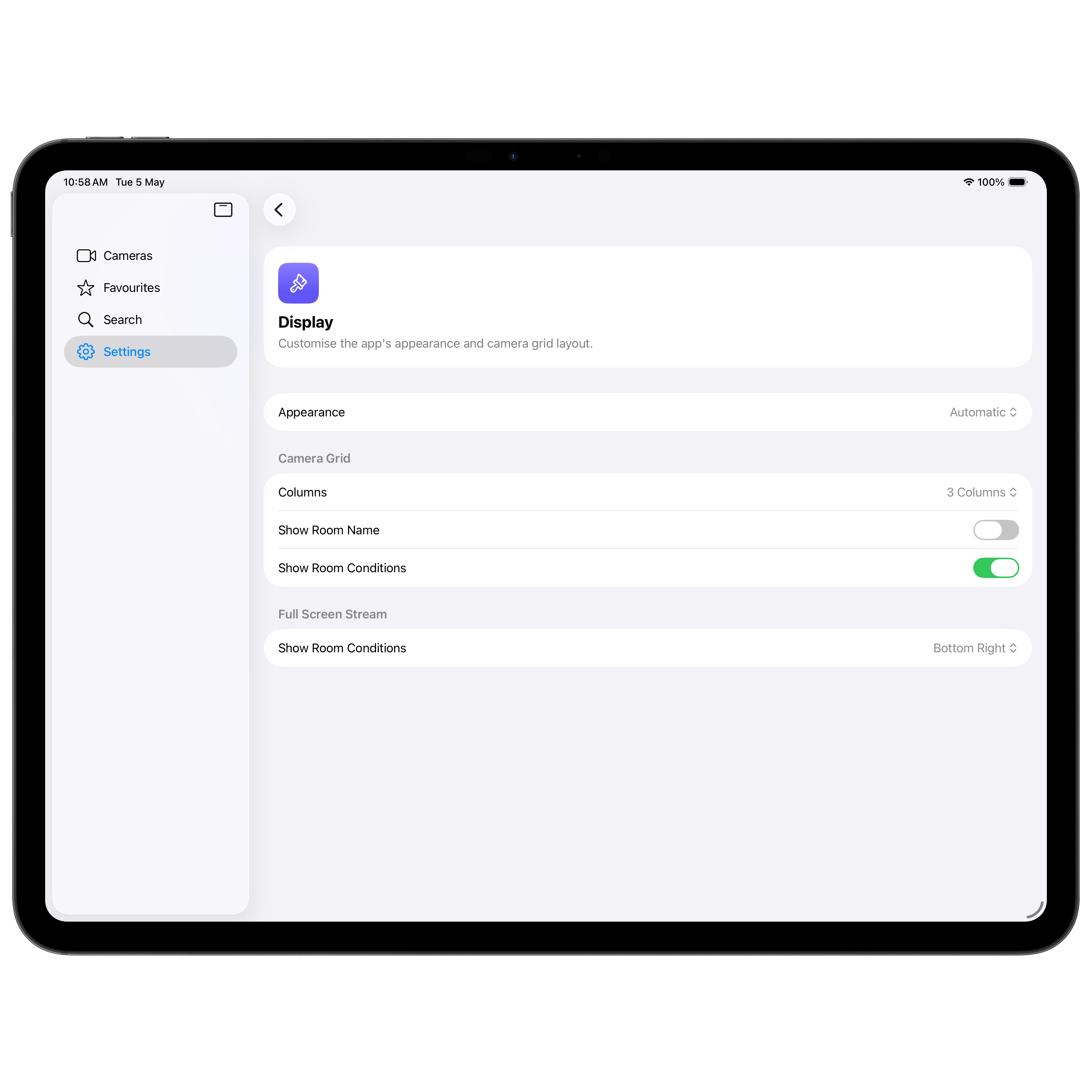
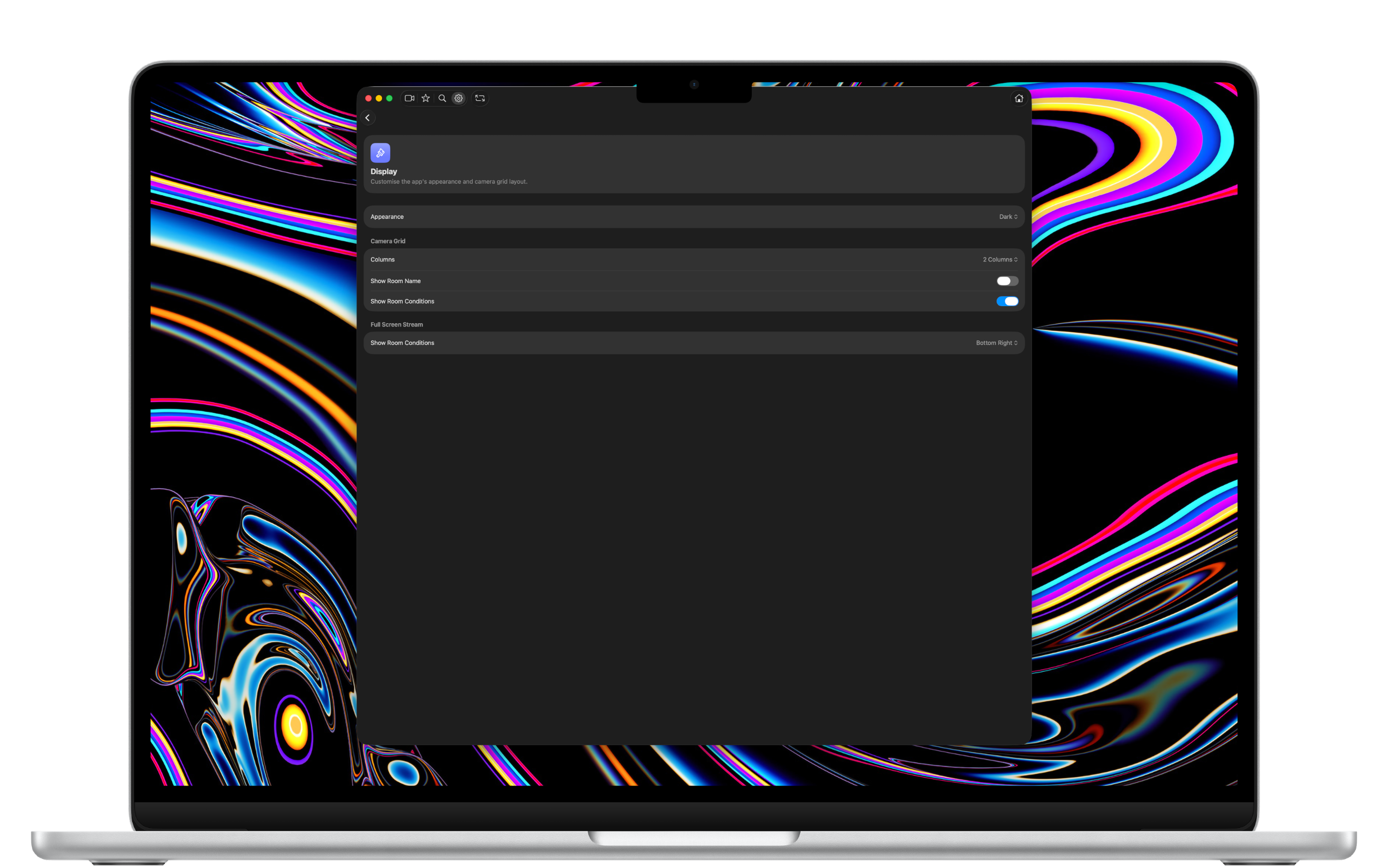
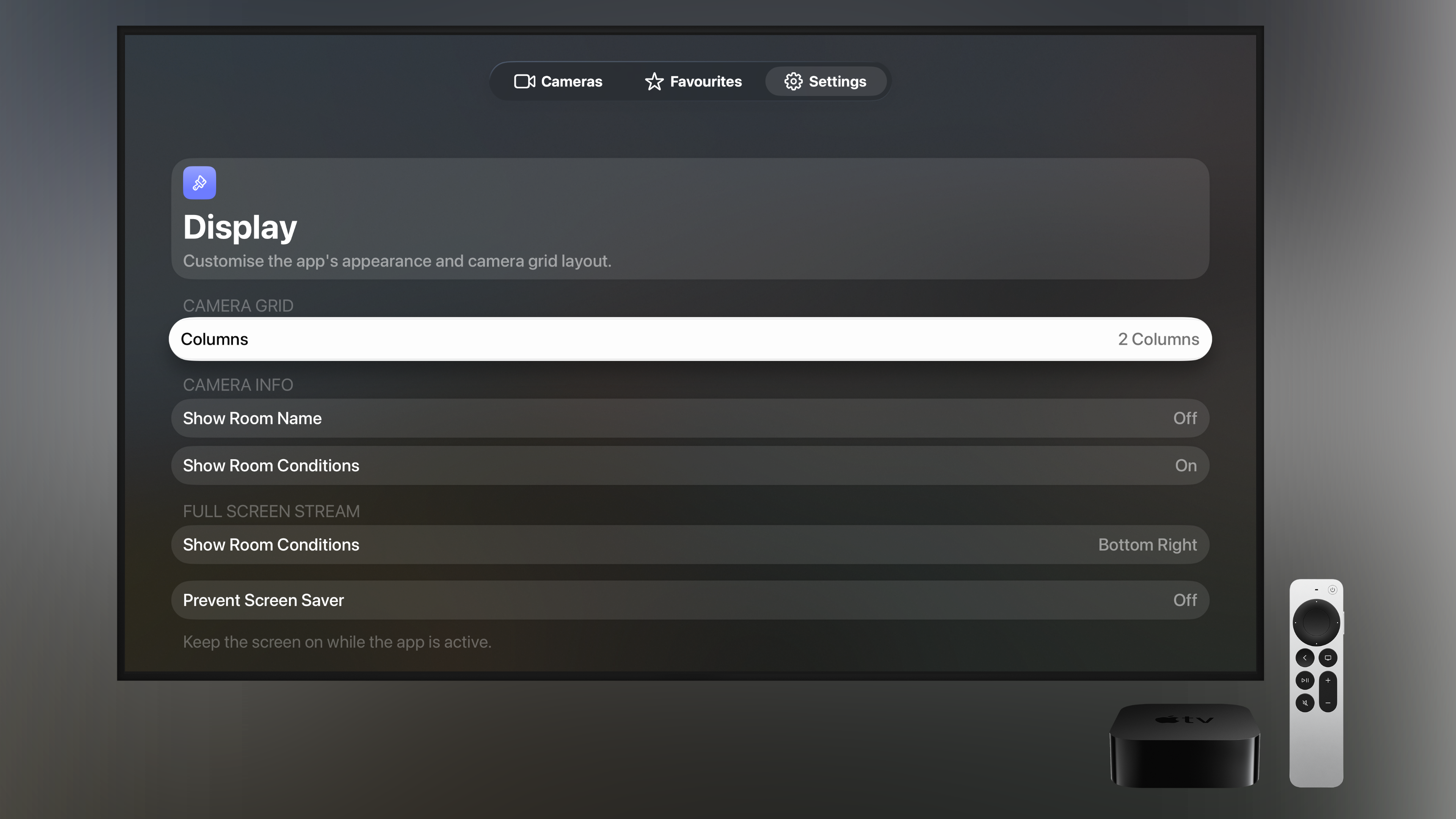
Choose the appearance, the number of grid columns, whether to show room names and conditions, and exactly where they appear in full-screen.
iCloud Sync
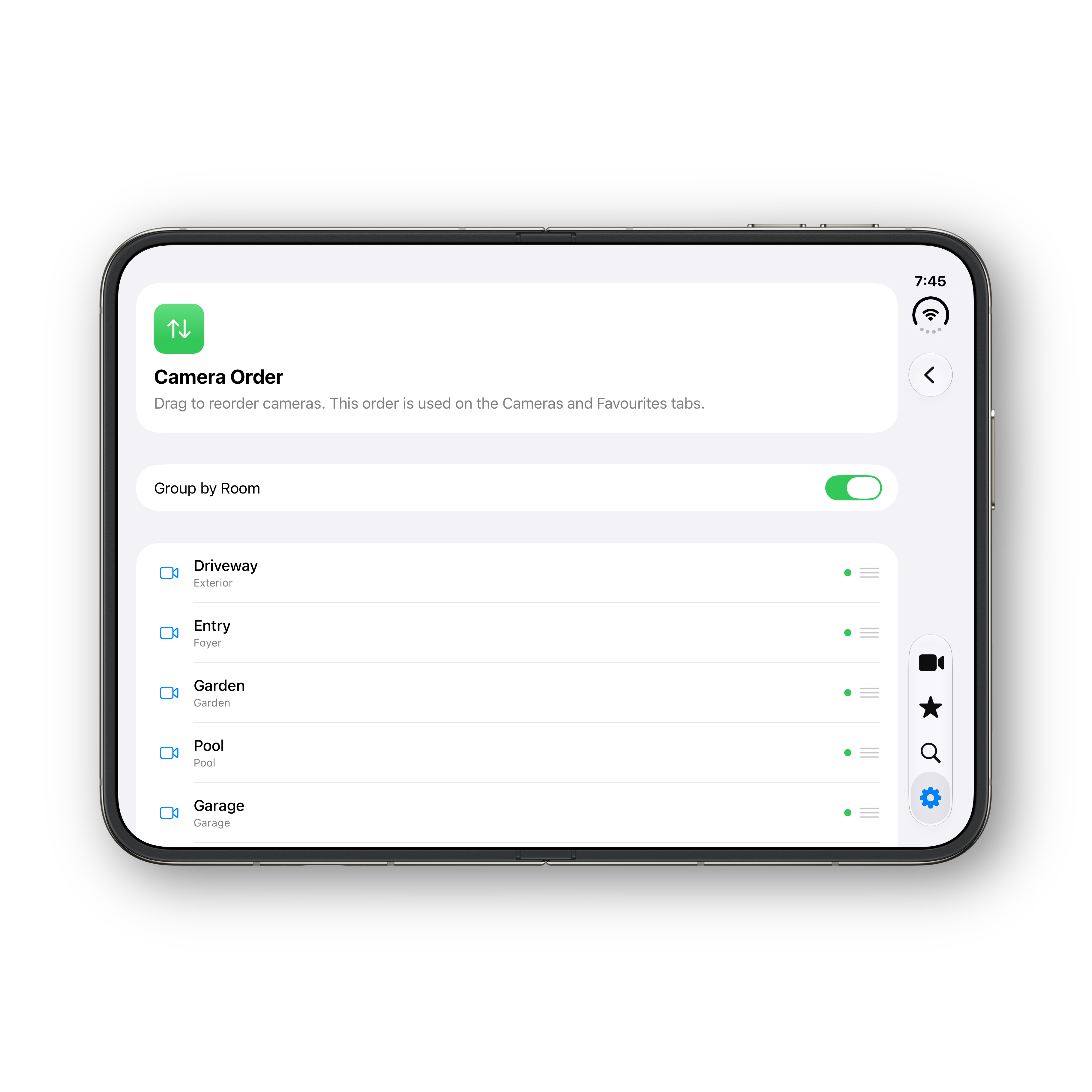
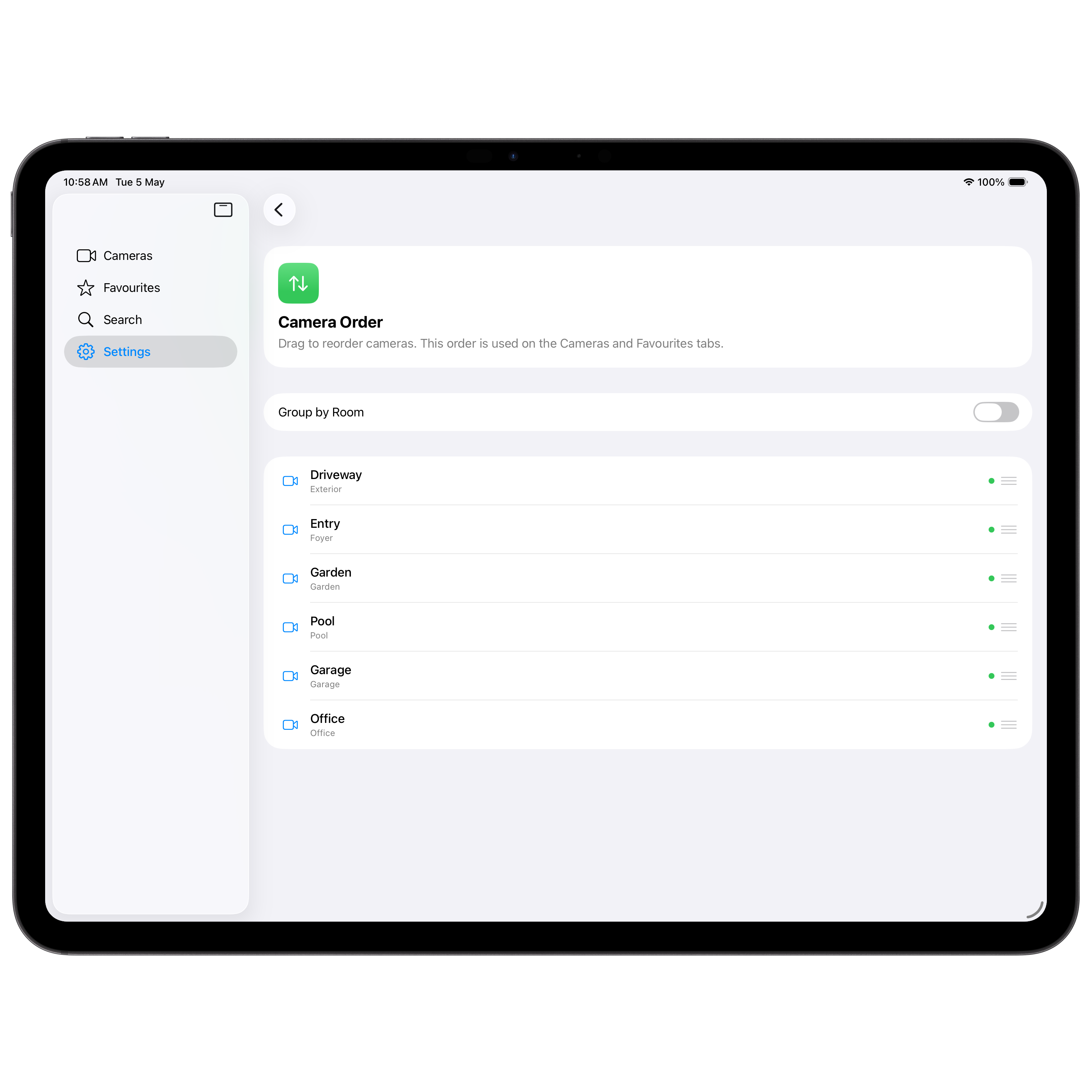
Your camera order and favourites sync automatically across all your devices using your private iCloud container — never our servers.
Private by Design
Camera streams go straight from your cameras to your device via HomeKit. They never pass through our servers — because we don't have any.
Every Apple device
Universal, by design.
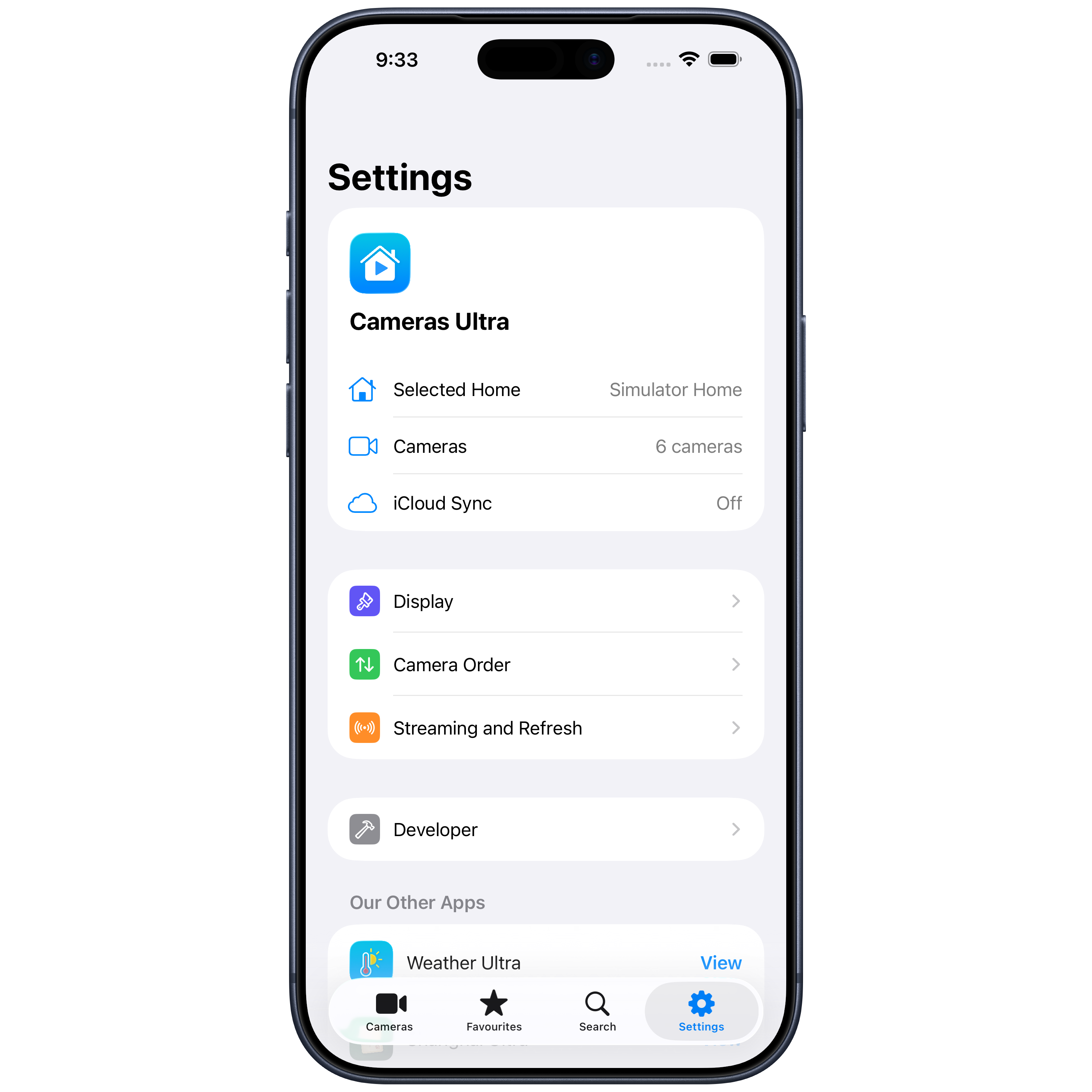
A single app that runs natively on every Apple device, with layouts tuned for each.
iPhone
A focused single-column or two-column grid, tuned for one-handed use.
iPad
A side-bar layout with up to three columns, ideal for the kitchen counter.
Mac
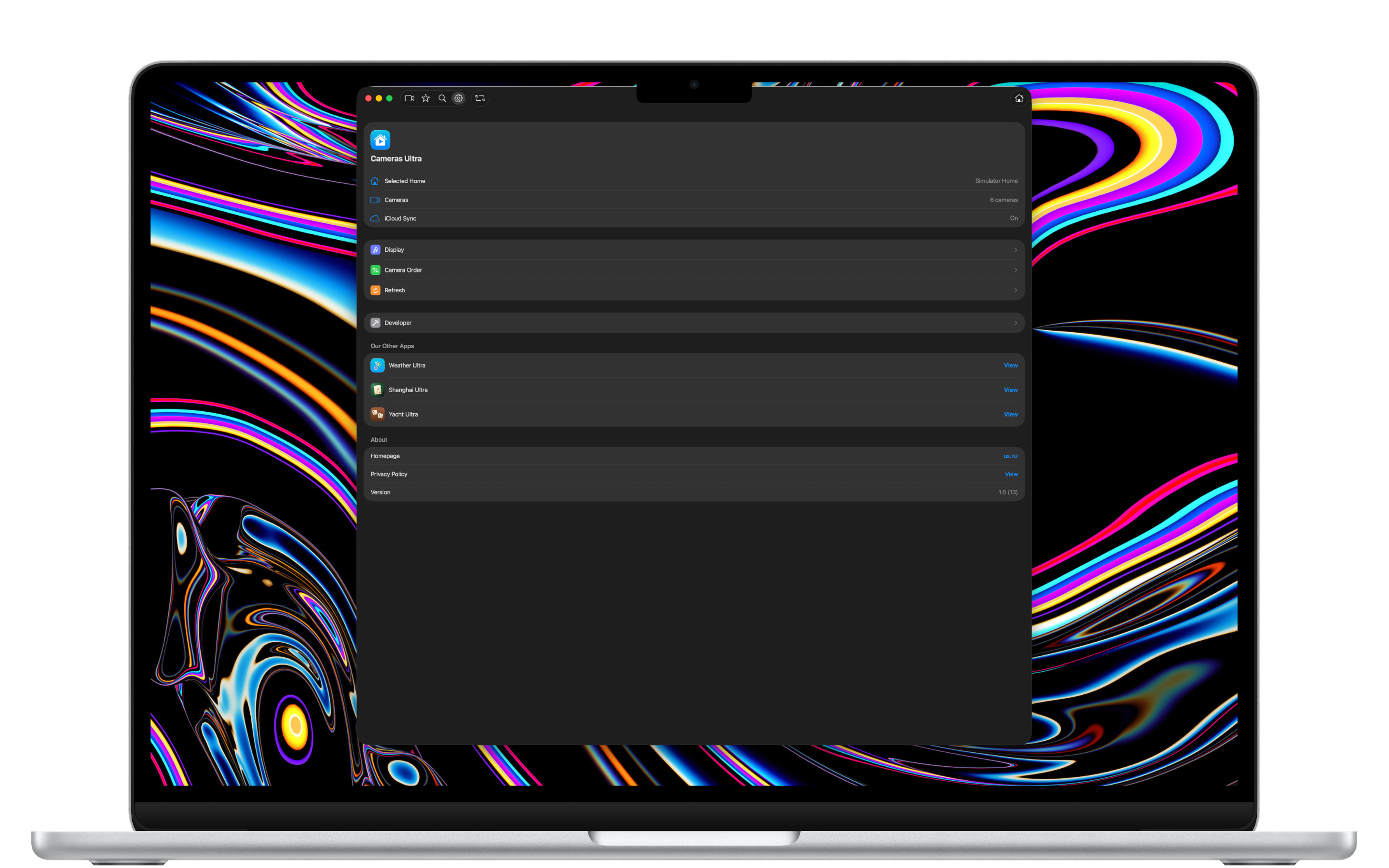
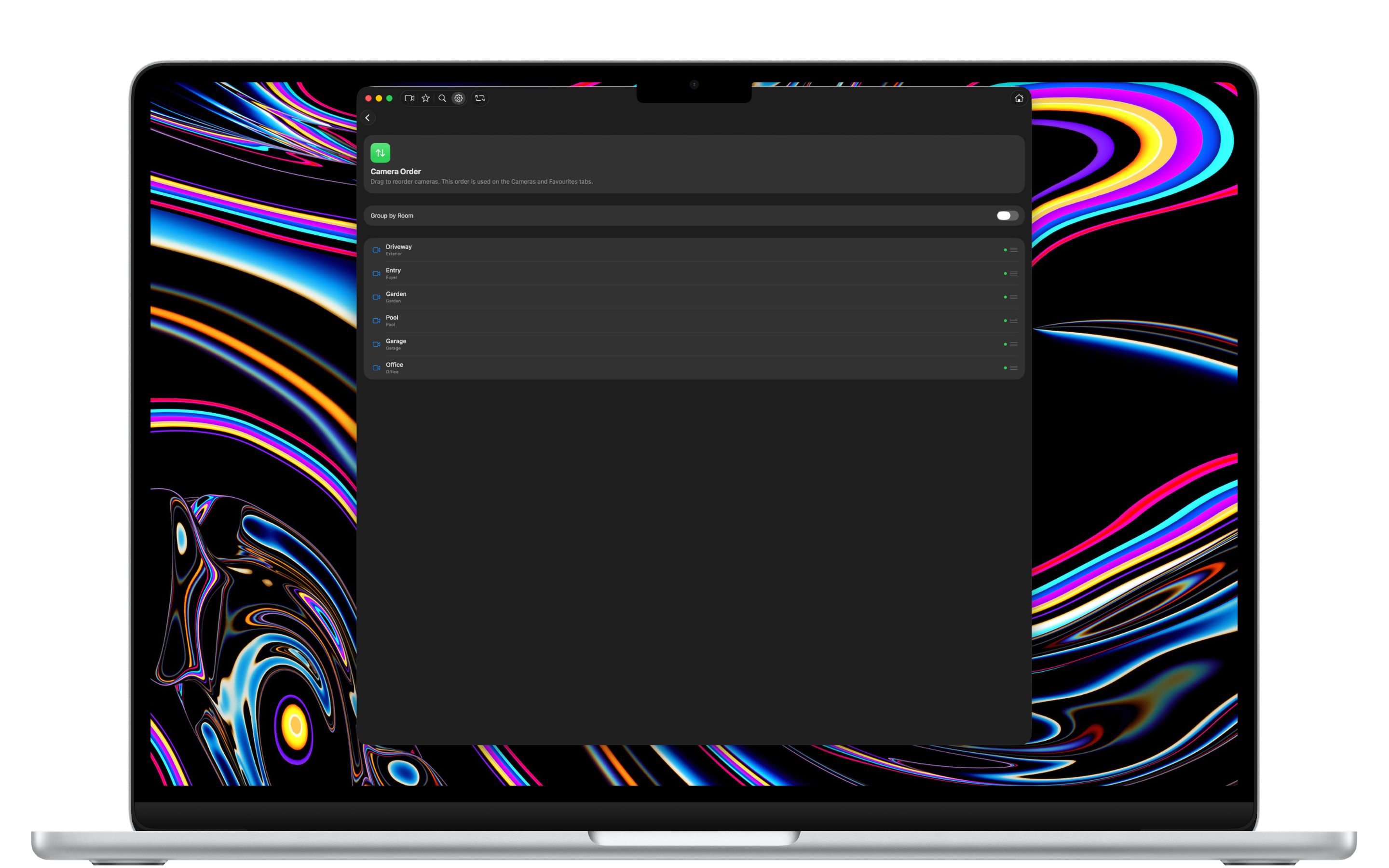
A native Mac app — keyboard shortcuts, full-window grid, always within reach.
Apple TV
A beautiful always-on display for your home, controlled by the Siri Remote.
Screenshot gallery
See it in action.
Scroll to explore Cameras Ultra on iPhone, iPhone Duo, iPad, Mac, and Apple TV.
iPhone
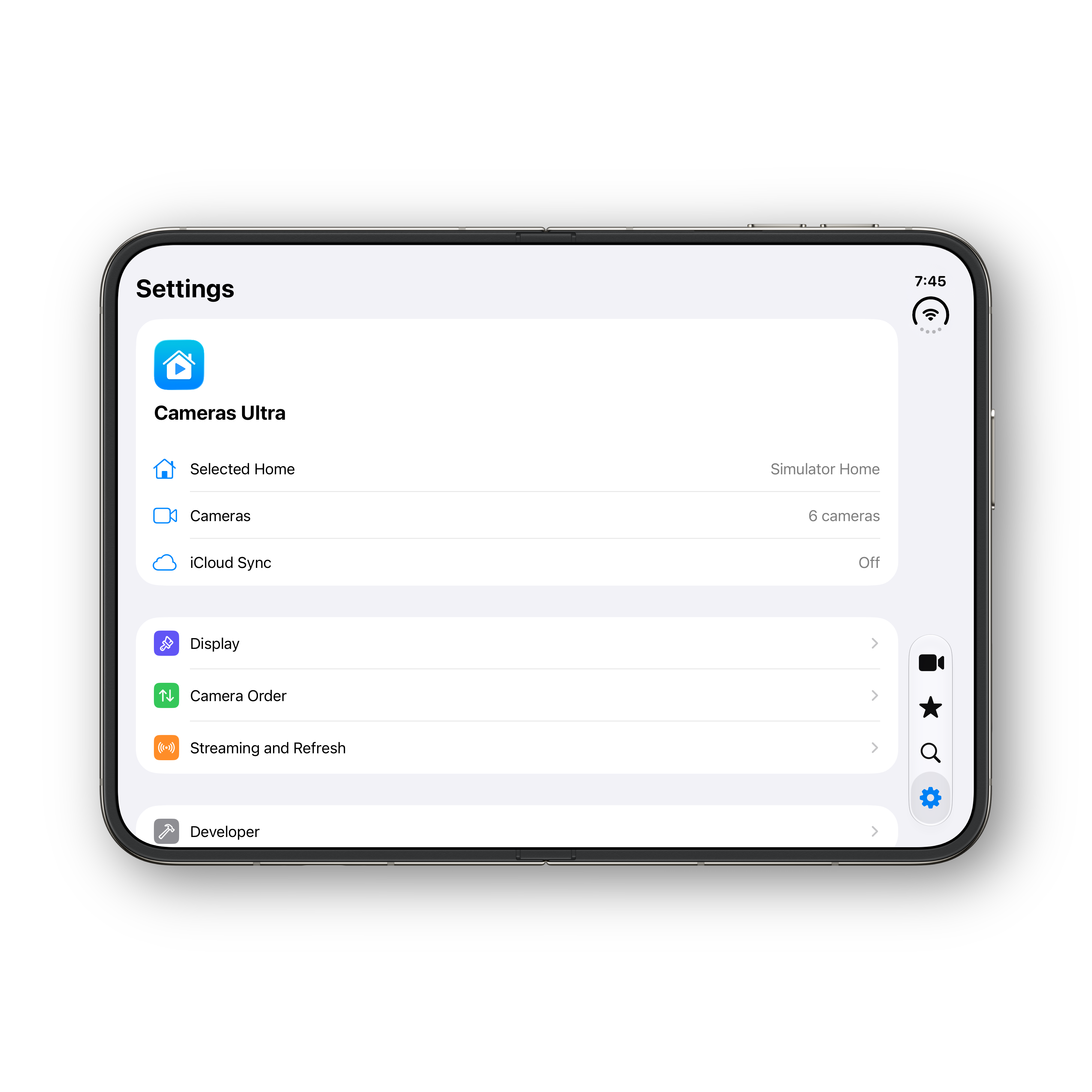
iPhone Duo — folded
iPhone Duo — unfolded
iPhone Duo — portrait
iPad
Mac
Apple TV
← Scroll to see more →
Cameras Ultra.
Available now on the App Store for iPhone, iPhone Duo, iPad, Mac and Apple TV. Every camera, at a glance.