A clean, modern way to view all of your HomeKit cameras at once — beautifully grouped by room, with live conditions for each space. On every Apple device you own.
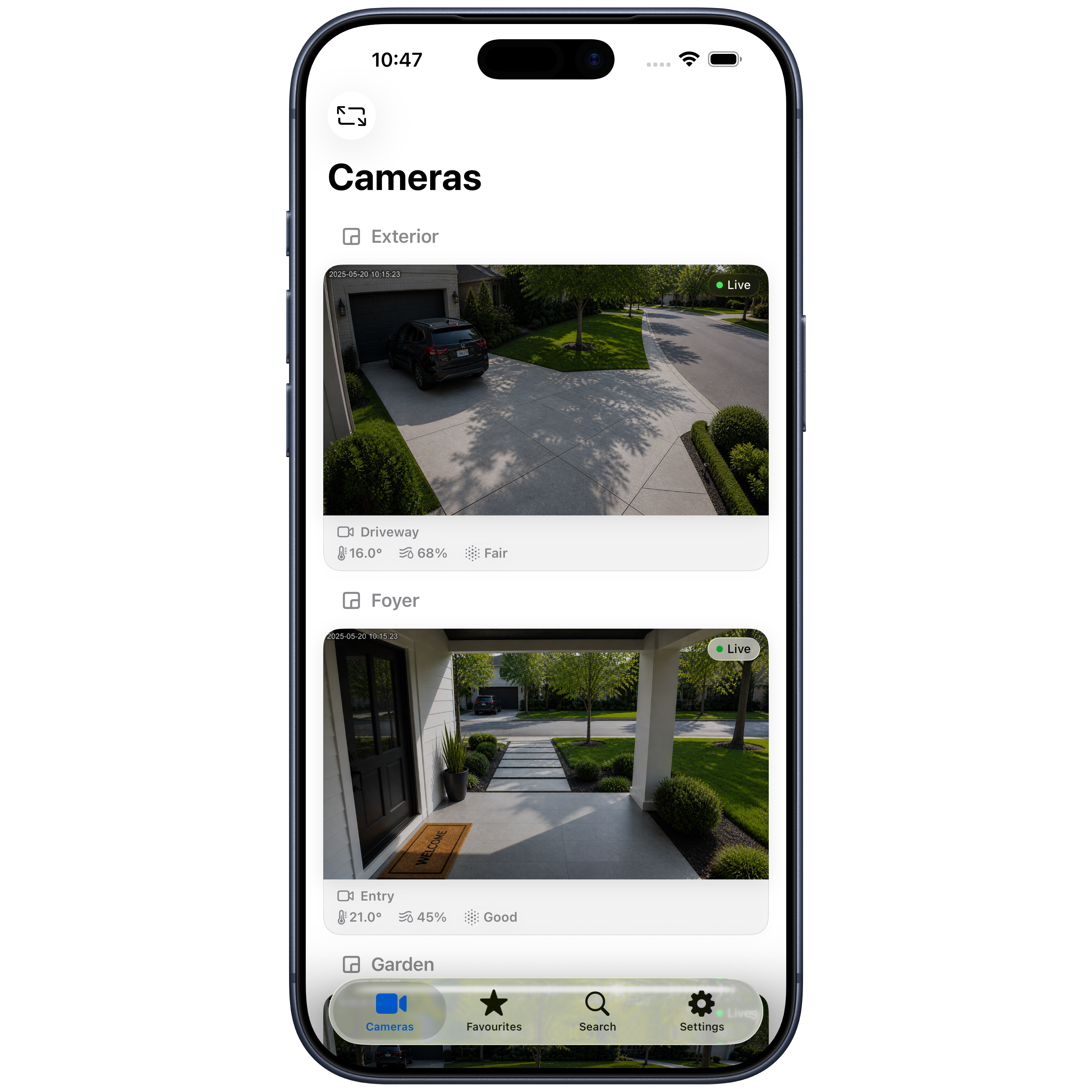
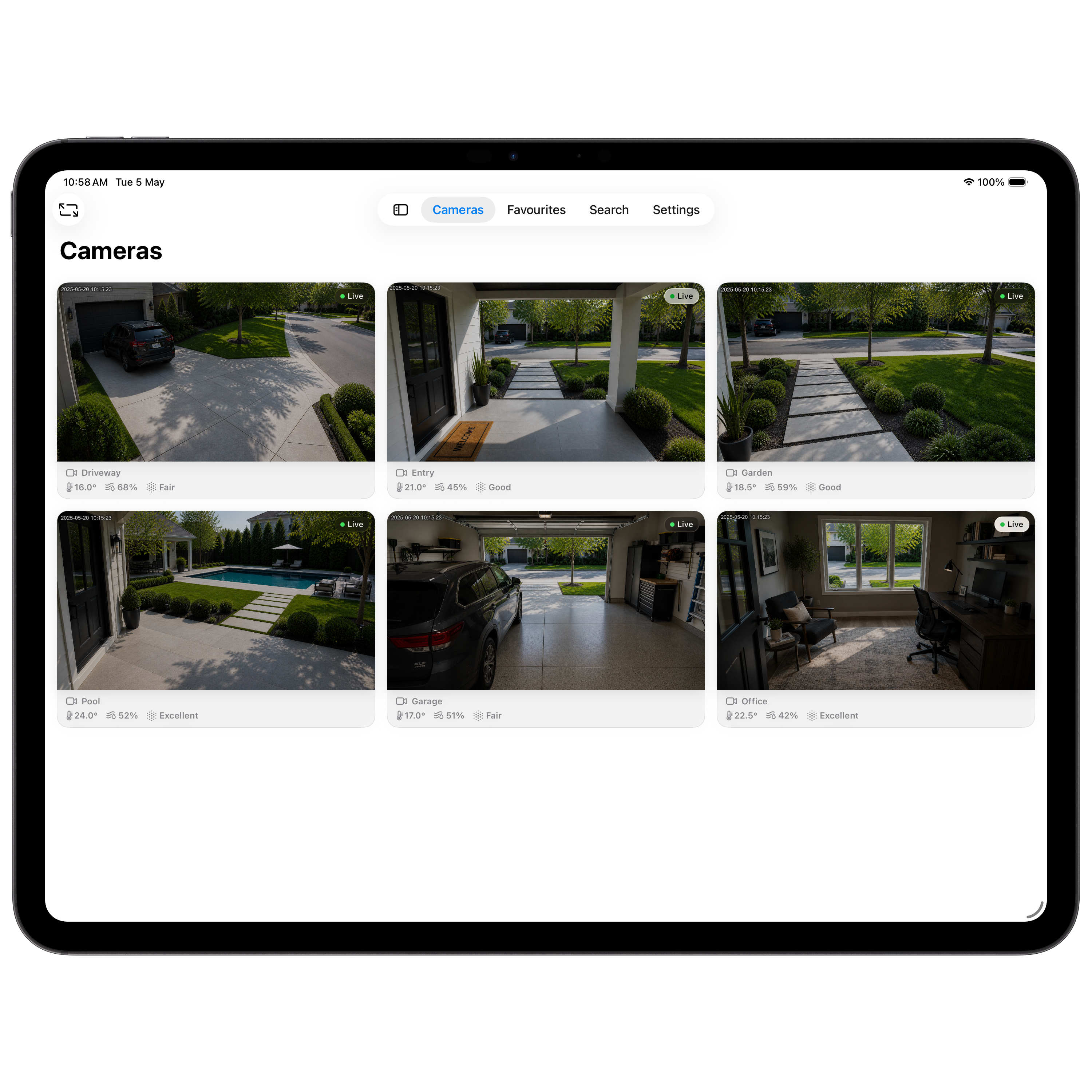
All of your HomeKit cameras, beautifully arranged by the rooms they live in — without the clutter of a smart home app.
All Your Cameras
Cameras Ultra reads your cameras directly from HomeKit and lays them out cleanly. No re-pairing, no duplicate accounts — your existing setup just works.
Grouped by Room
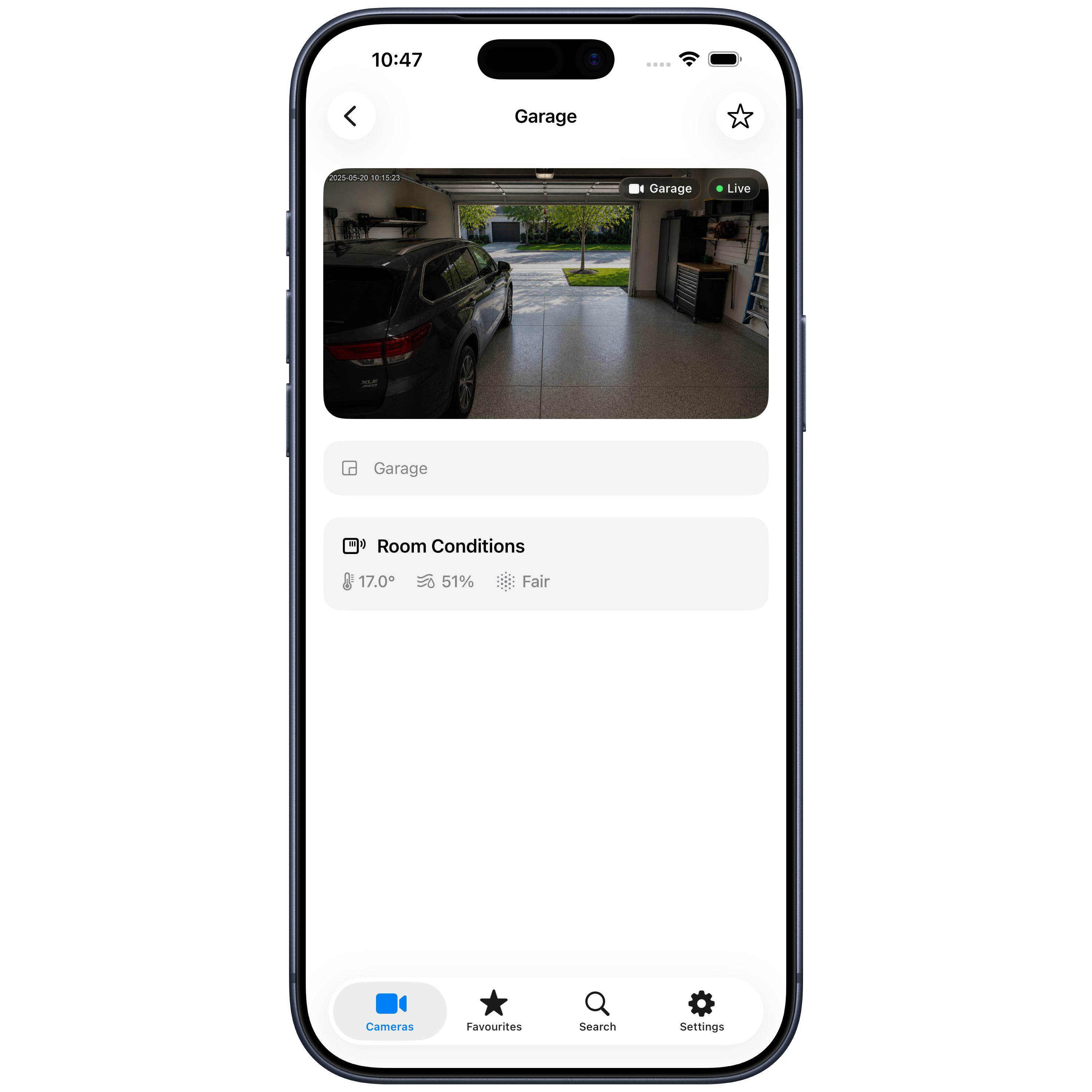
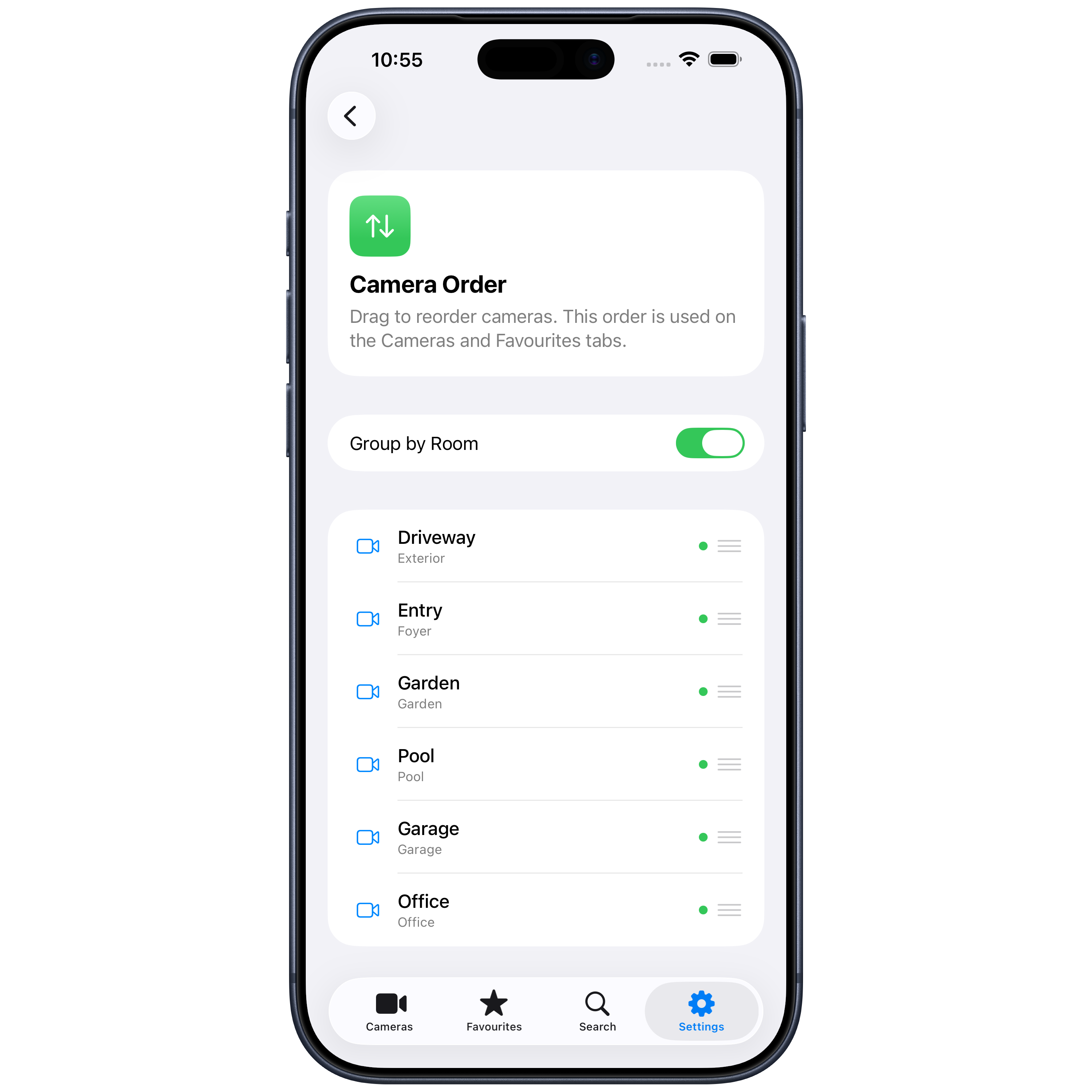
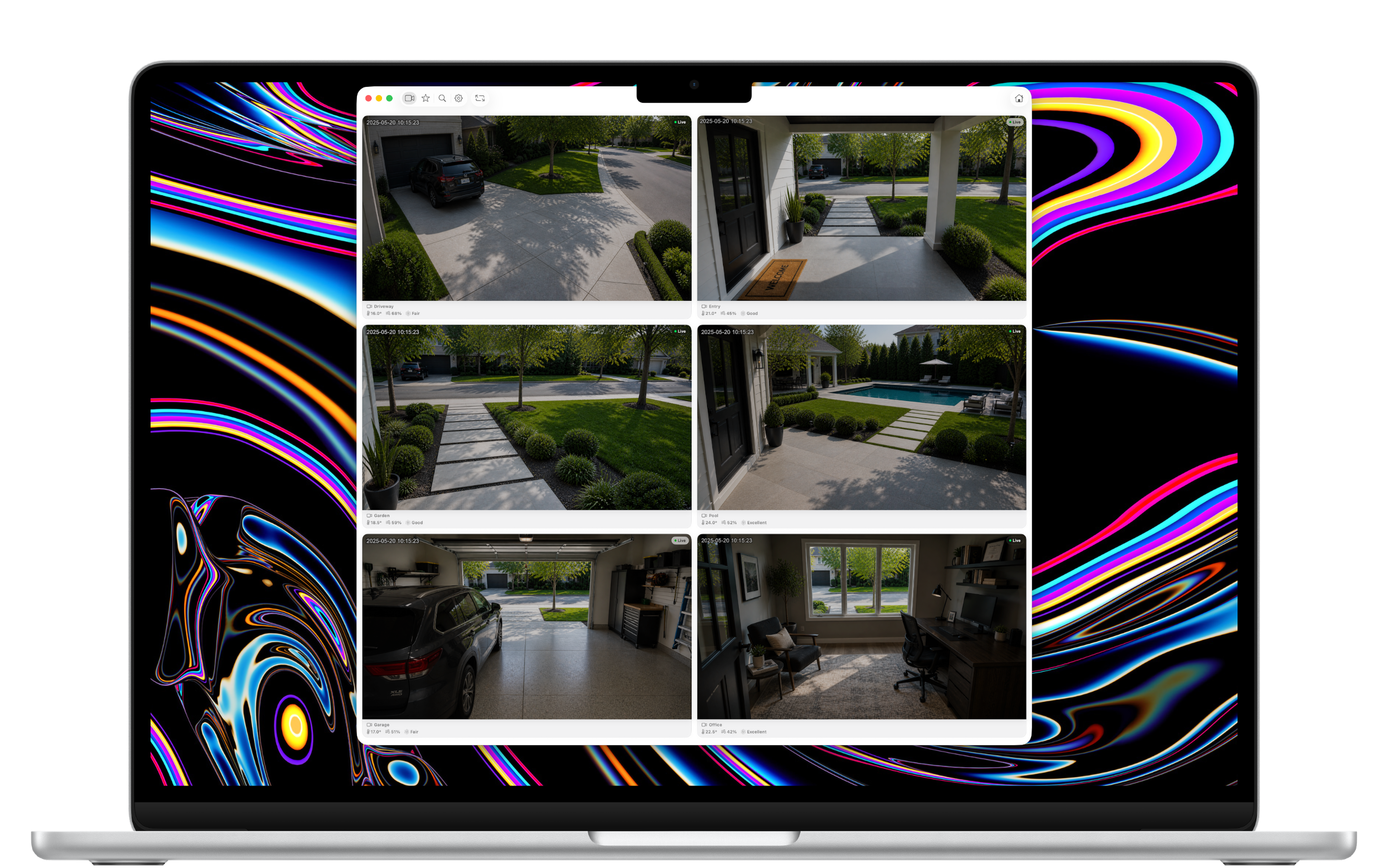
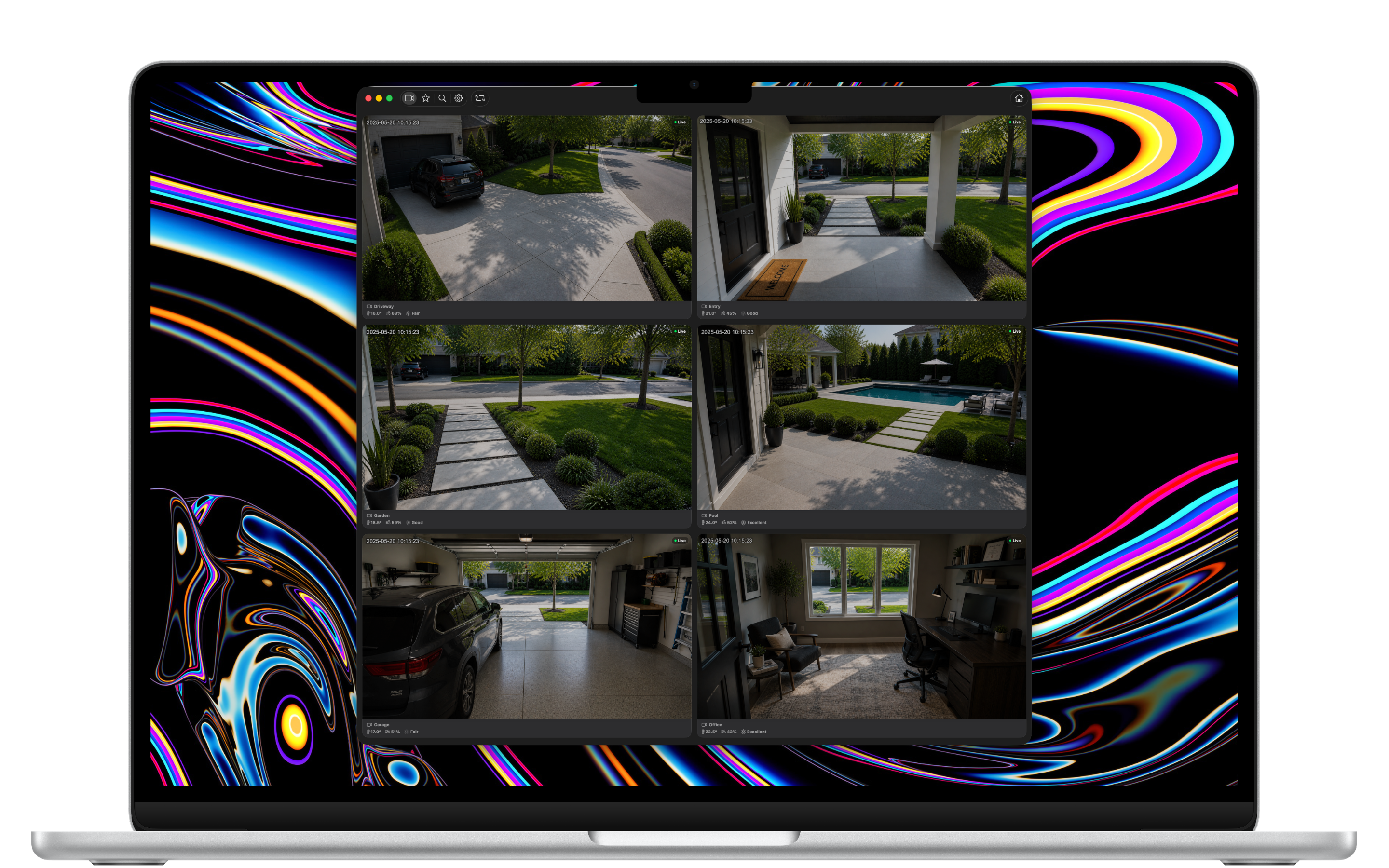
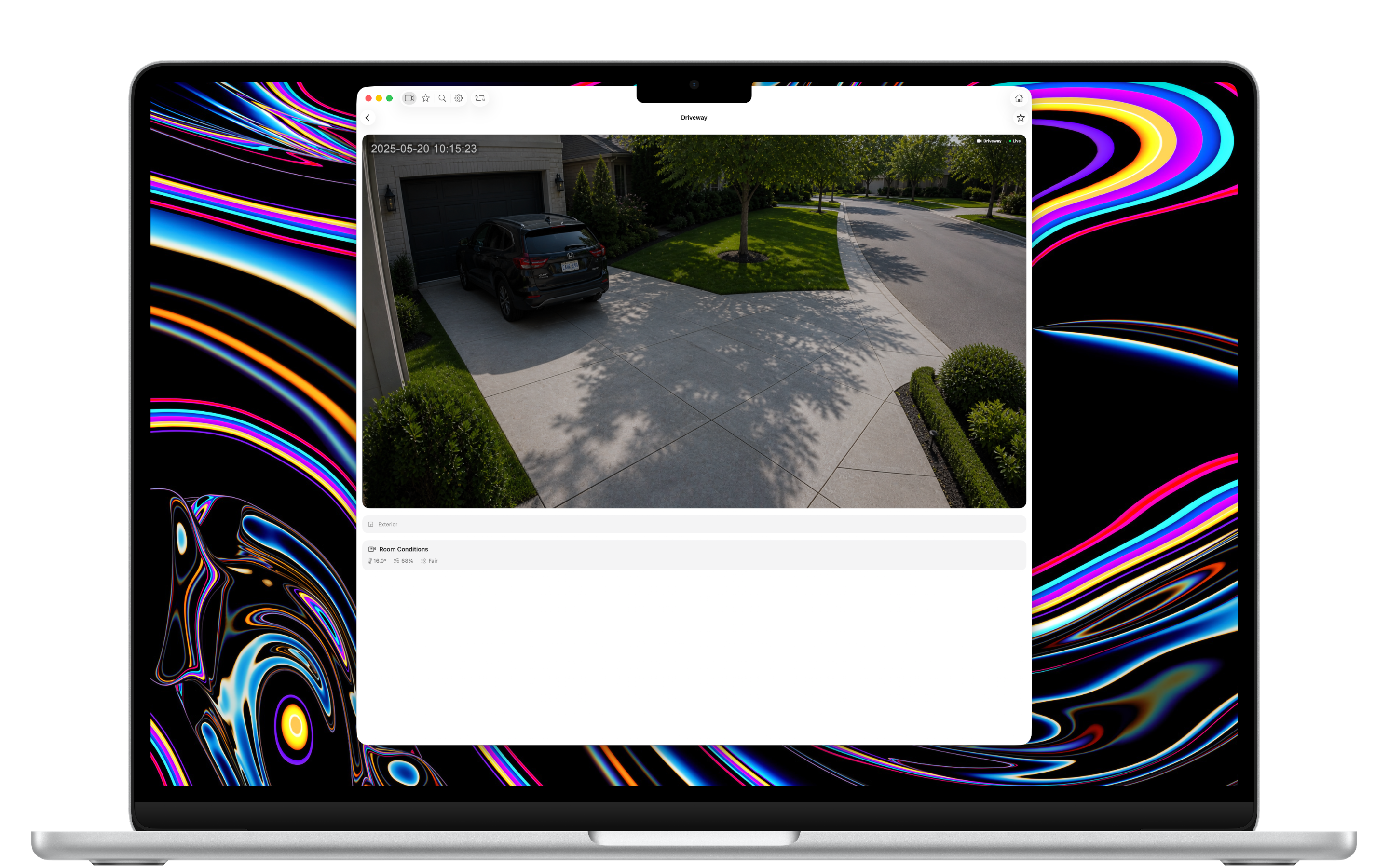
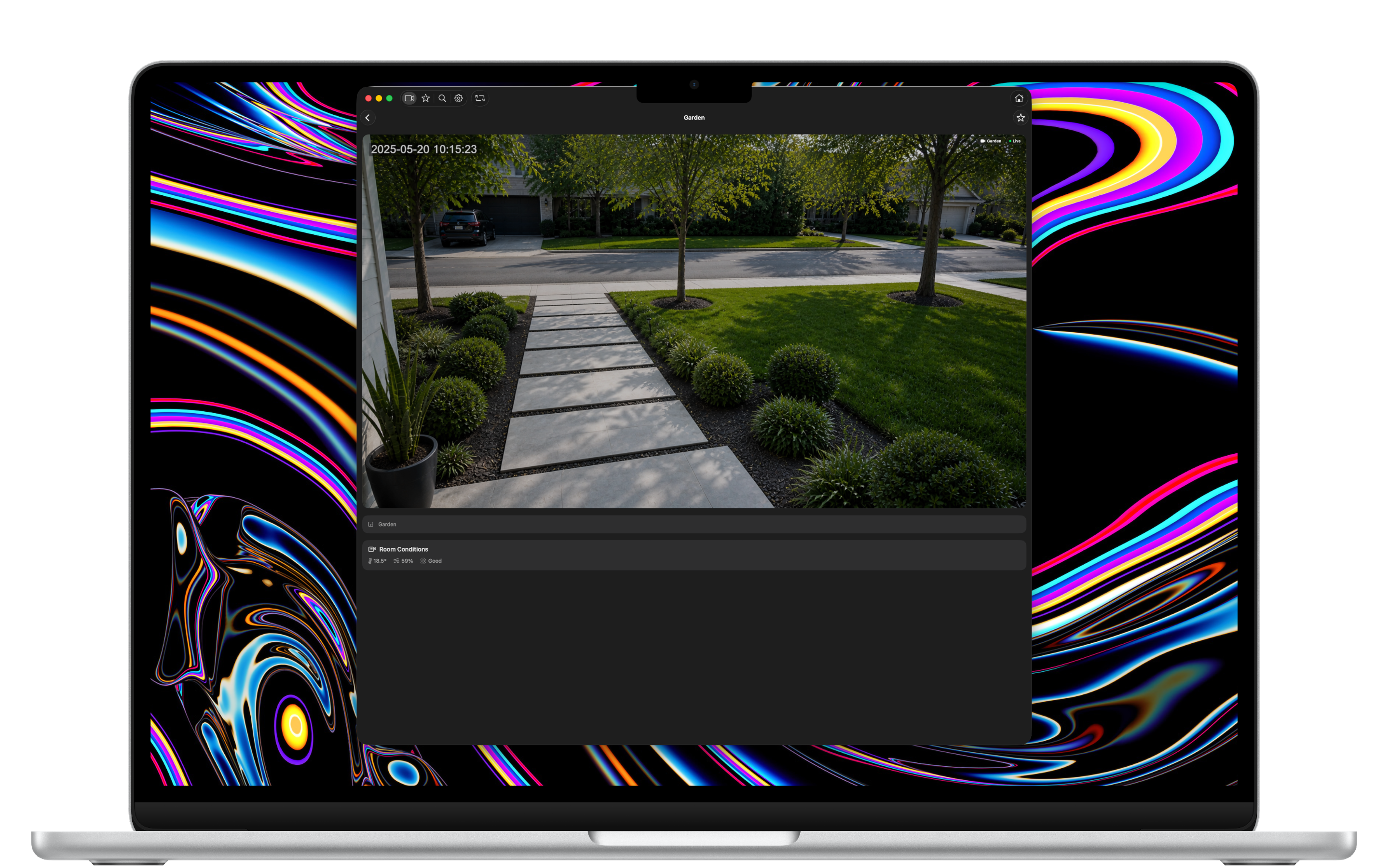
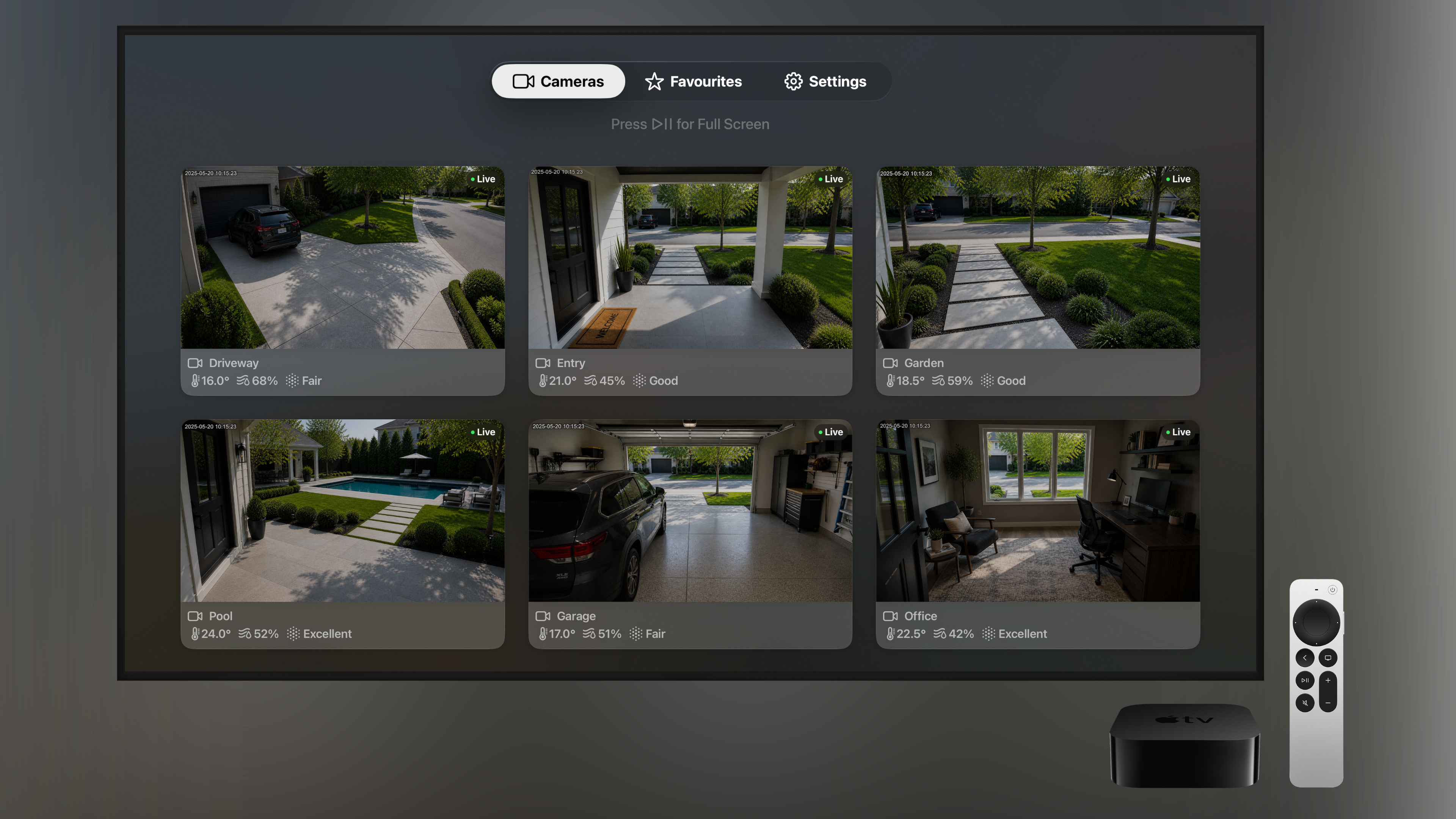
Cameras are organised by the rooms you've set up in HomeKit — Exterior, Garage, Garden, Pool, Office. Easy to scan, no guessing where each feed is from.
Live Room Conditions
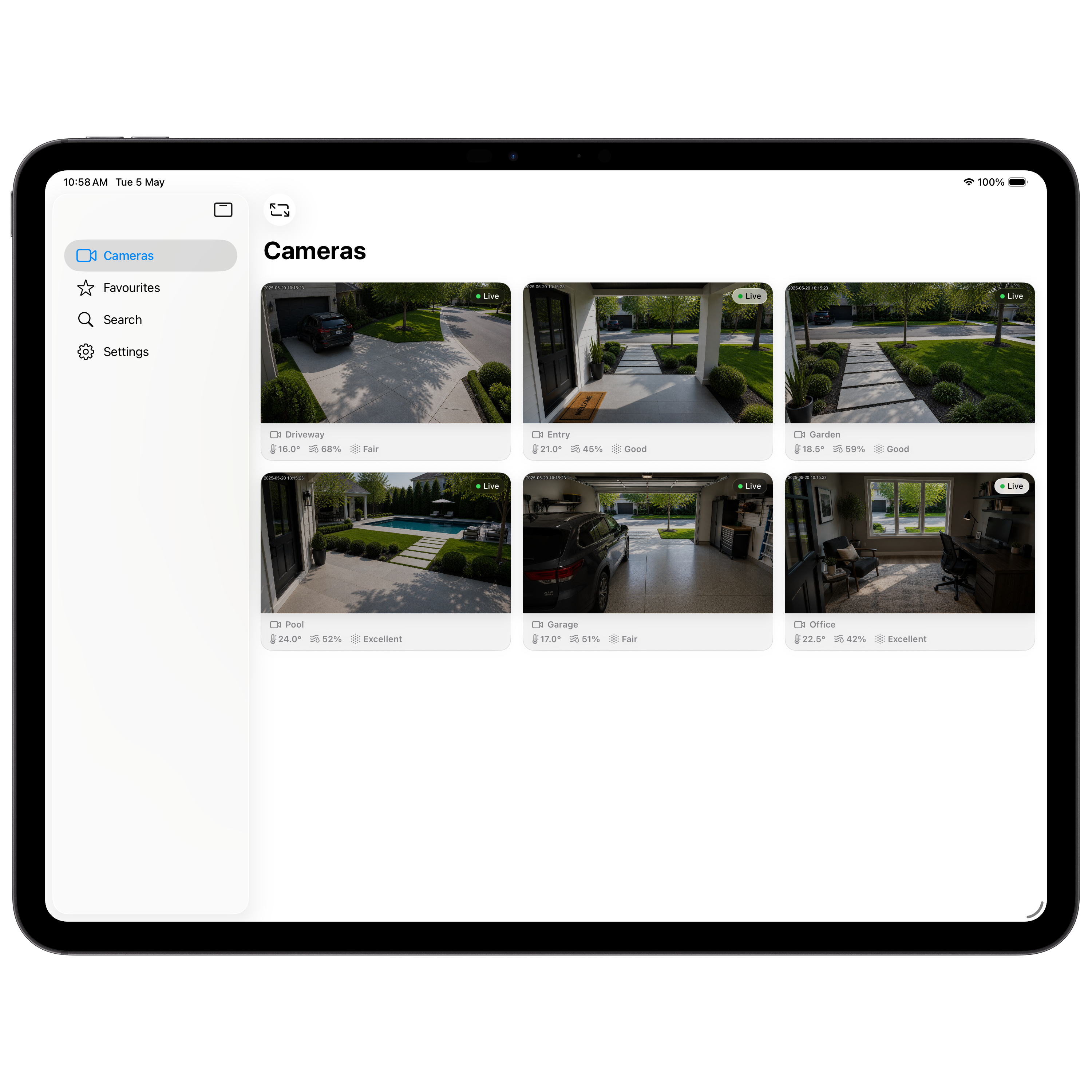
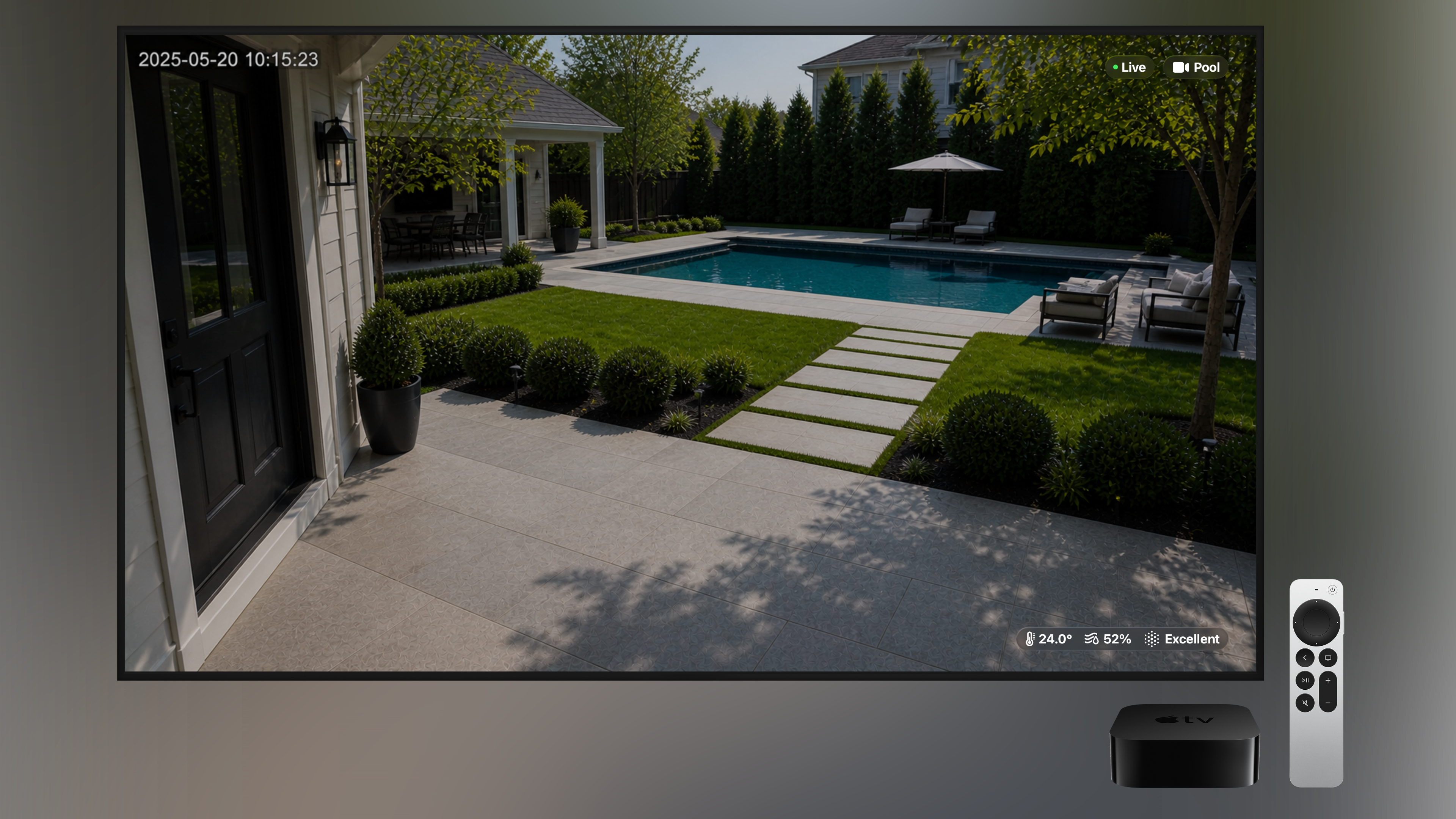
Temperature, humidity, and air quality for each room are shown alongside the camera feed — pulled from any HomeKit sensors you have.
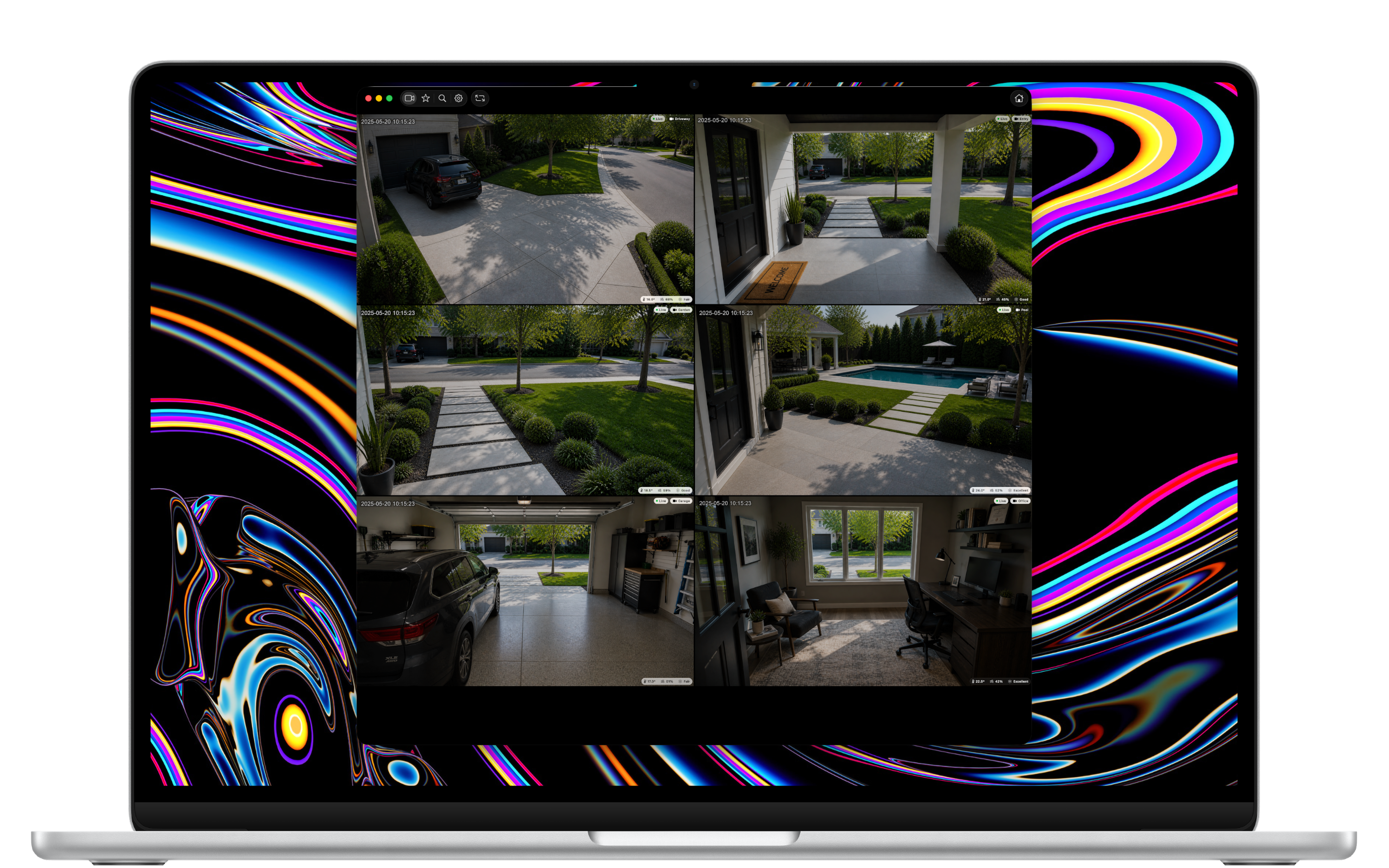
Full-Screen Mode
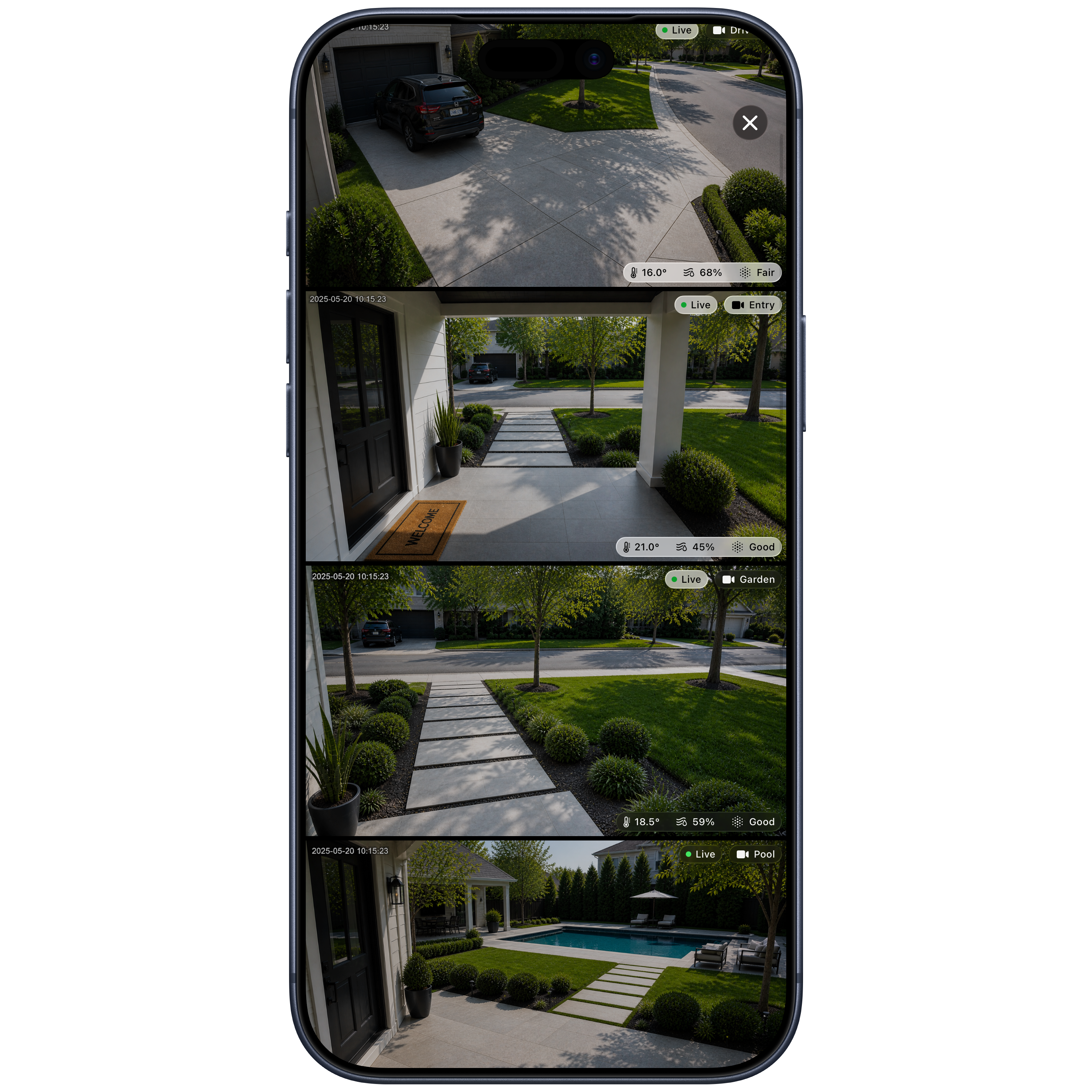
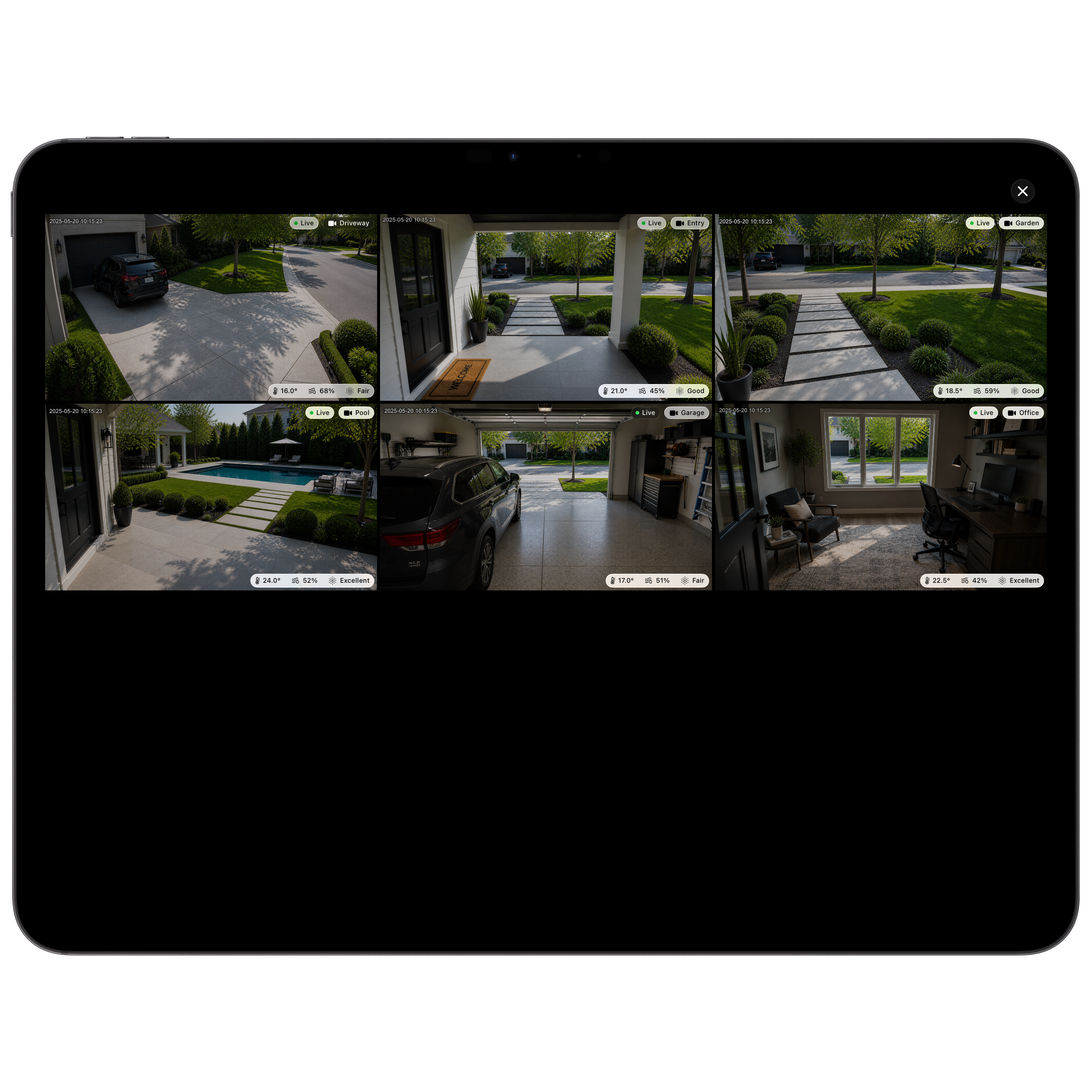
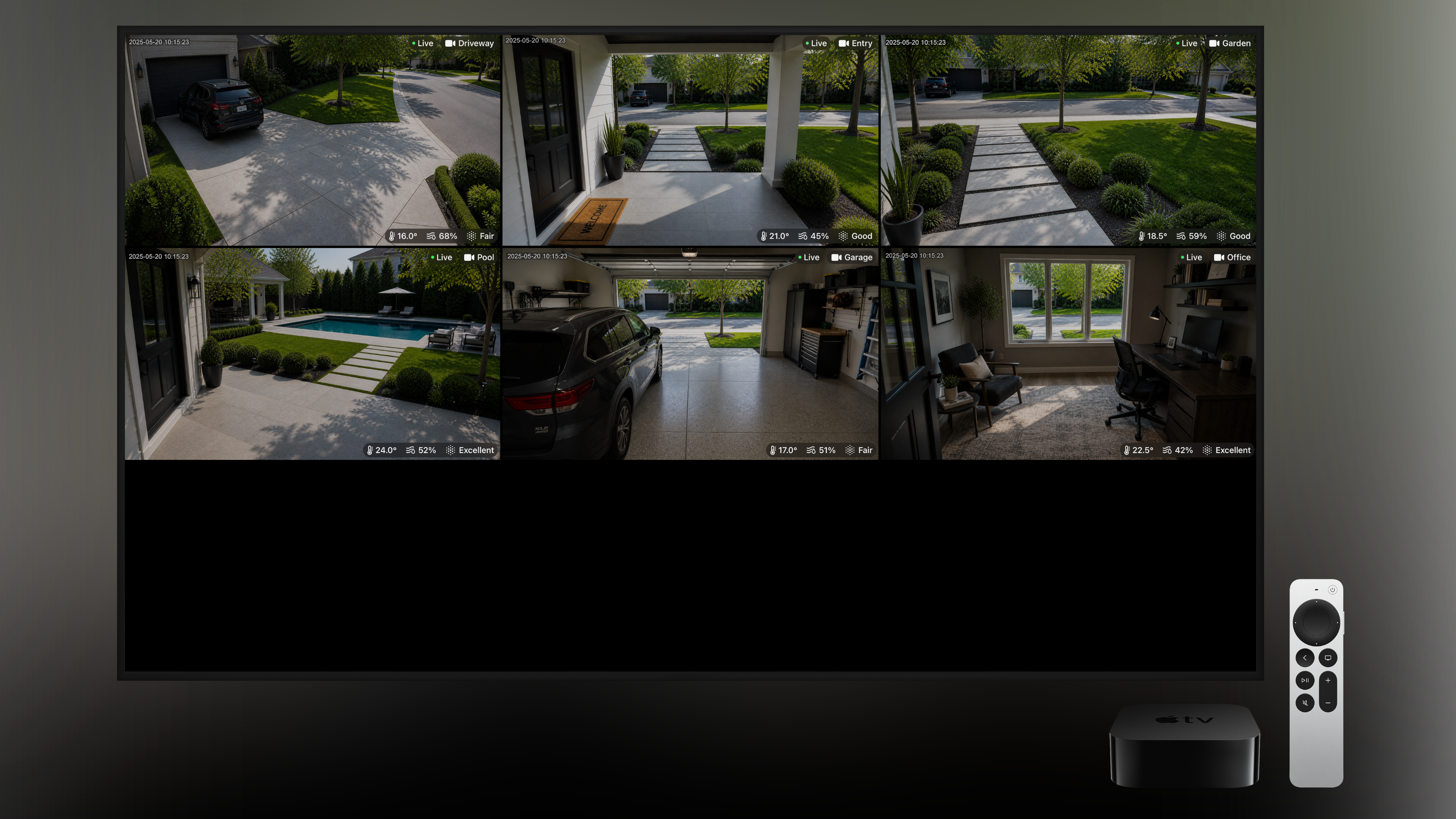
Tap once to fill your screen with every camera at the same time — perfect for a quick look around, or a permanent display on Apple TV.
Favourites
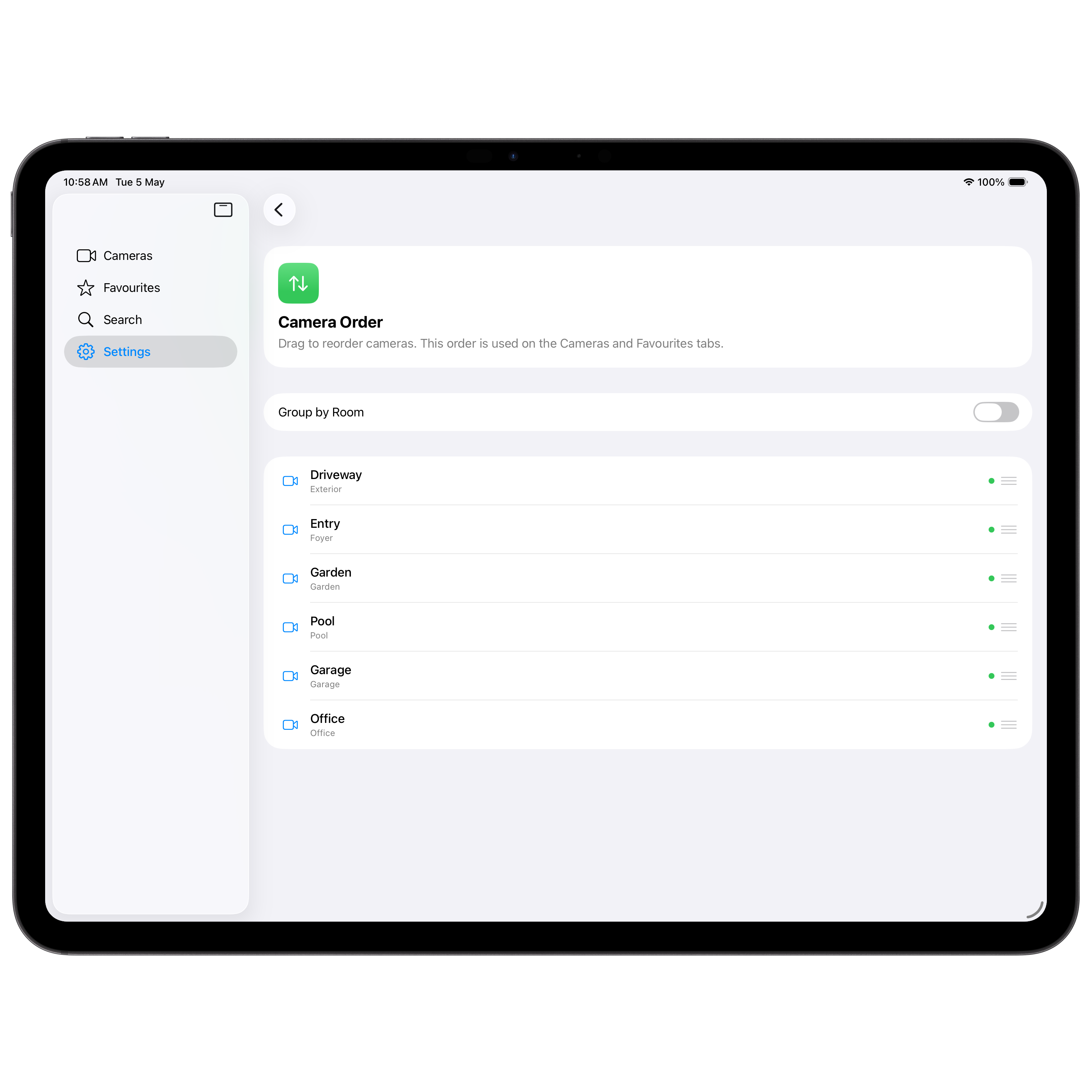
Star the cameras you check most often and they'll appear together in your Favourites tab — your front door and your kids' room, just one tap away.
Search
Big homes, lots of cameras? Quickly find any camera by name or room — handy on Apple TV with the Siri Remote, and even better with a keyboard.
Customisable Layout
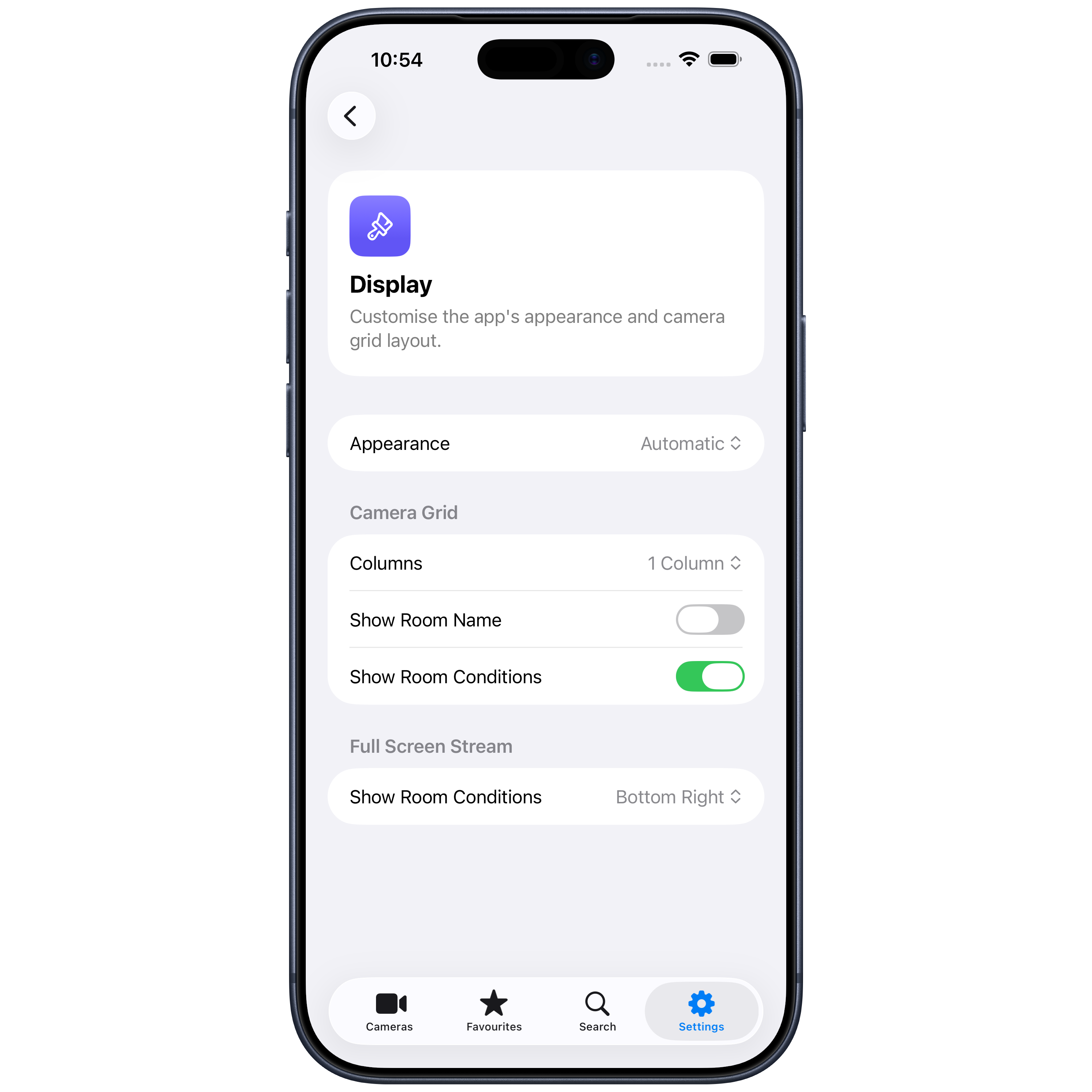
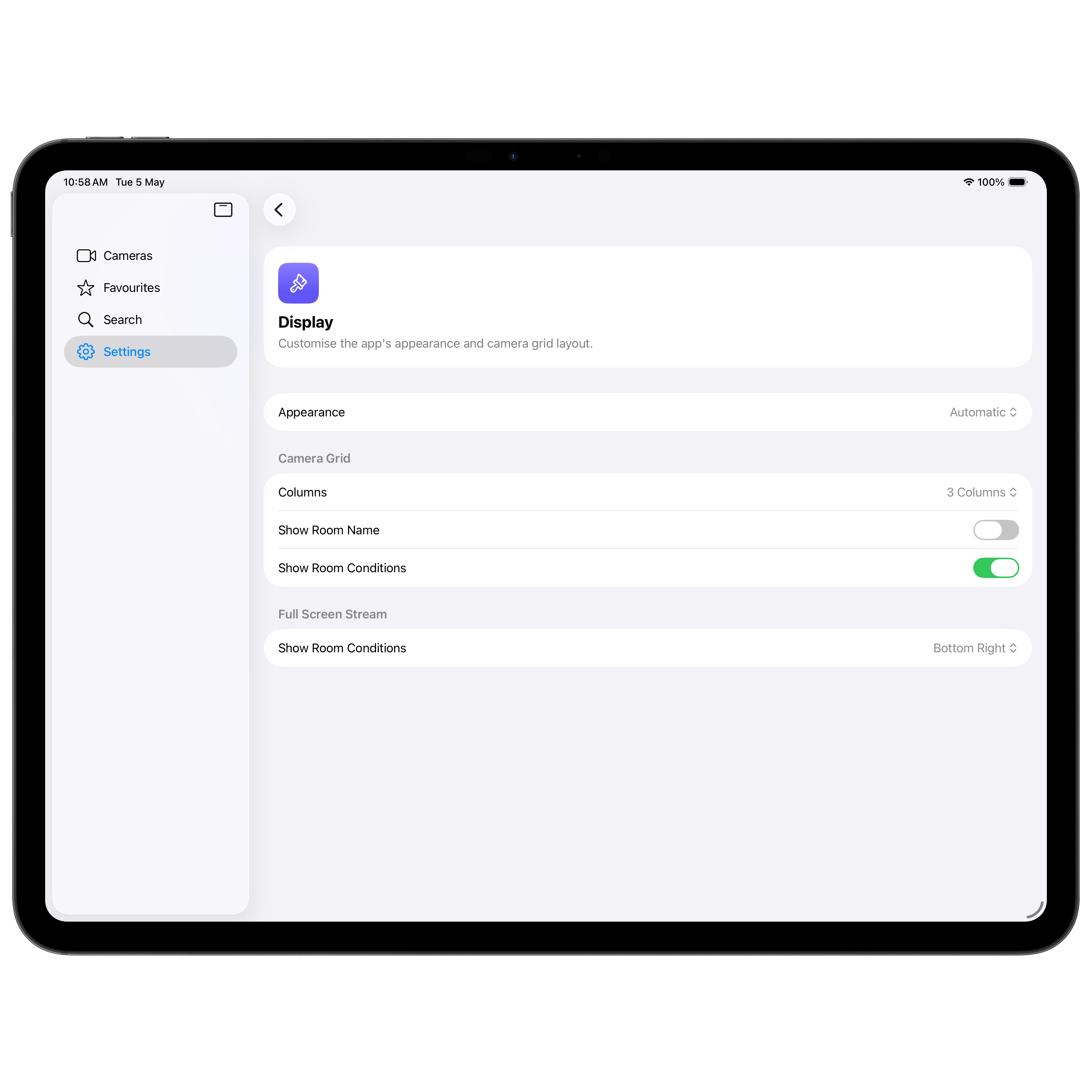
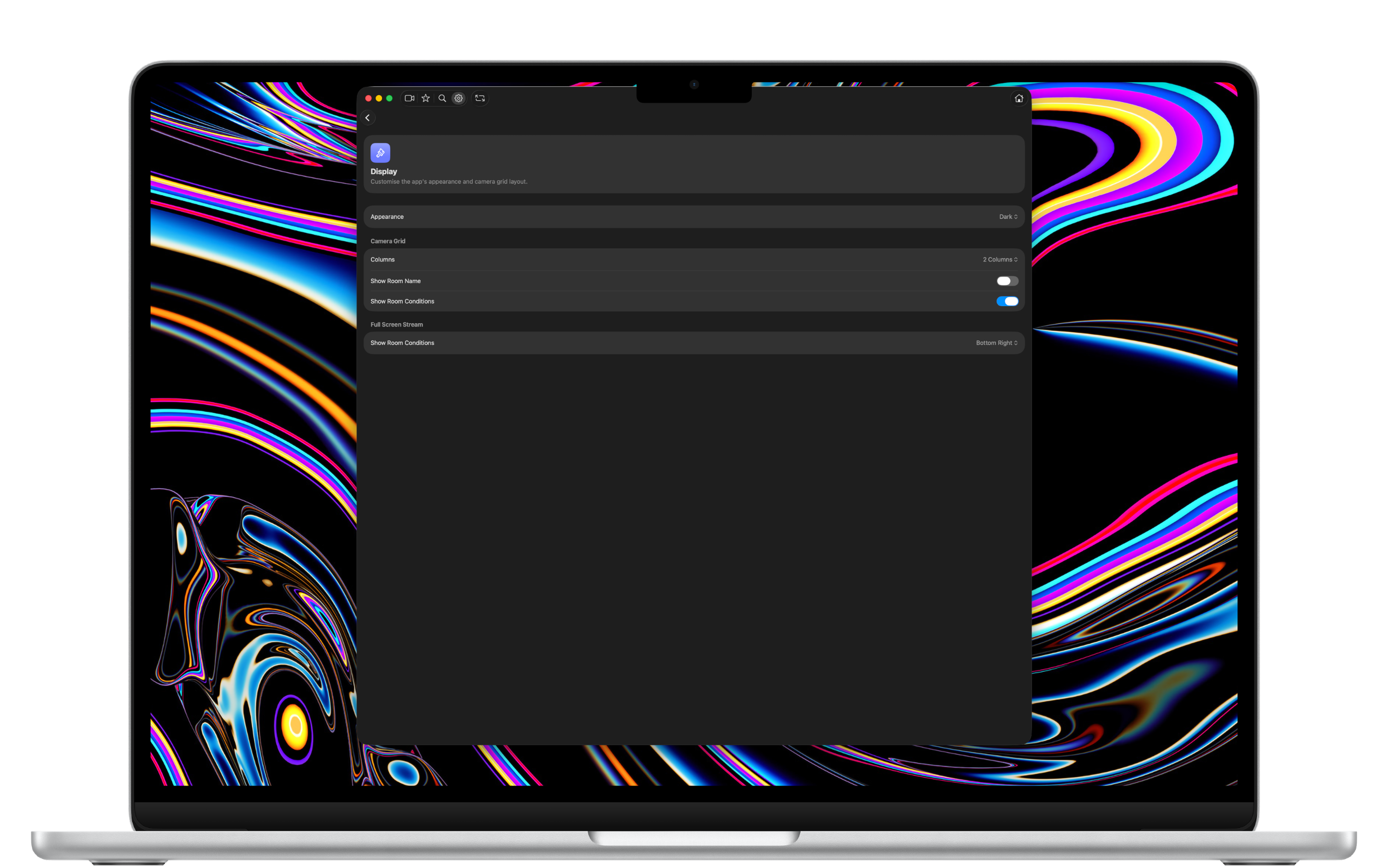
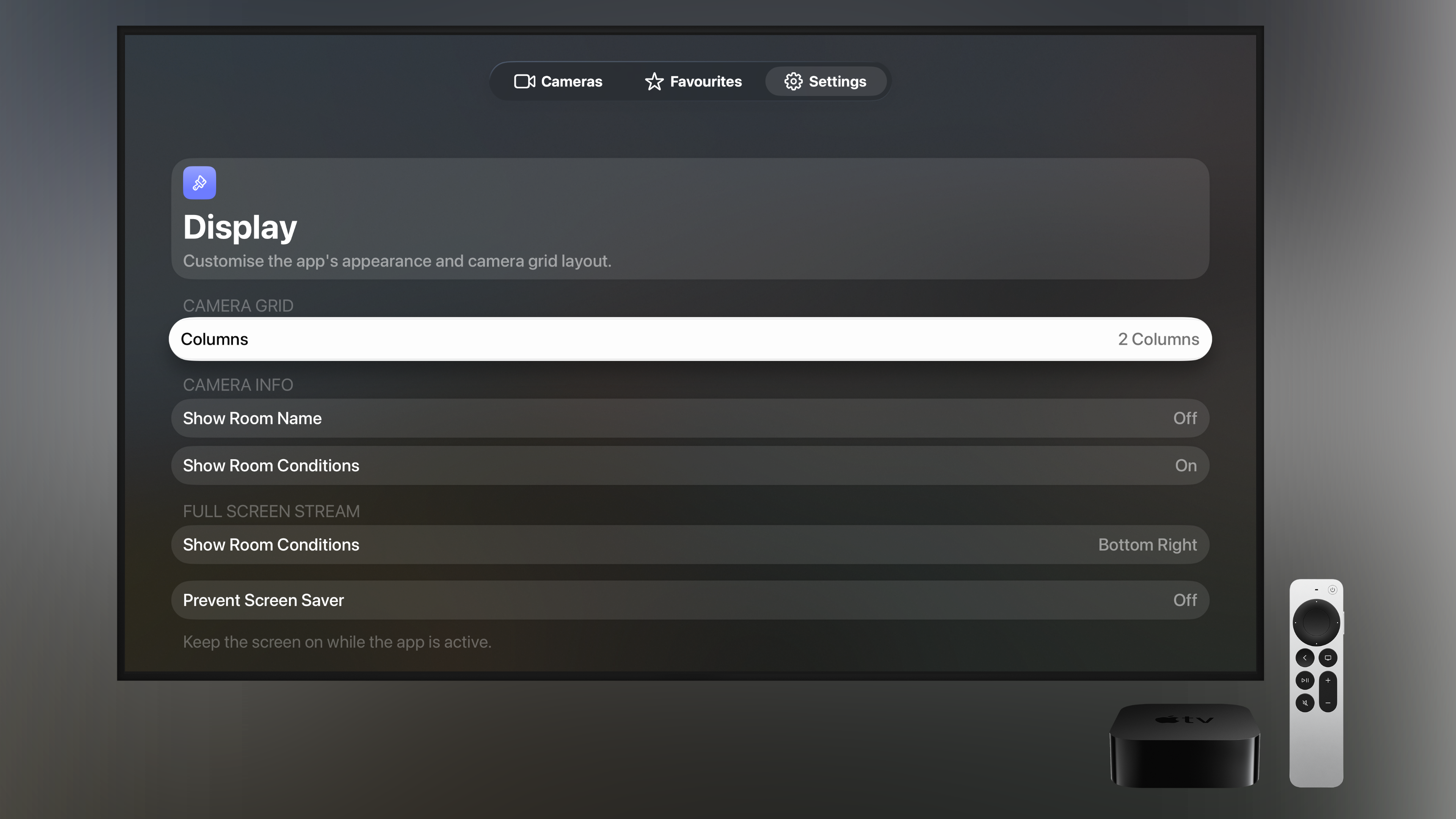
Choose the appearance, the number of grid columns, whether to show room names and conditions, and exactly where they appear in full-screen.
iCloud Sync
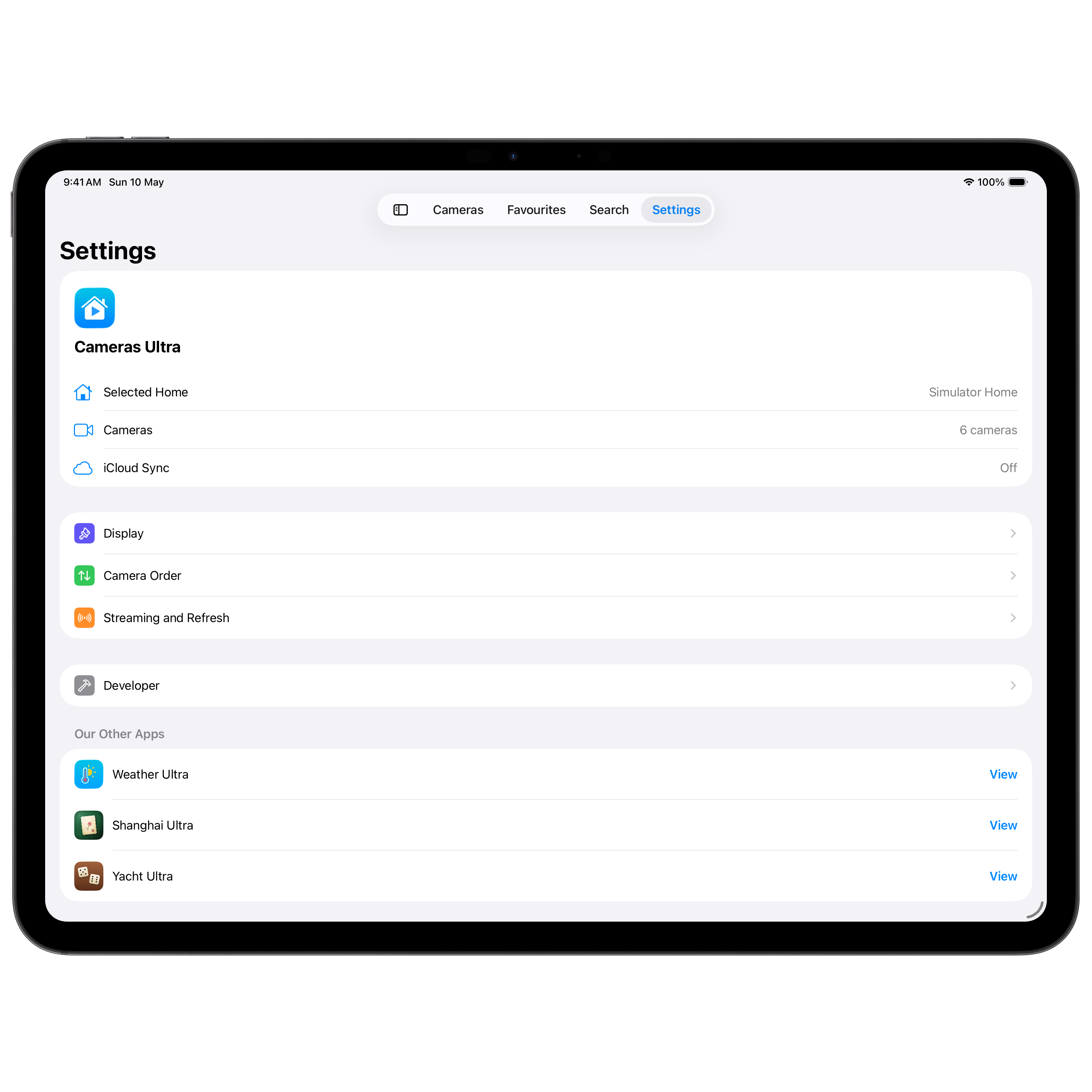
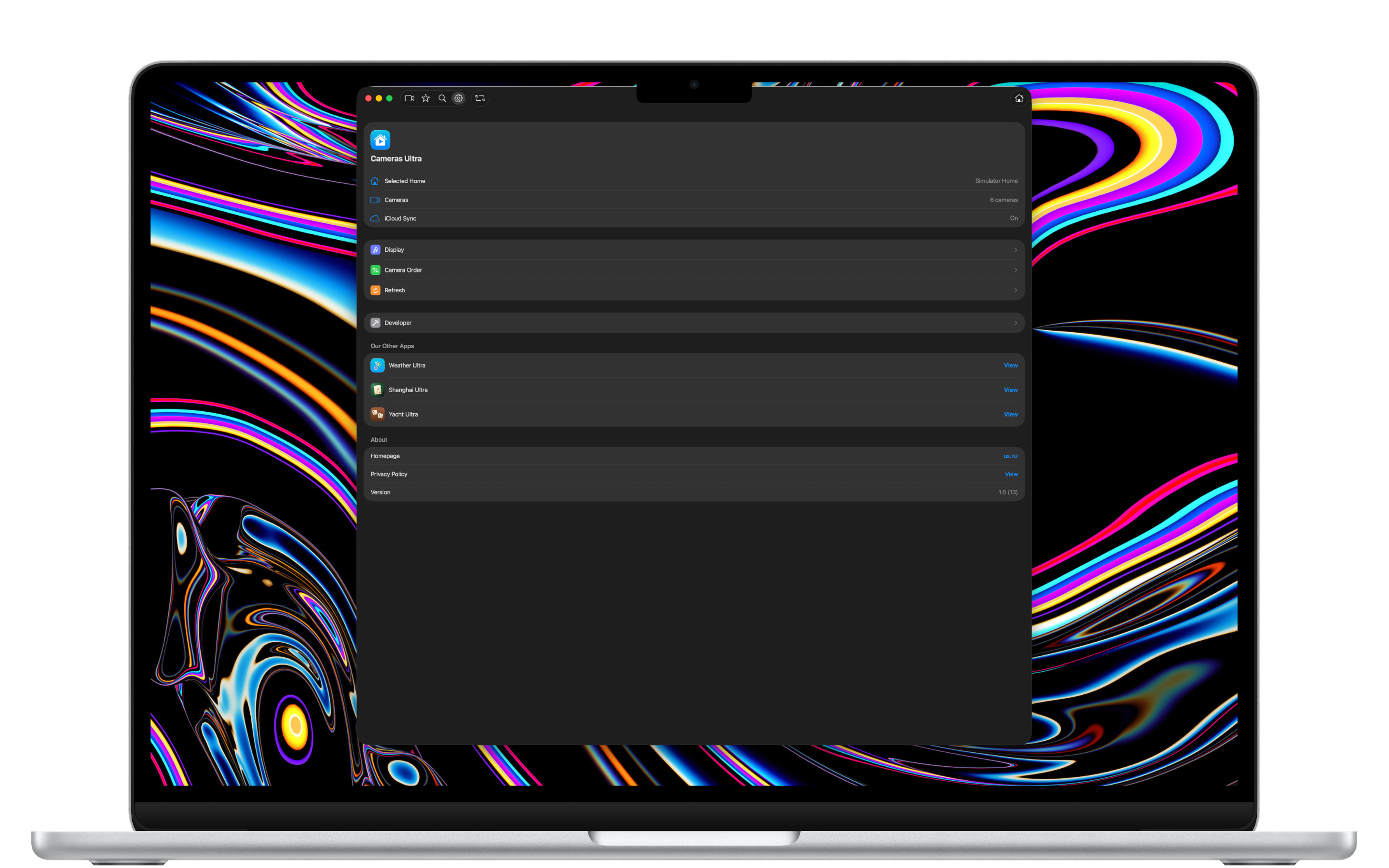
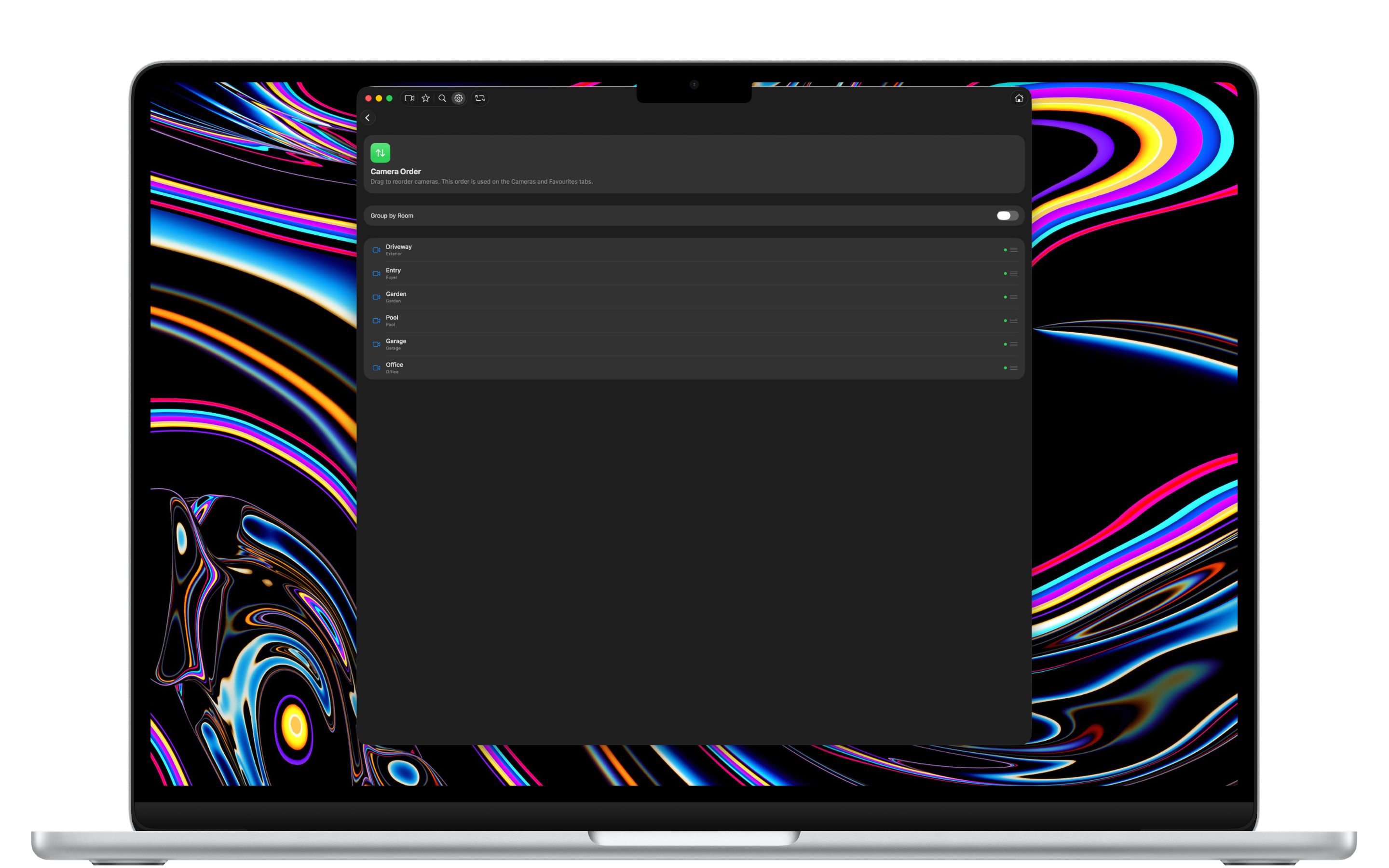
Your camera order and favourites sync automatically across all your devices using your private iCloud container — never our servers.
Private by Design
Camera streams go straight from your cameras to your device via HomeKit. They never pass through our servers — because we don't have any.
Every Apple device
Universal, by design.
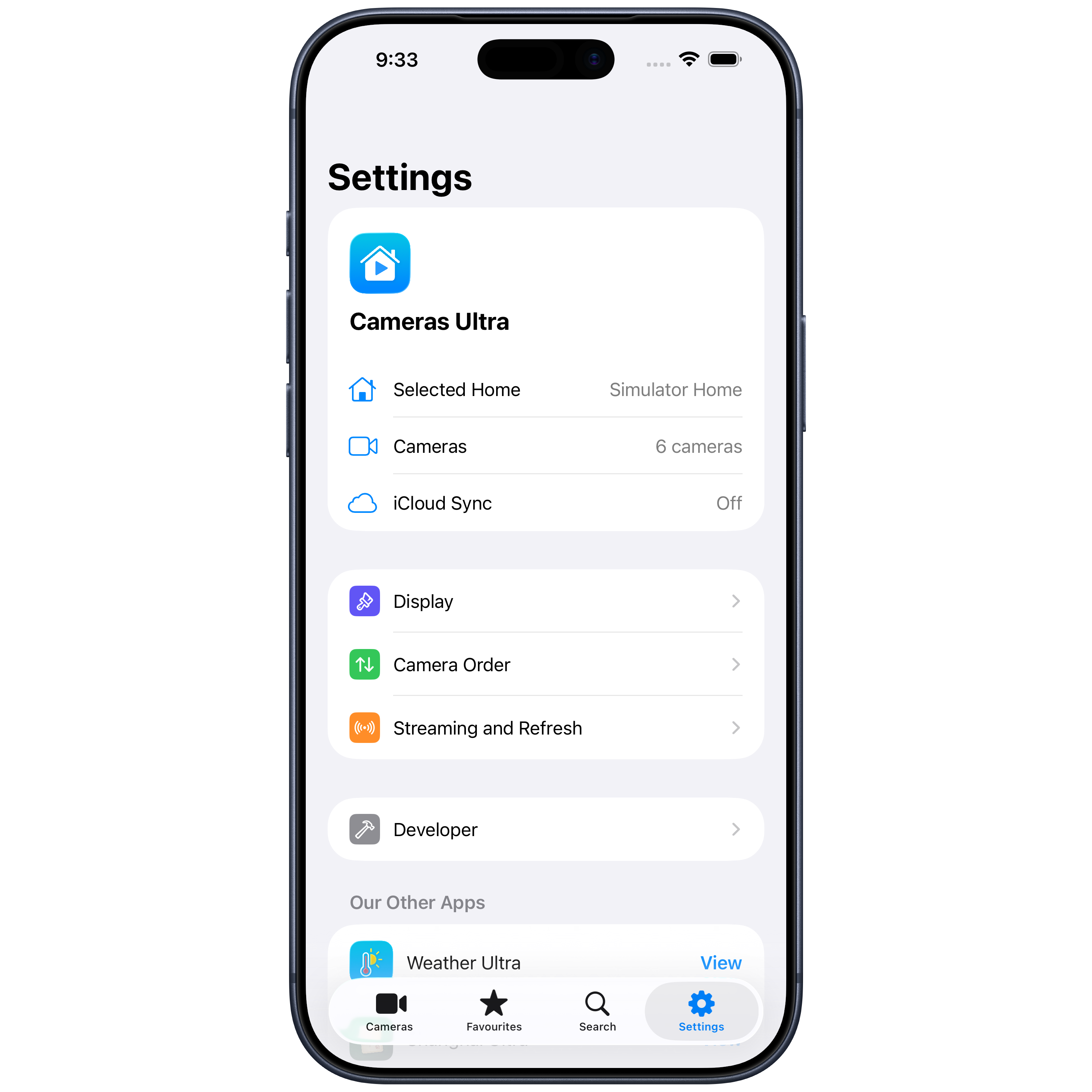
A single app that runs natively on every Apple device, with layouts tuned for each.
iPhone
A focused single-column or two-column grid, tuned for one-handed use.
iPad
A side-bar layout with up to three columns, ideal for the kitchen counter.
Mac
A native Mac app — keyboard shortcuts, full-window grid, always within reach.
Apple TV
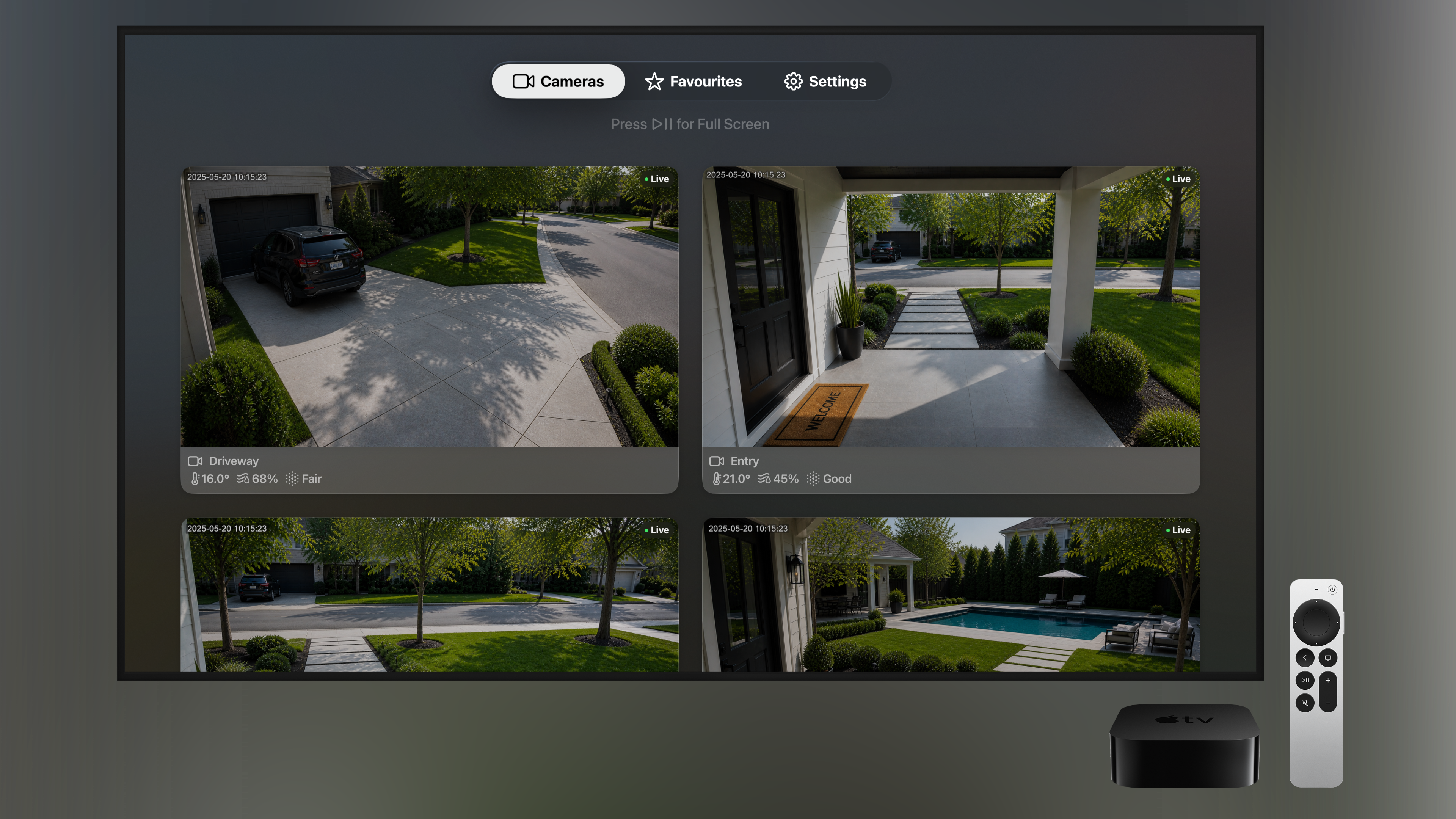
A beautiful always-on display for your home, controlled by the Siri Remote.
Screenshot gallery
See it in action.
Scroll to explore Cameras Ultra on iPhone, iPad, Mac, and Apple TV.
← Scroll to see more →
By the numbers
Built for every home.
4
Devices — iPhone, iPad, Mac & Apple TV
∞
Cameras & rooms supported
0
Ads, tracking, or third-party servers
Cameras Ultra.
Available now on the App Store for iPhone, iPad, Mac and Apple TV. Every camera, at a glance.