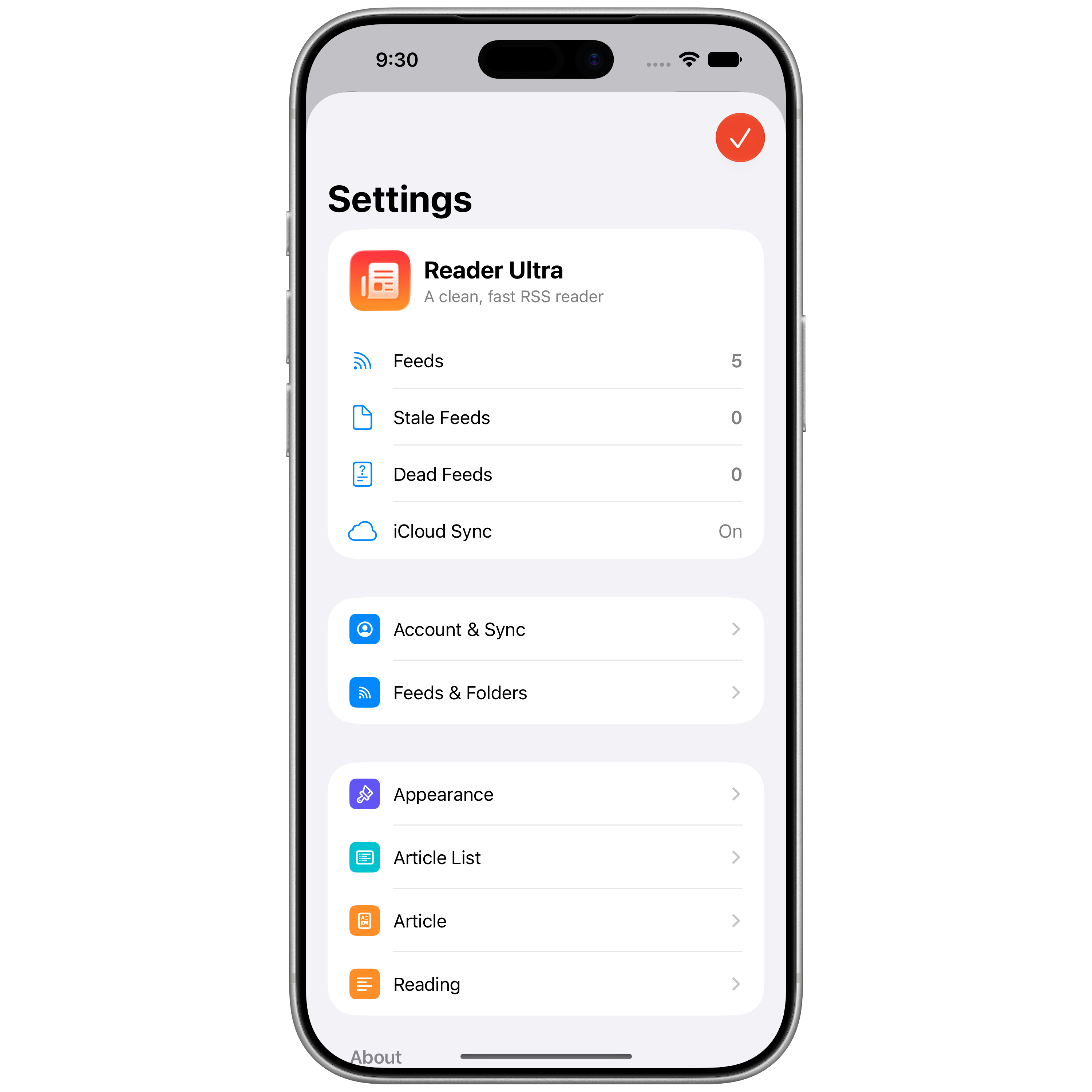
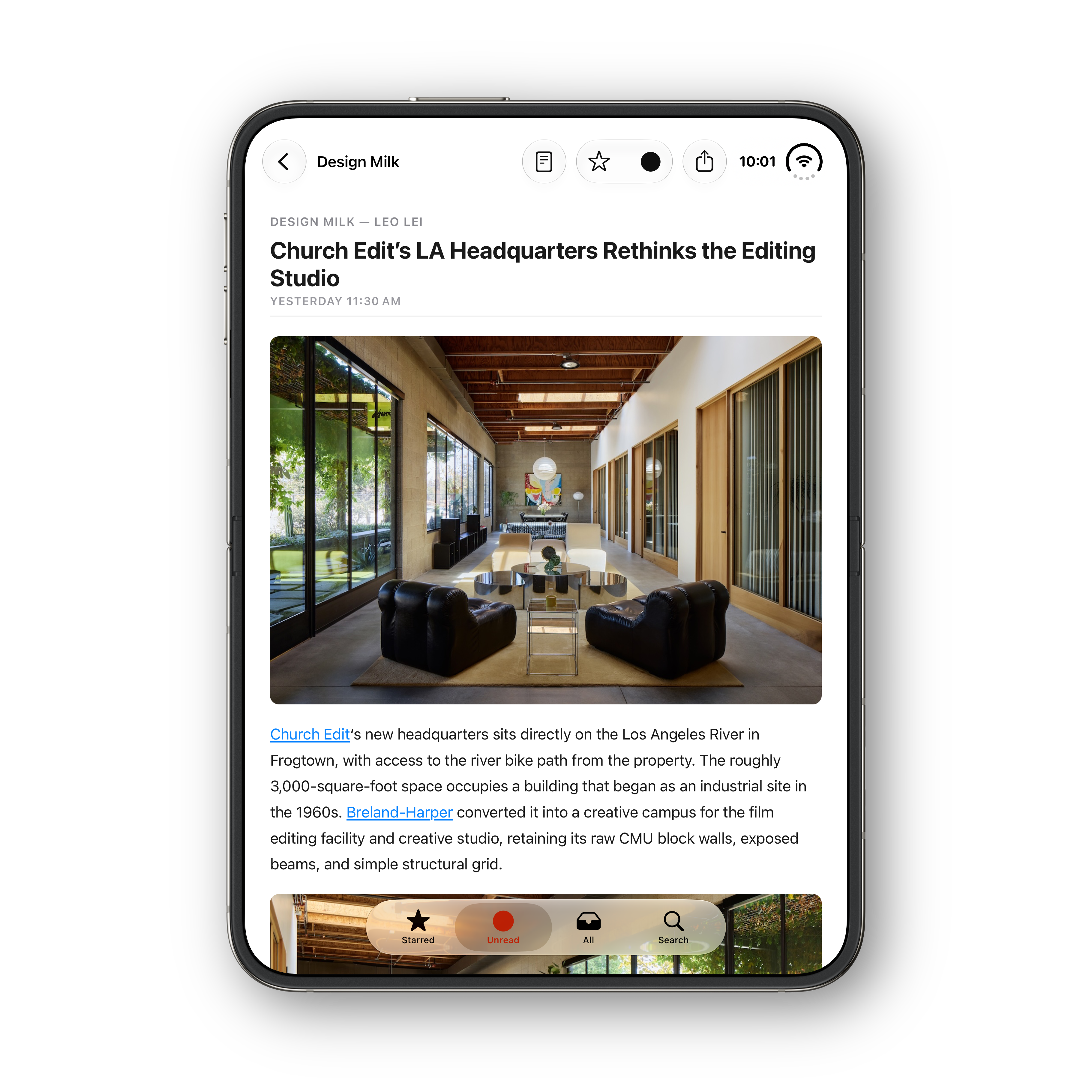
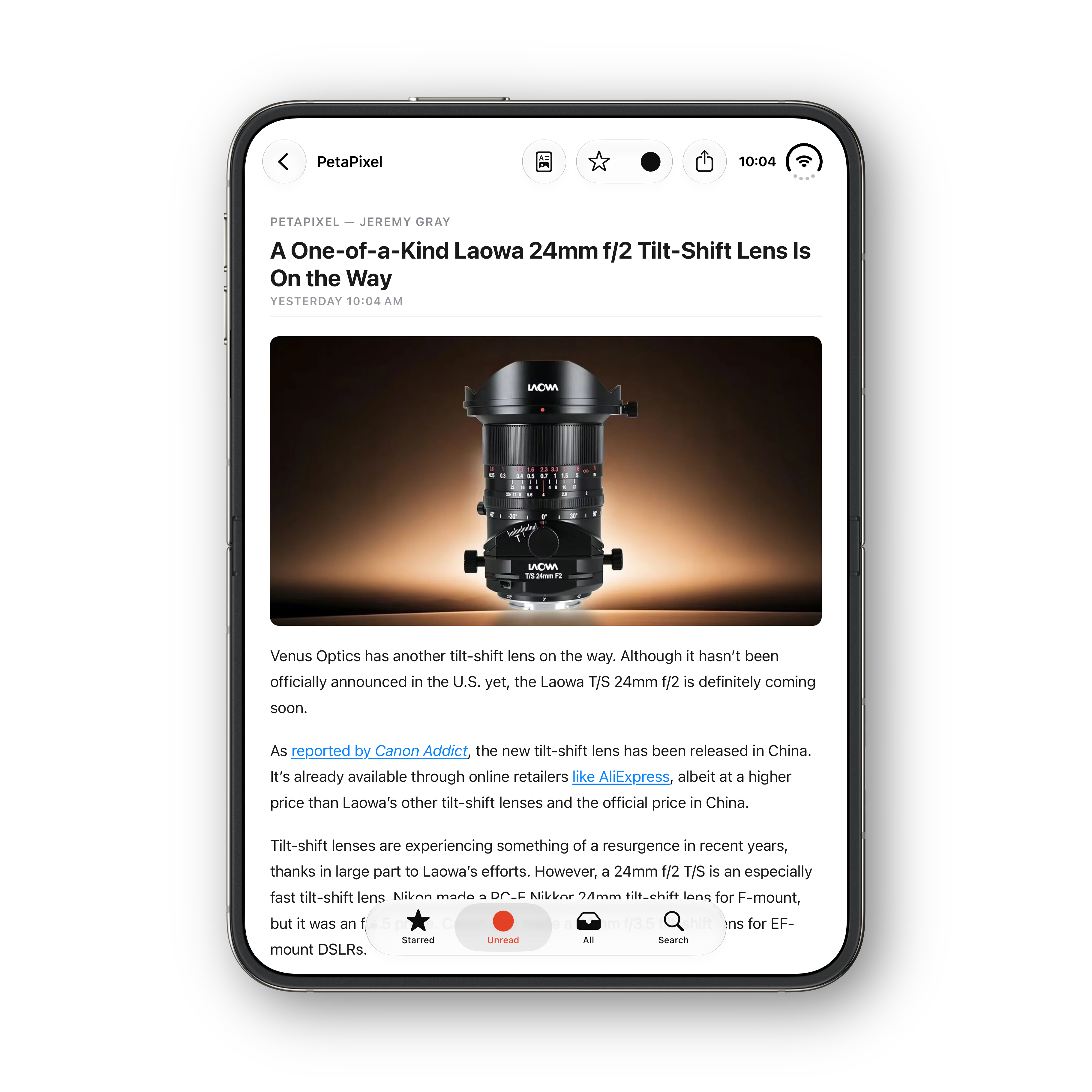
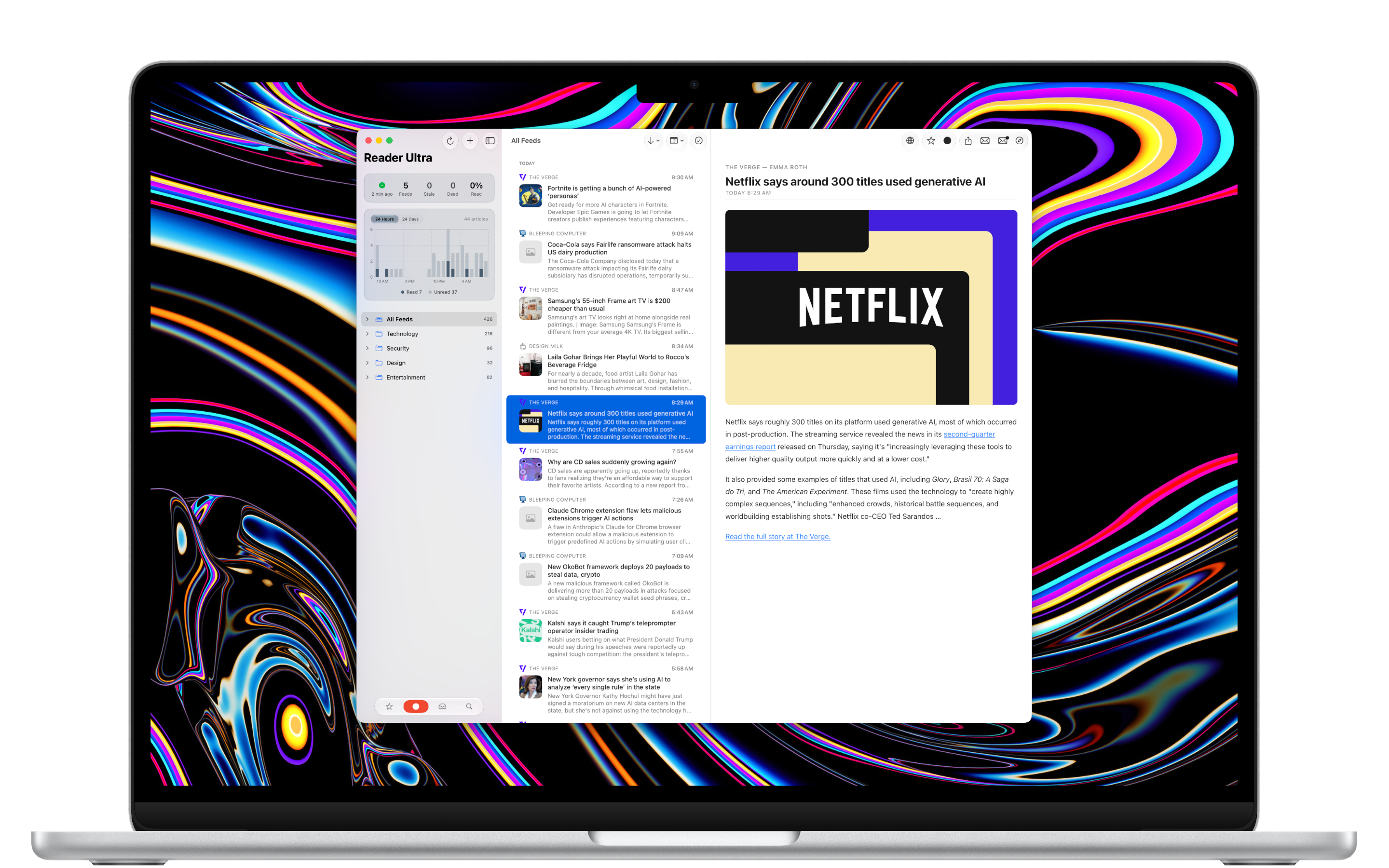
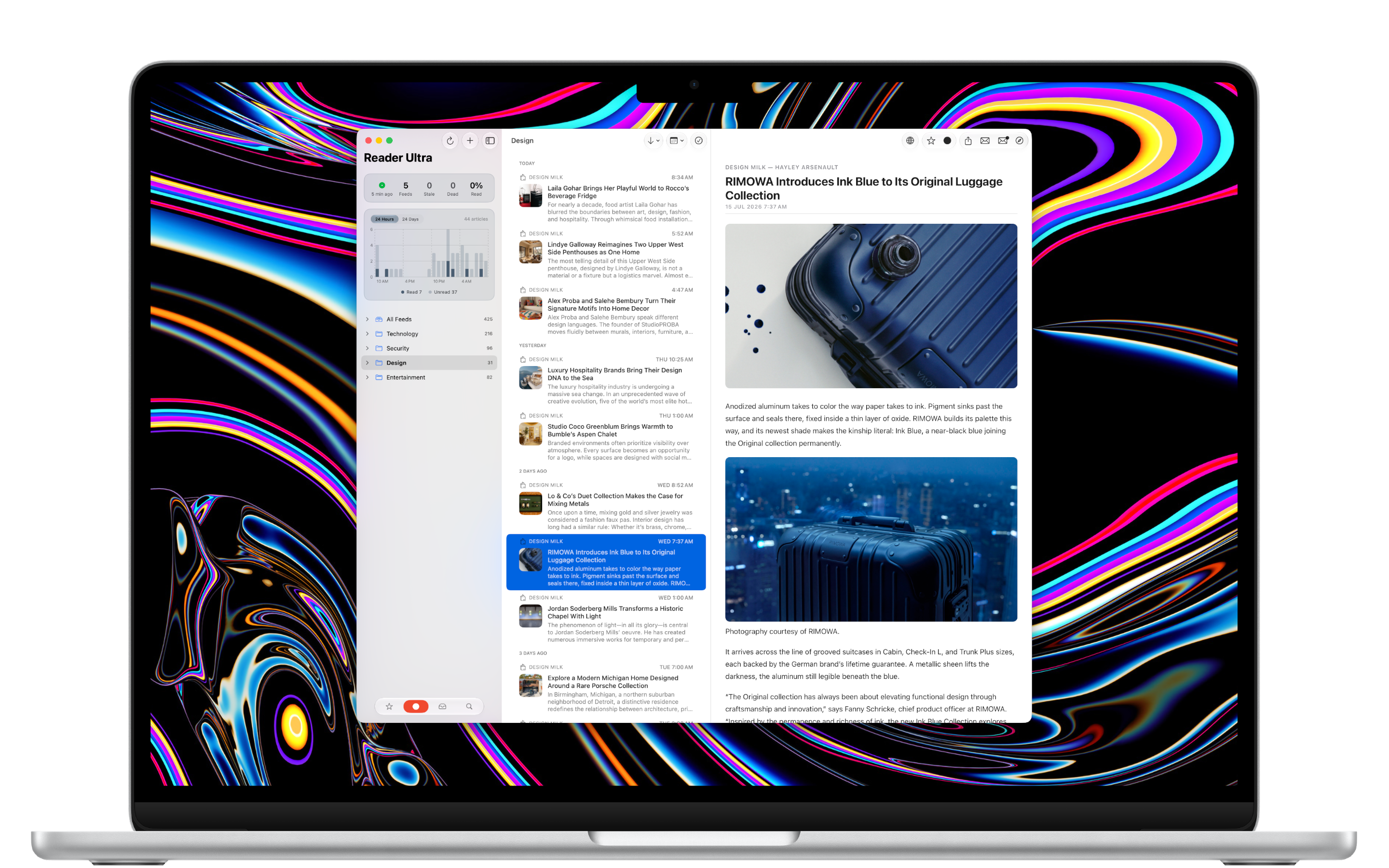
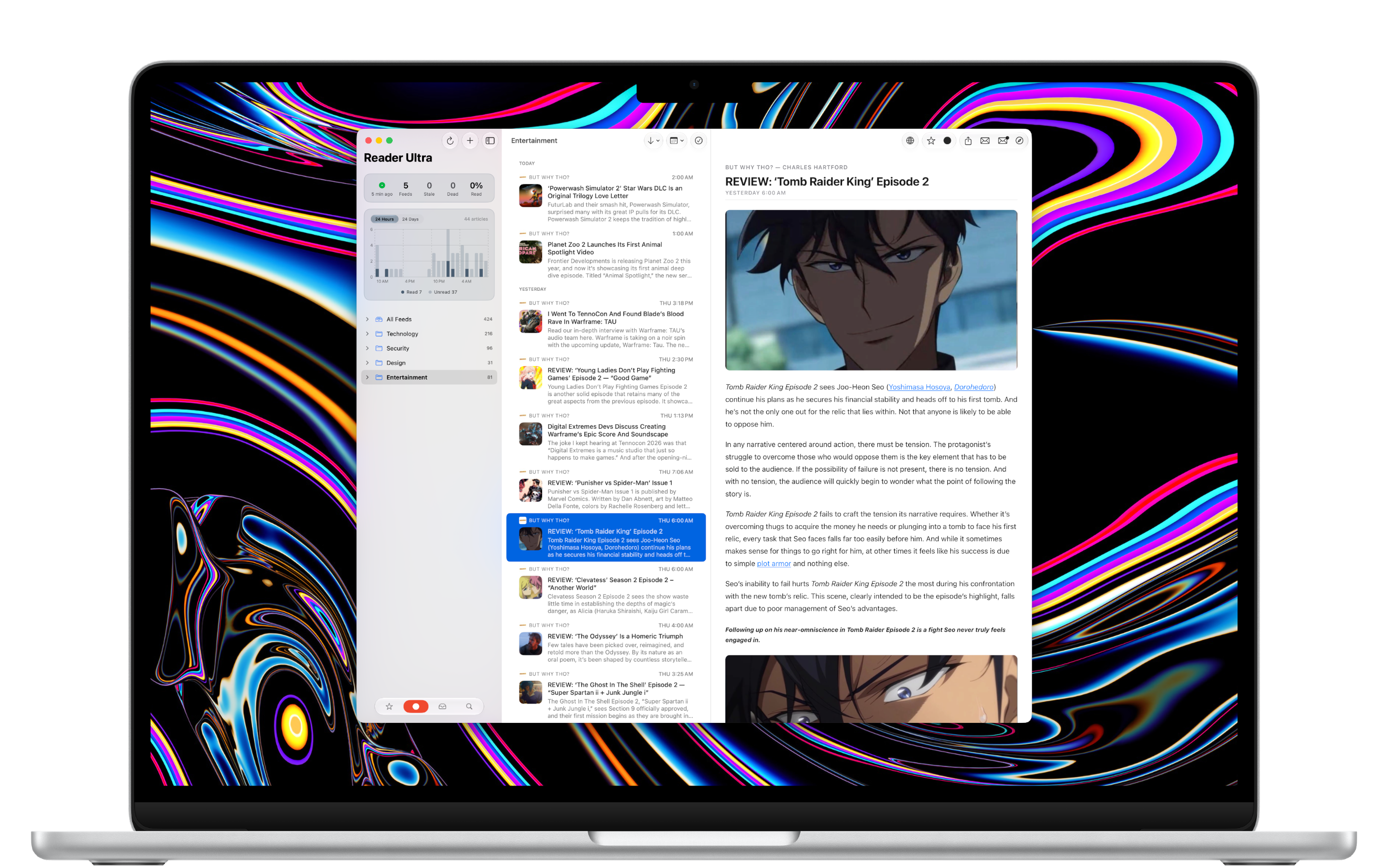
A blazing-fast, clean, native RSS reader for iPhone, iPhone Duo, iPad, and Mac. Built entirely in SwiftUI and obsessively optimised — incremental sync, cached reading, and instant article switching keep it quick no matter how many feeds you follow.
A clean three-column reading experience that stays fast under load — typography you actually control, no clutter, no ads, and no trackers. Read your way, feed by feed.
Blazing fast
Cached reader HTML makes switching articles instant, while unread counts and filtering run off SwiftData queries and snapshots rather than re-scanning in memory — so it stays quick with hundreds of feeds and thousands of articles.
Three ways to read
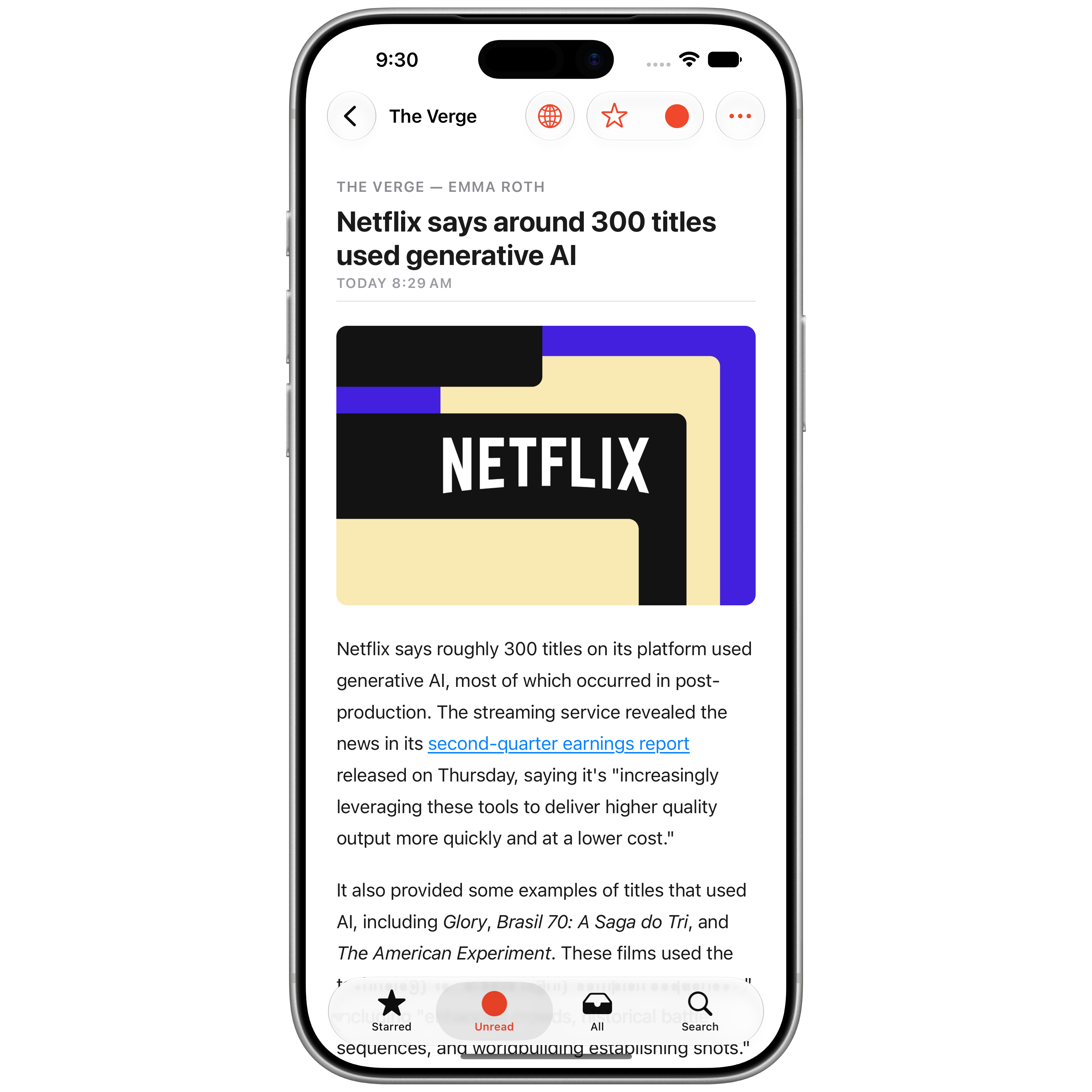
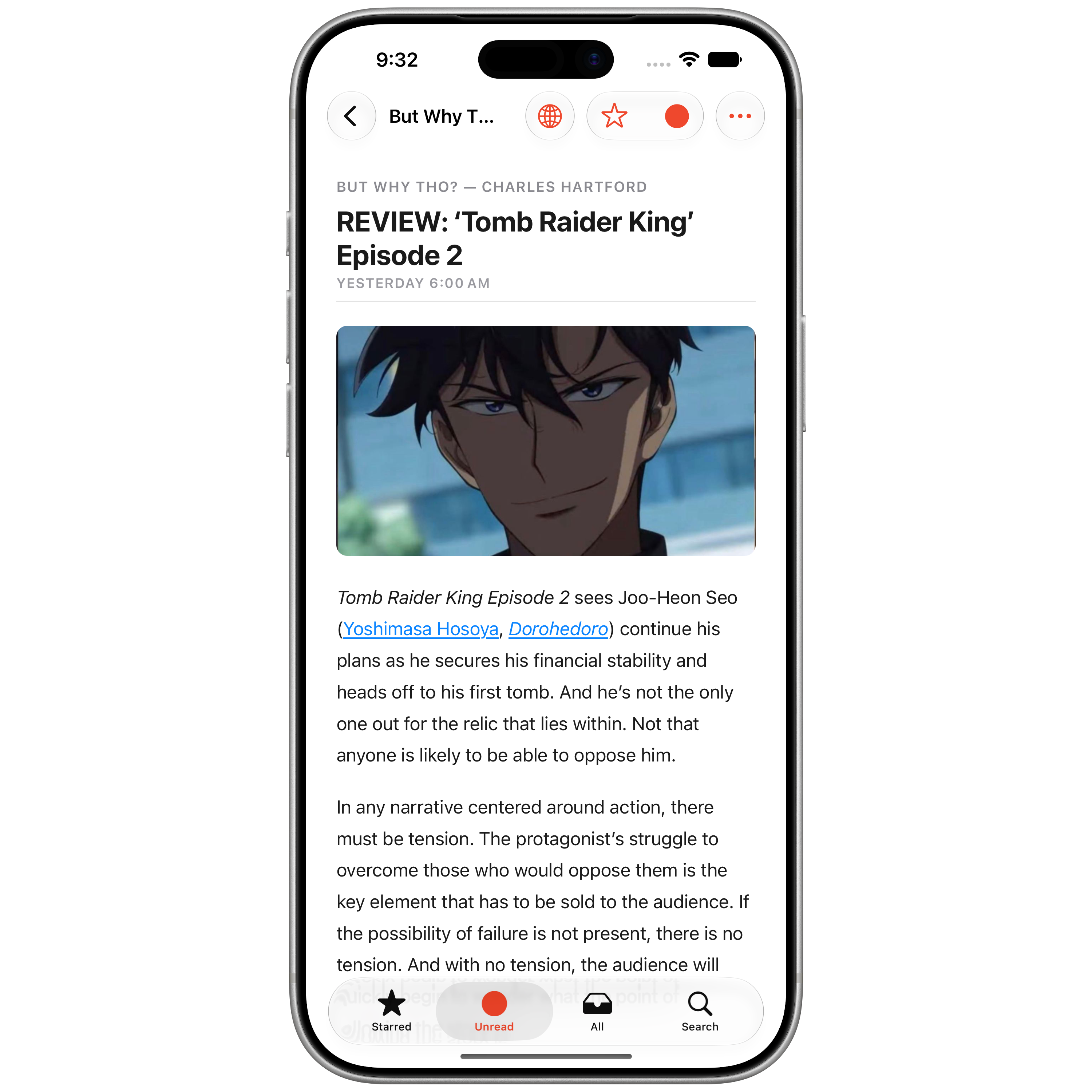
Feeds often carry just a headline and a line or two. Reader mode fetches the article’s page and shows the whole story in the app’s reader — text only, so no ads, banners or scripts ever run. Or read the feed’s own text offline, or the full website as published. Tap the view button to cycle, hold to pick — and each feed remembers its mode across your devices.
Per-feed overrides
Fine-tune anything on a feed-by-feed basis — Reader or Full Website, ad-block exceptions, and reading preferences — so each source behaves exactly how you want.
Reader view & typography
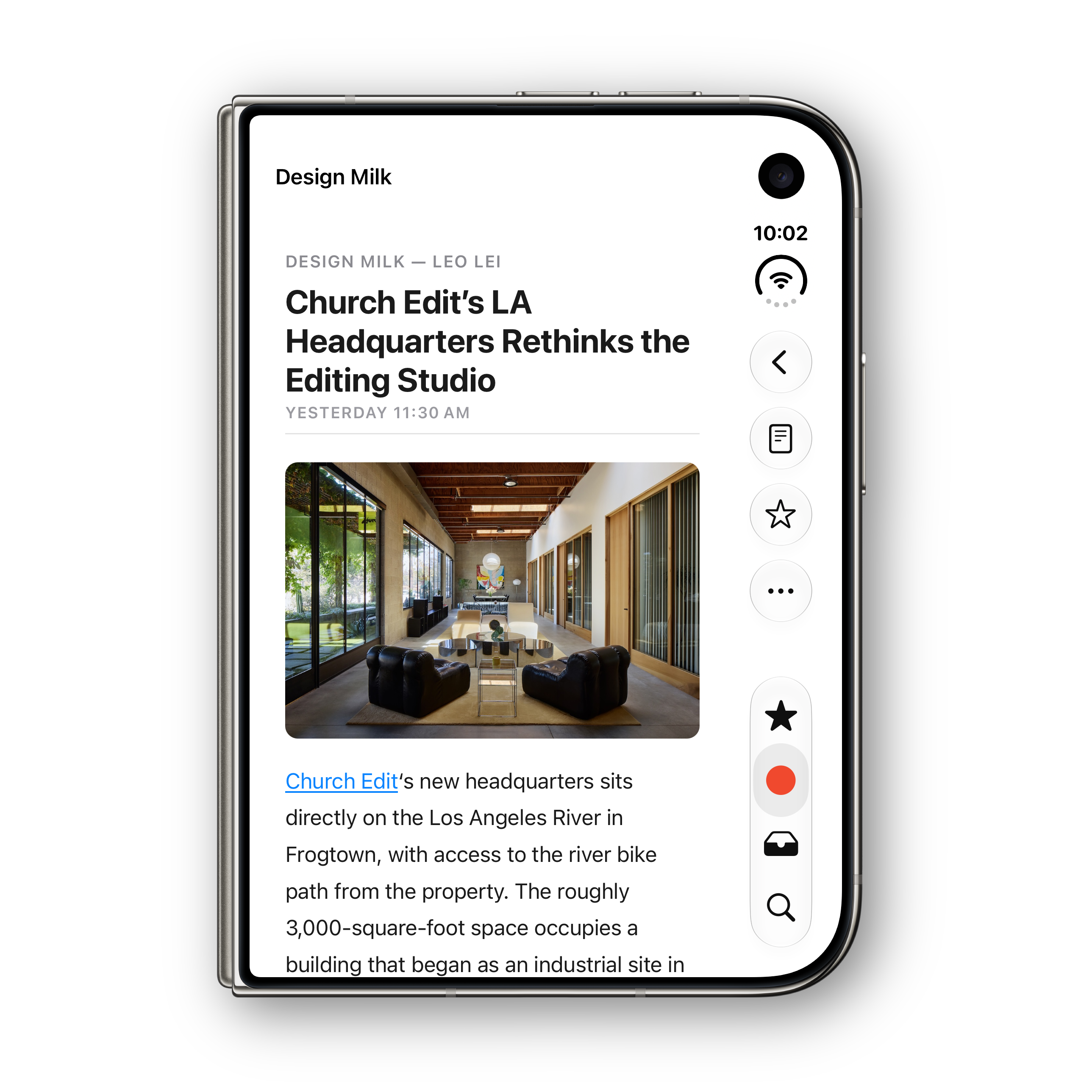
A clean, parsed layout for every article. Pick from SF Pro, New York serif, SF Rounded, or SF Mono, and tune size and weight until it reads just right. Cached reader HTML makes switching articles instant.
Ad & tracker blocking
Open an article’s full website and known ad and tracker requests are refused before they’re downloaded, using Safari’s own WebKit content blocking rather than a script bolted on top. It all runs on device: no filter subscription, no proxy, nothing phoned home. Want to support a site? Add its feed as an exception and it loads exactly as published, on every device.
Automatic dark websites
In Dark Mode, light-only sites are re-themed dark before they paint their first frame — no white flash on the way in. Reader Ultra measures each page’s real background first, so sites that are already dark are left untouched, and photos, video, and embeds are inverted back so they still look like themselves. Operates according to the app’s own appearance setting.
Folders & organisation
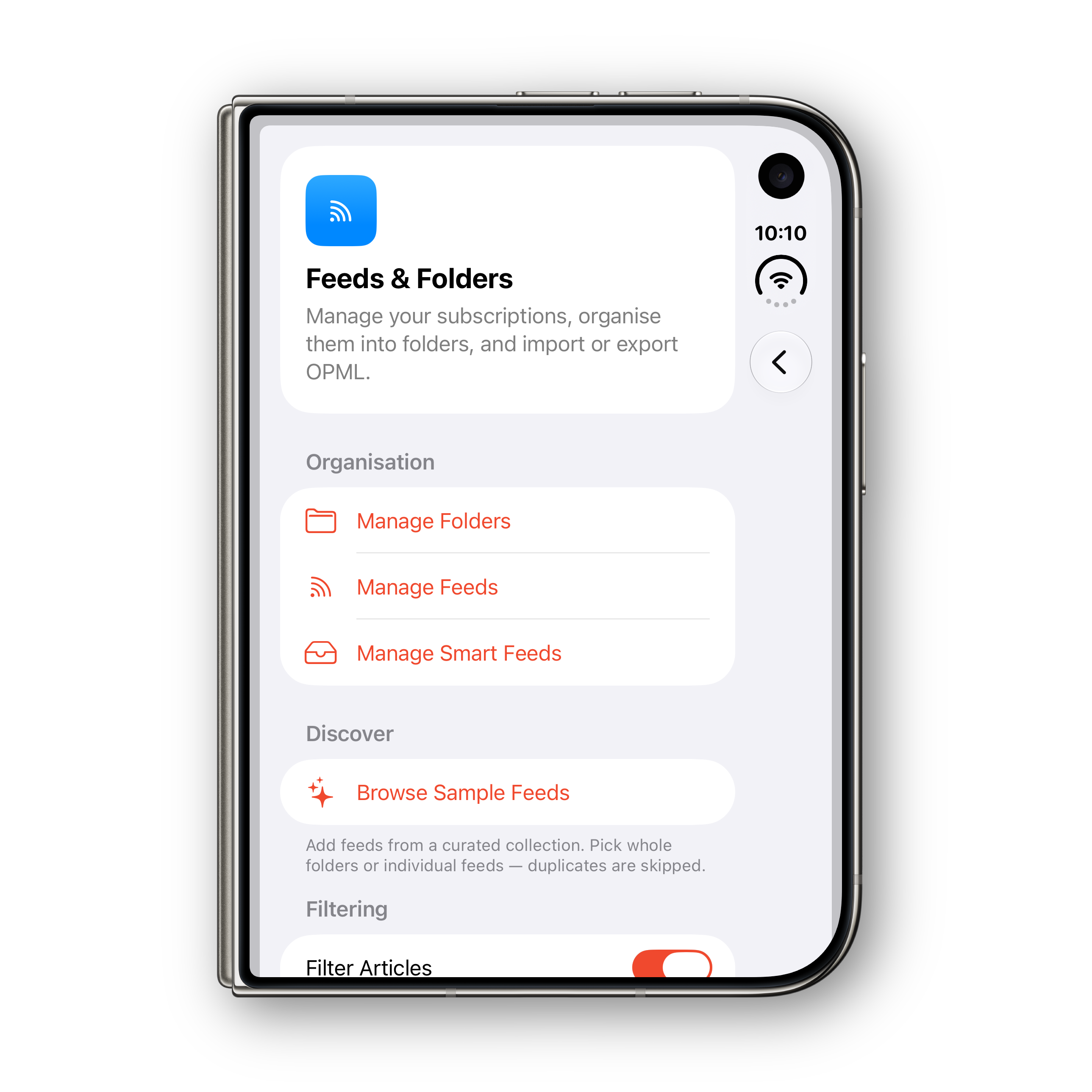
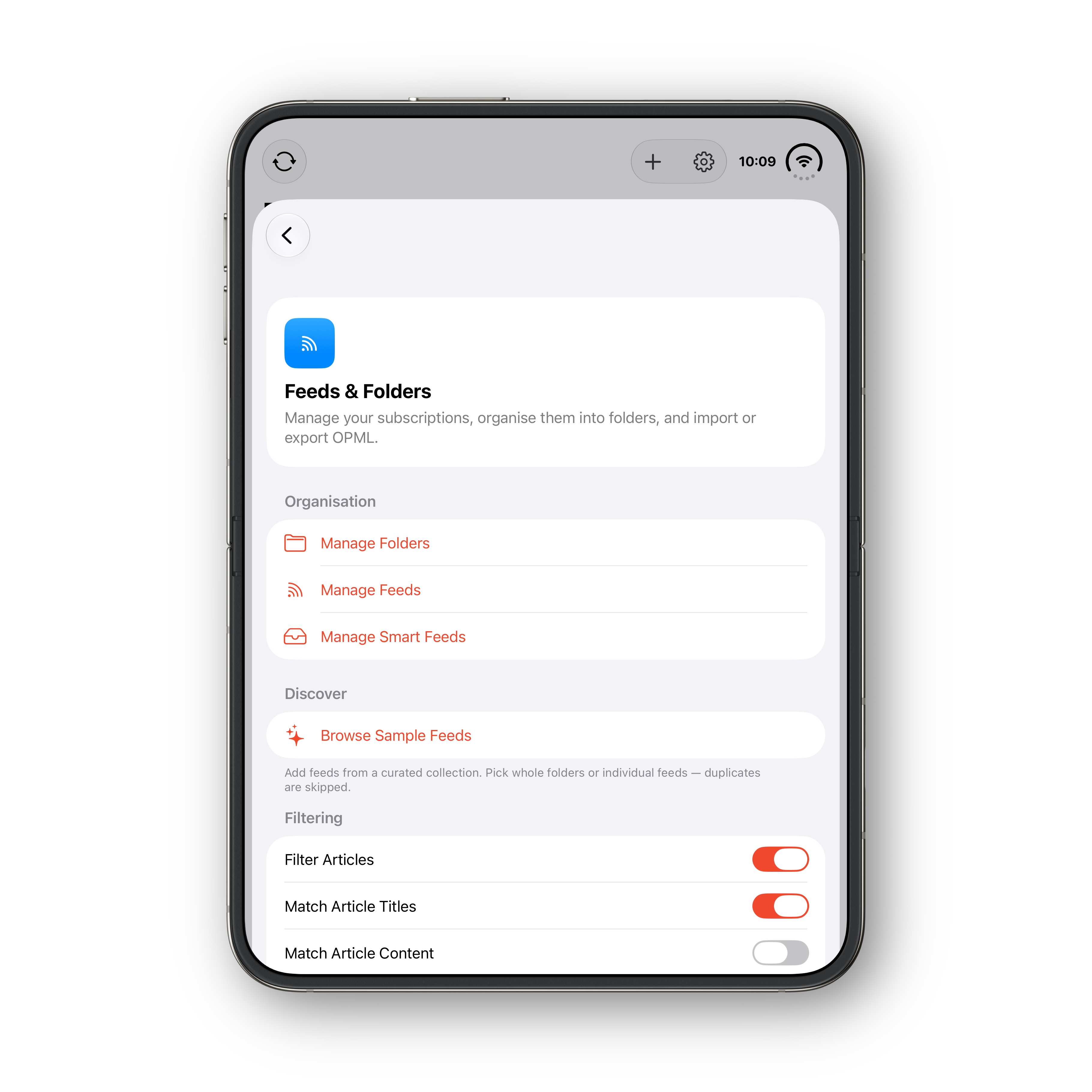
Organise feeds into folders with custom SF Symbol icons and drag-to-reorder. Give any feed a custom title and its own reading preferences.
Smart feeds
Saved searches that live in your sidebar. Name one, add keywords to pull articles in and a few to keep them out — “Tokyo” but not “travel” — and every match across your feeds gathers into one self-updating row with its own colour and unread badge. Apple Intelligence can suggest a name and icon on-device, and it all syncs over iCloud.
Feed filtering
Keyword rules, per feed, hide the recurring noise — promo codes, sponsor spots, digest boilerplate. A filter button above the article list toggles them and badges what’s hidden, and your rules sync across your devices.
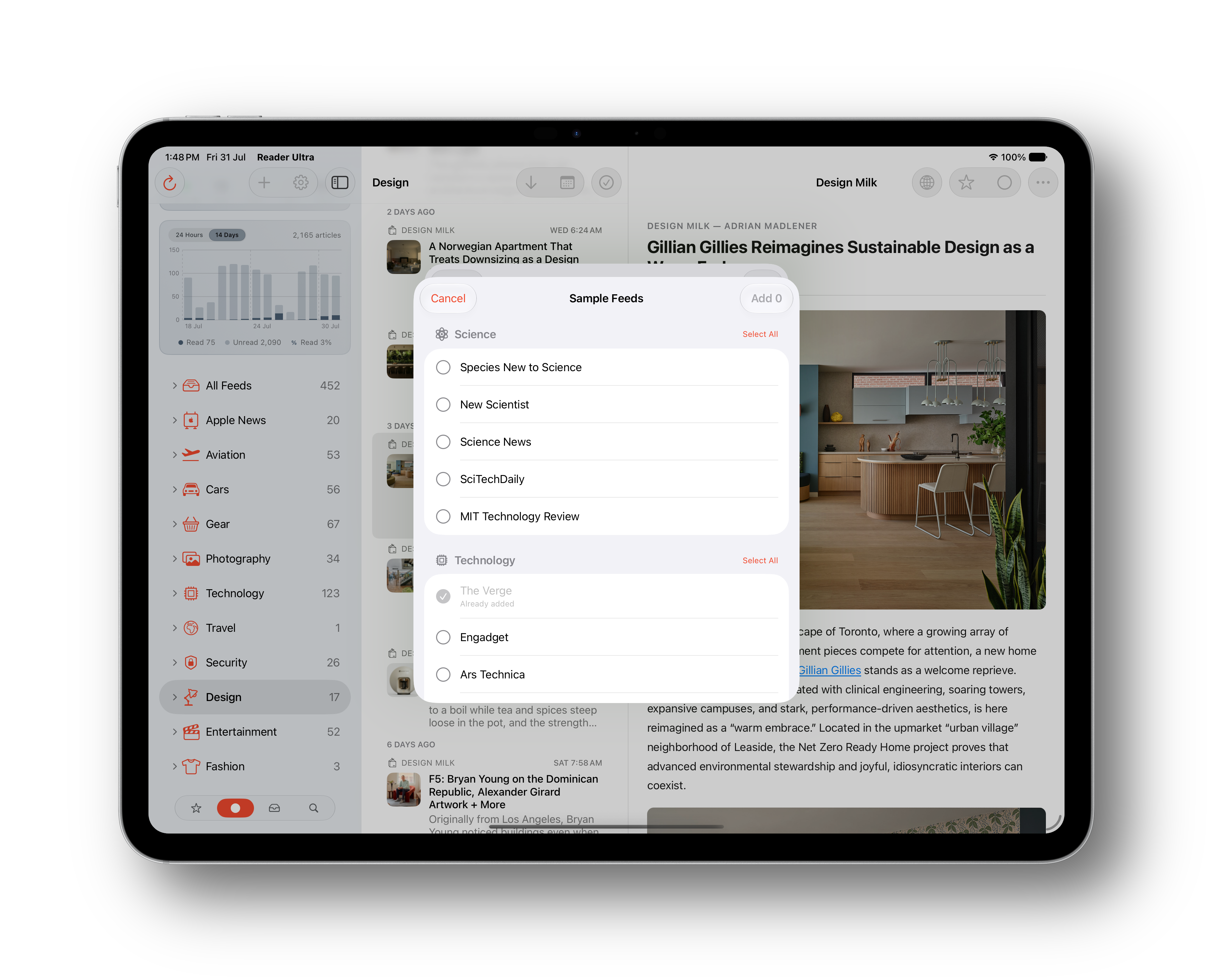
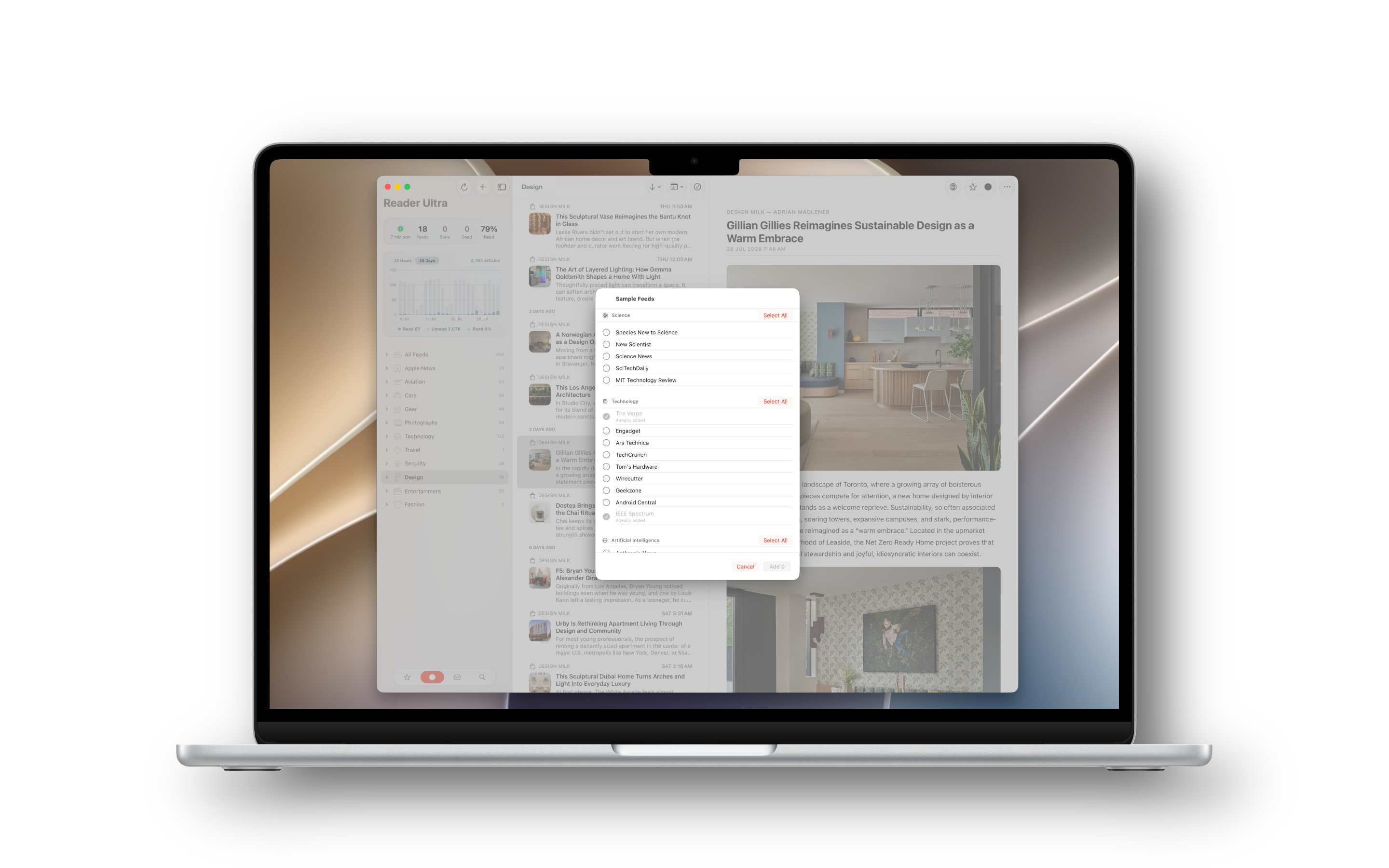
Sample feeds
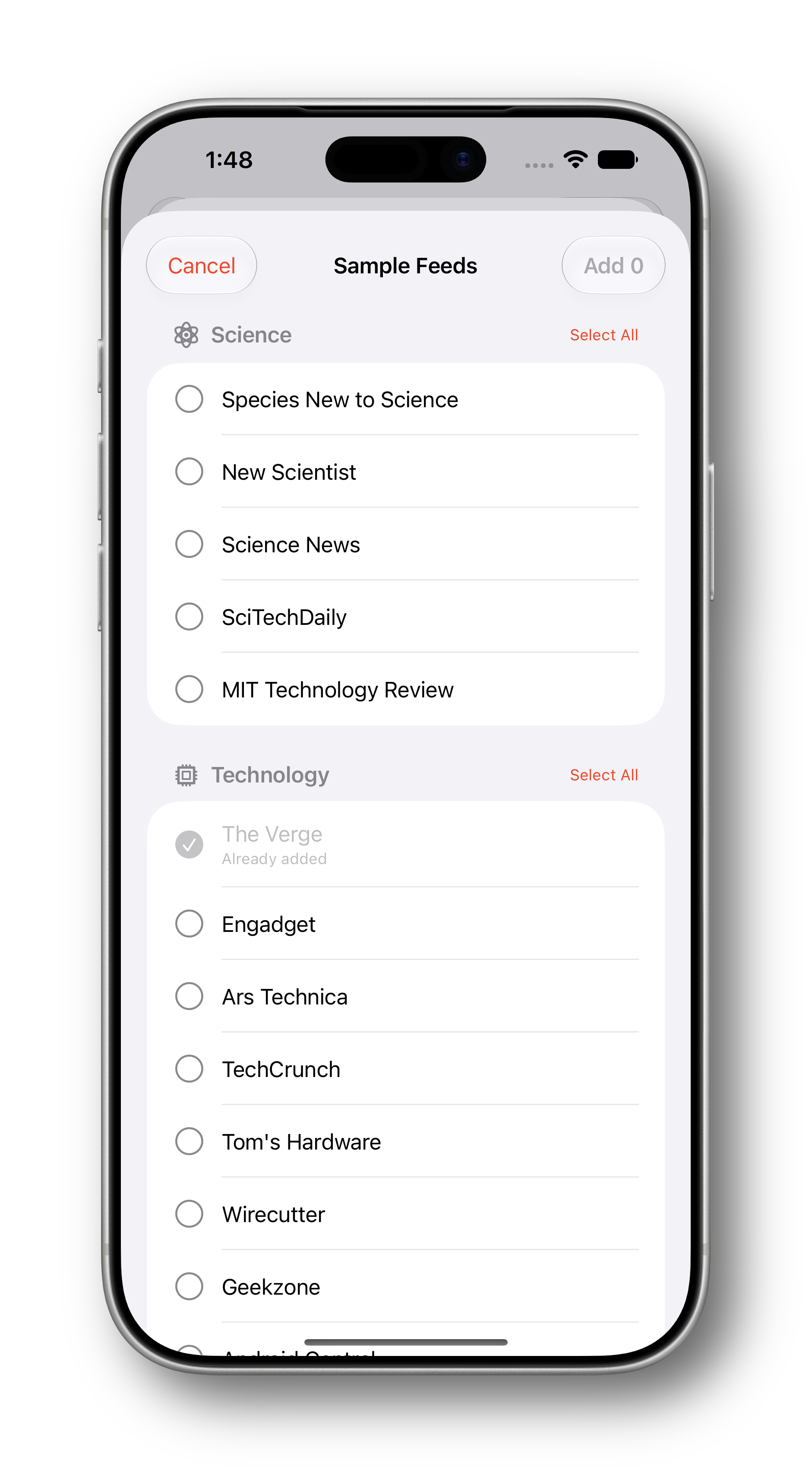
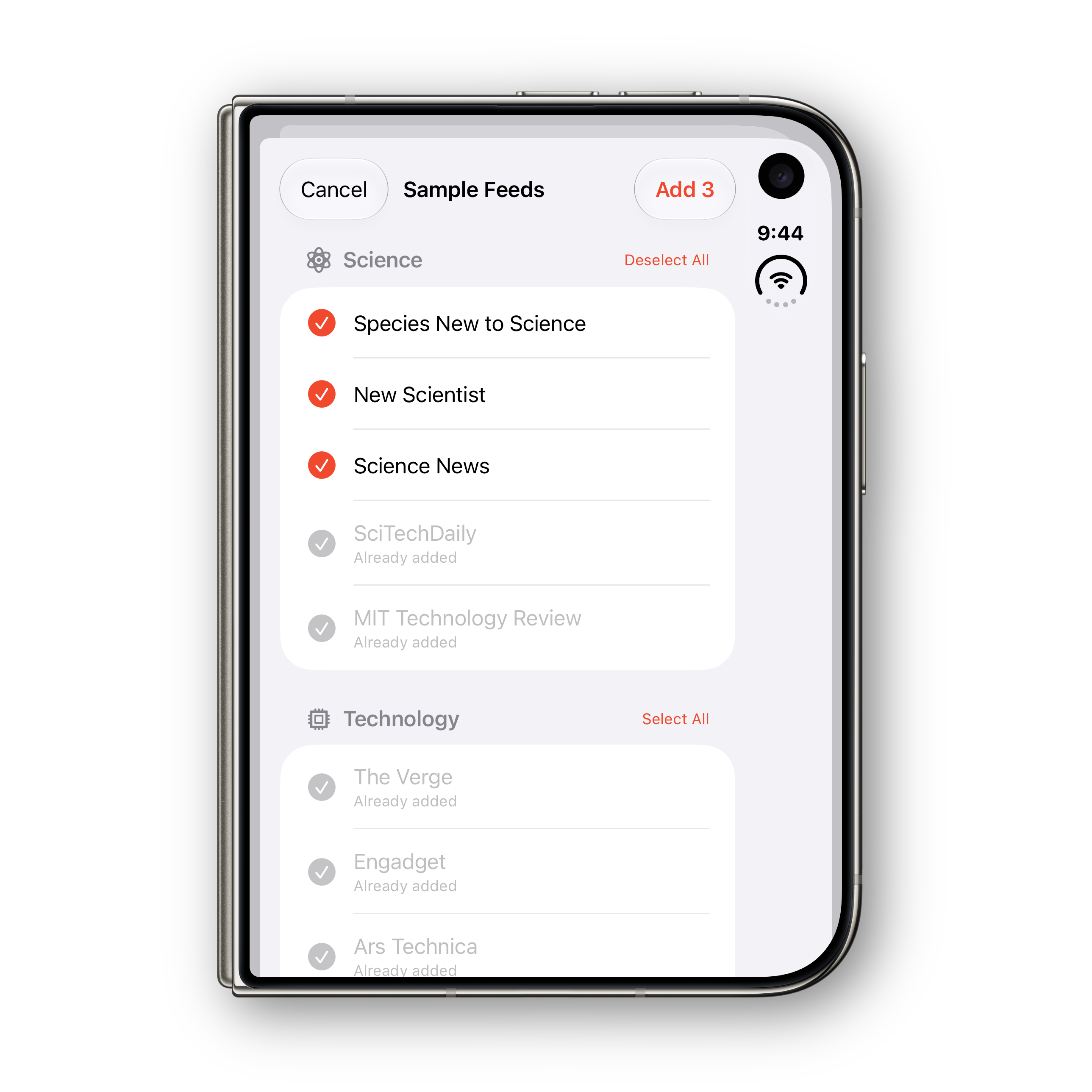
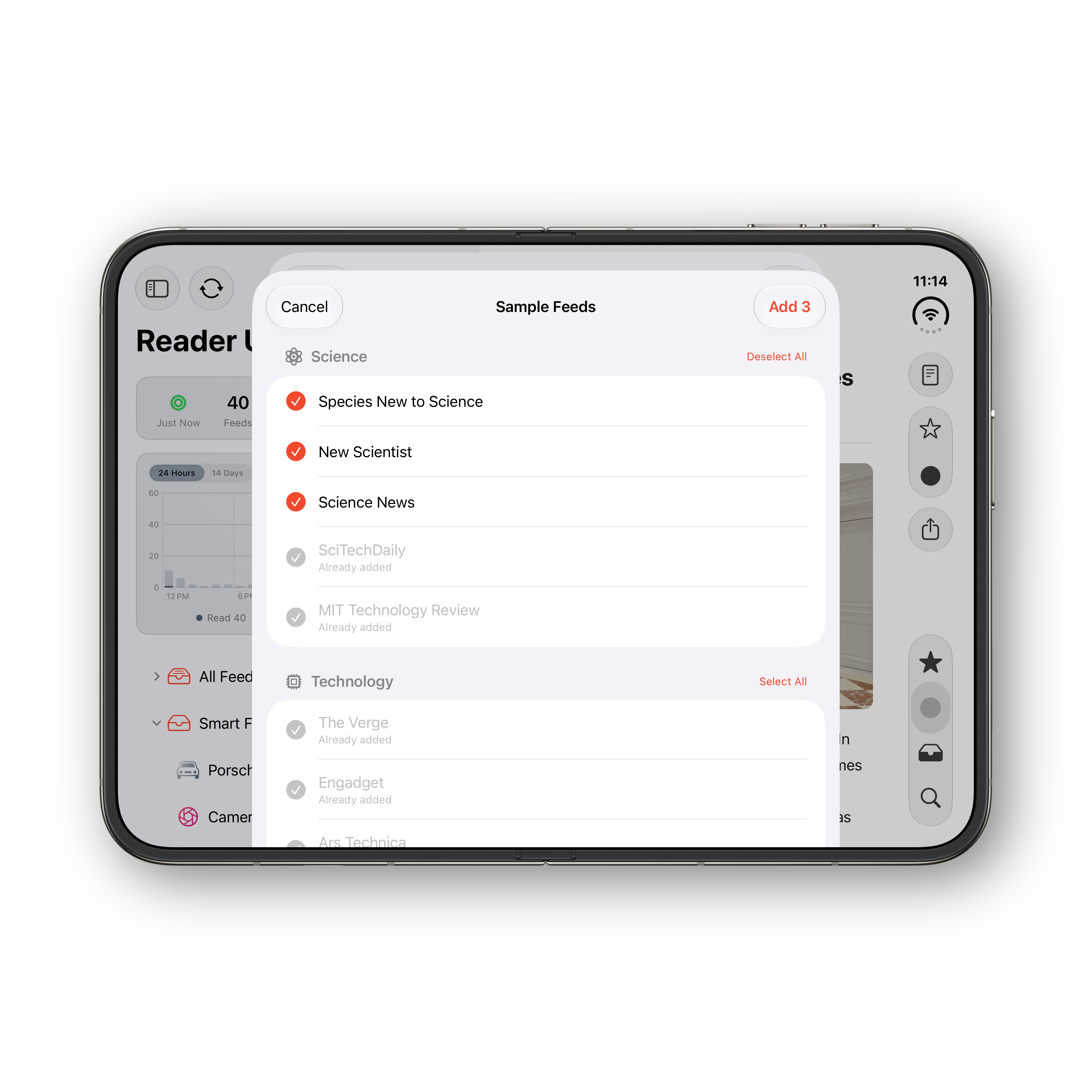
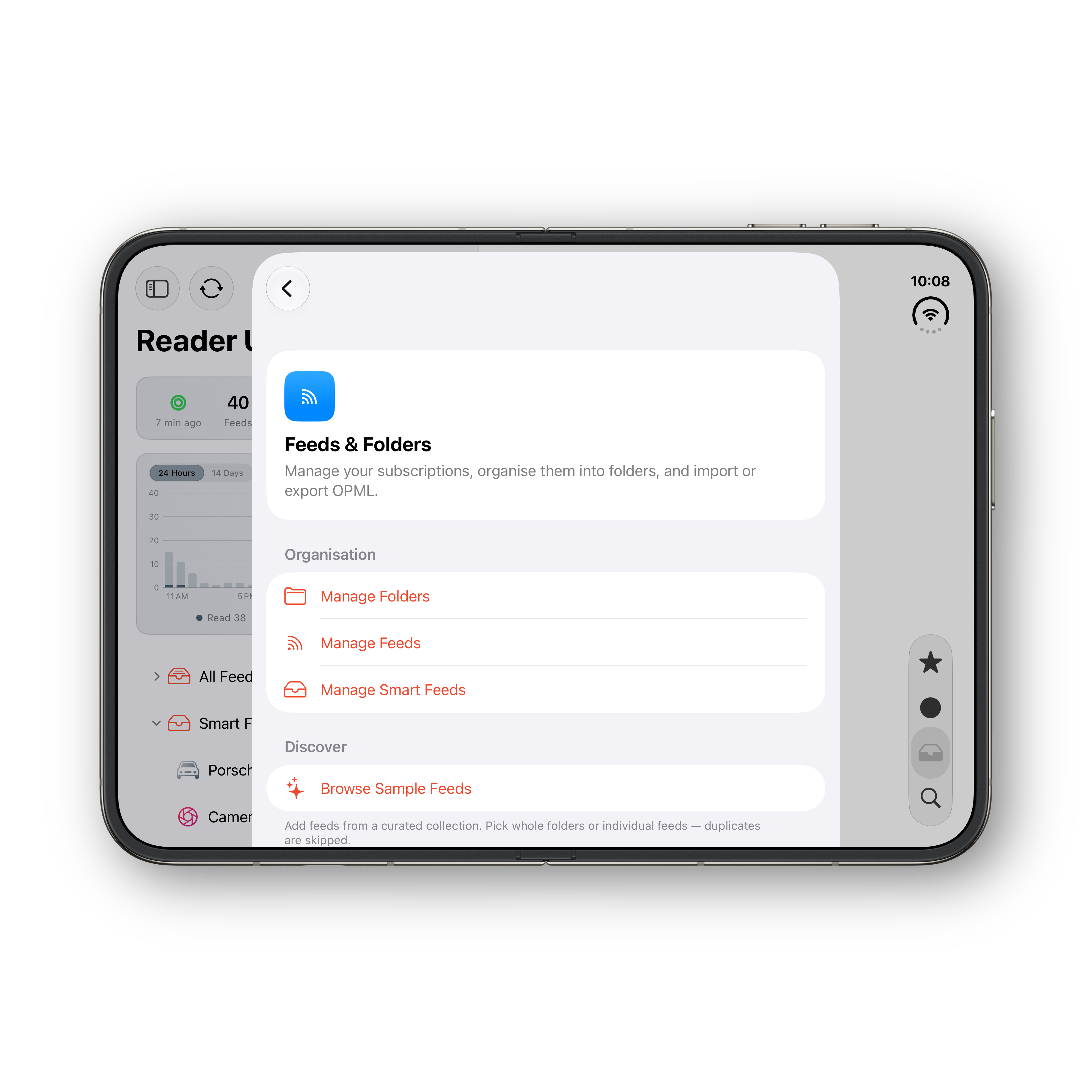
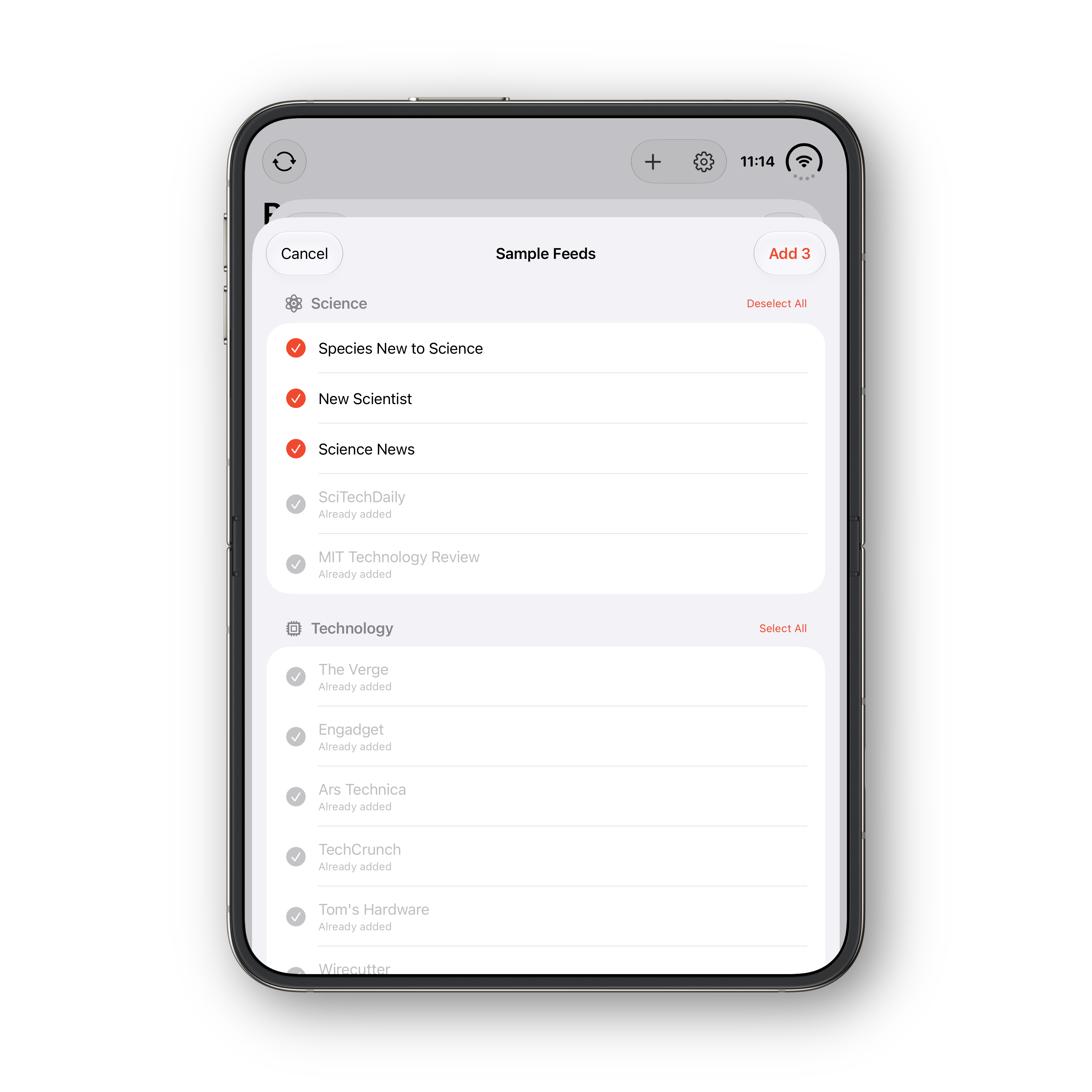
Don’t start from an empty screen. Reader Ultra ships with a curated collection of feeds, organised into folders. Pick a whole folder or just the feeds you want, and they’re added with their folders and icons intact. Already subscribed? Those feeds are marked as added and skipped — you’ll never end up with duplicates.
Subscribe from Safari
A Safari extension for iPhone, iPhone Duo, iPad, and Mac finds every RSS, Atom, or JSON feed on a page — including the ones big platforms and blogging engines don’t advertise. Pick one and Reader Ultra opens with Add Feed pre-filled; the toolbar button only lights up for feeds you don’t already follow.
Scopes, filters & search
Browse Unread, Starred, or All, and narrow by time range from the last hour through this week. Full-text search with filters and newest or oldest sorting finds anything, fast.
Sync & multi-device
Yours everywhere, and only yours.
Sync runs through a blazing-fast Reader Service included with the app — no extra subscription — partitioned per account and secured with API-key and session auth. Your reading follows you across devices, privately, with no ads and no third-party trackers.
Reader Service included
An ultra-fast, highly optimised Reader Service comes built in — with no extra subscription, ever. It powers seamless, rapid syncs and near-instant updates of your feeds across every device.
Siri AI & Apple Intelligence
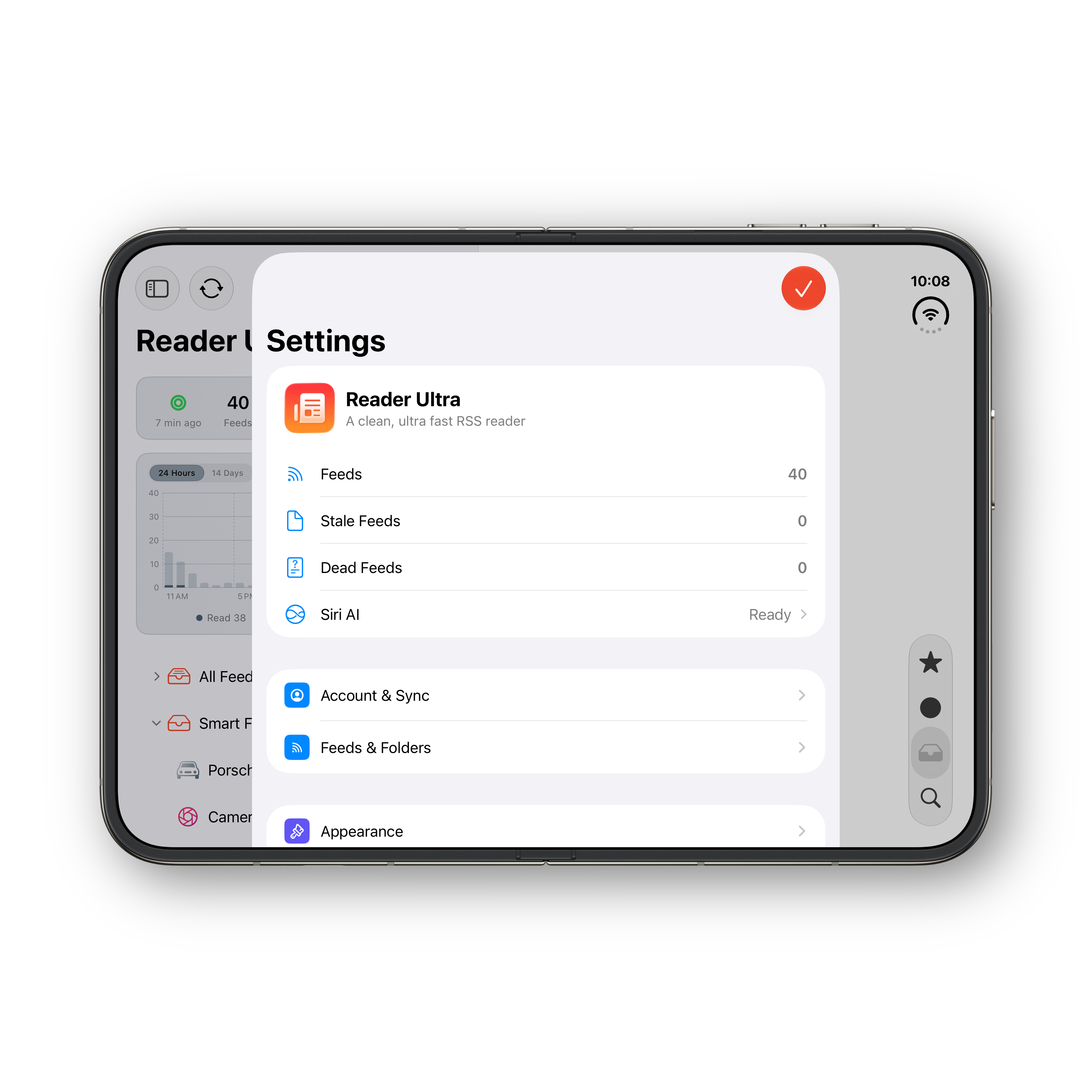
On iOS 27, iPadOS 27, and macOS 27, just ask Siri AI to catch you up, tell you what’s new, summarise a folder, dig into a story, find articles, refresh, or mark all as read — completely hands-free. See the phrases →
Incremental sync
Cursor-based snapshots download only new articles and deletions — never a full re-scan. Read and starred changes retry until acknowledged, so nothing slips through.
Background push
Silent push notifications quietly refresh new articles in the background — no permission prompts, no interruptions. Your feeds are fresh the moment you open the app.
iCloud settings sync
Your accent colours, app icon, fonts, layouts, and reading preferences follow you through your personal iCloud — along with your folder customisations, including their glyphs and order. Font sizes stay per-platform, and passwords are never synced.
Per-account retention
Reader Ultra automatically prunes articles older than a window you choose — starred items are never pruned, everything else is tidied away. Your retention choice syncs across your devices through your account, so every device stays in step.
Auto-refresh
Refresh on your schedule — off, or every 5, 10, 15, 30, or 60 minutes — plus pull-to-refresh whenever you want the very latest.
Siri AI & Apple Intelligence
Just ask.
On iOS 27, iPadOS 27, and macOS 27, Reader Ultra works with Siri AI and Apple Intelligence — catch up, ask what’s new, summarise a folder, go deeper on a story, search, refresh, and clear your unread, all hands-free. An in-app Siri AI status sheet lists example phrases to get you started, like these:
“Catch me up on Reader Ultra”
“What’s new in Reader Ultra”
“What happened today in Reader Ultra”
“Tell me more about the Apple story in Reader Ultra”
“Summarise my News folder in Reader Ultra”
“How many unread articles in Reader Ultra?”
“Find articles in Reader Ultra”
“Refresh Reader Ultra”
“Mark all as read in Reader Ultra”
Customisation & insights
Make it yours. Then see it clearly.
Tune every colour, icon, and line of type — then step back and watch how you read with a dashboard of feed analytics and activity charts.
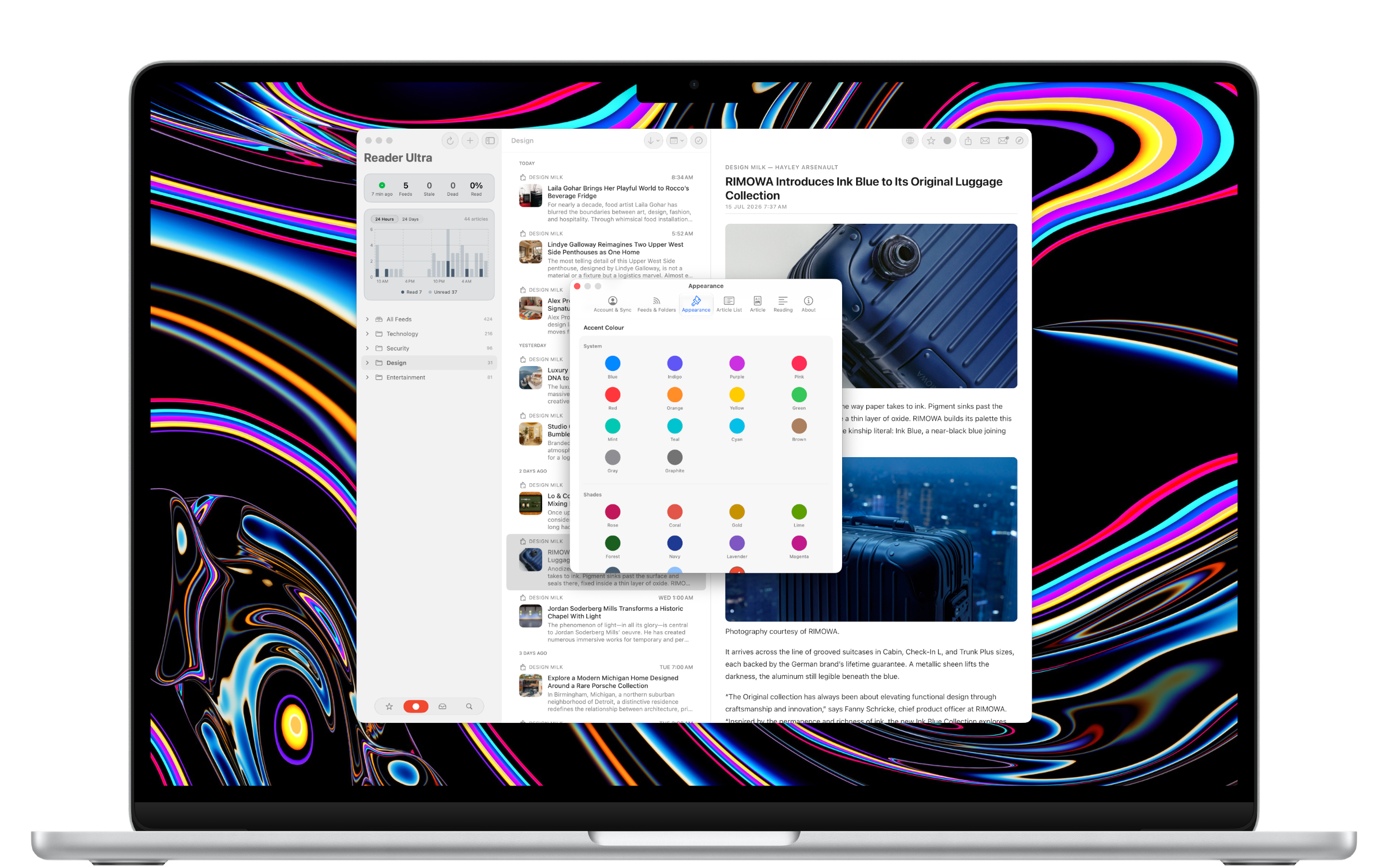
25 accent colours & 24 icons
Pick from 25 hues — the 14 system colours plus custom shades like rose, coral, gold, forest, navy, and lavender — and match your app icon from 24 alternate options on iOS and a rendered Dock icon on Mac.
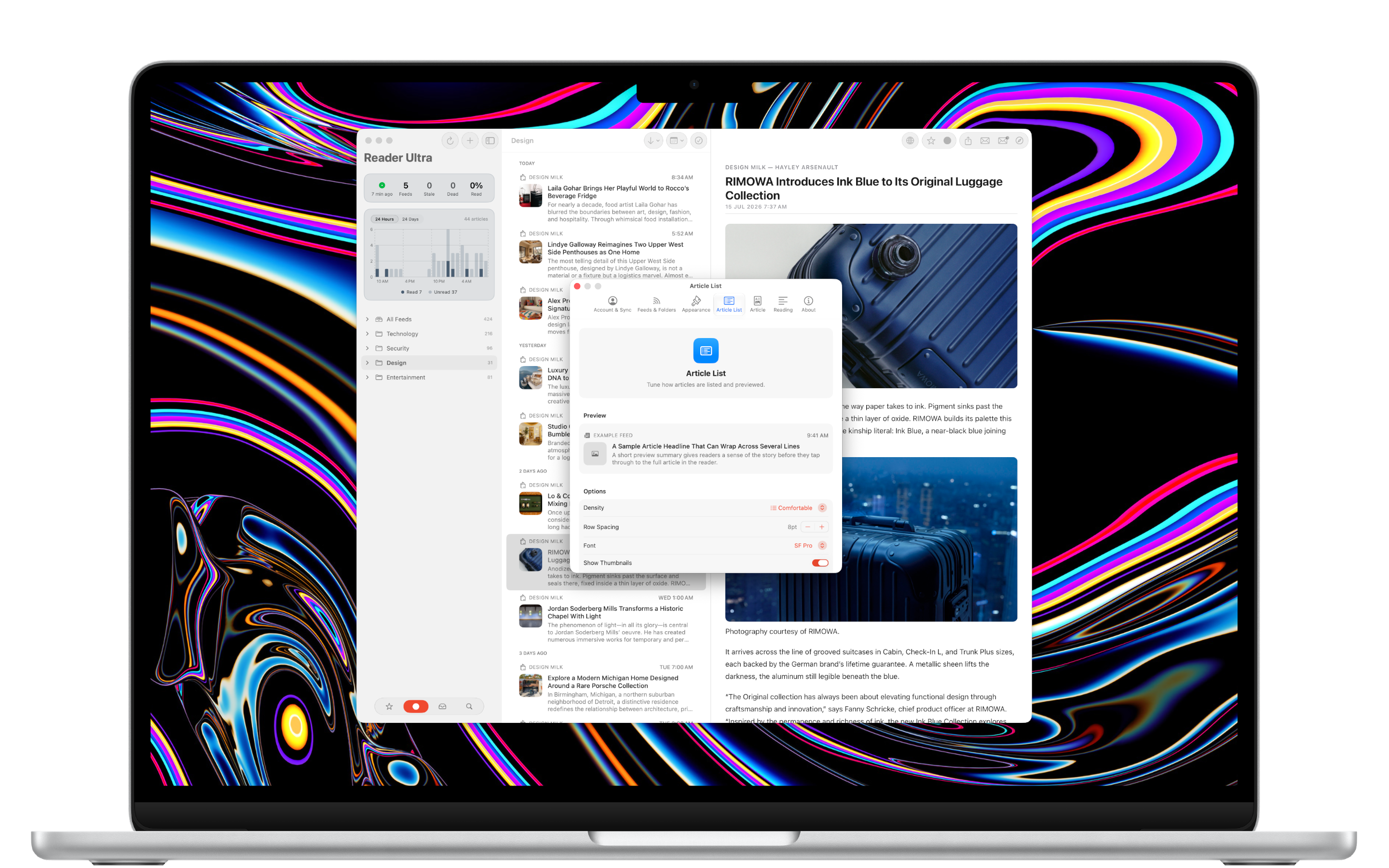
List density & typography
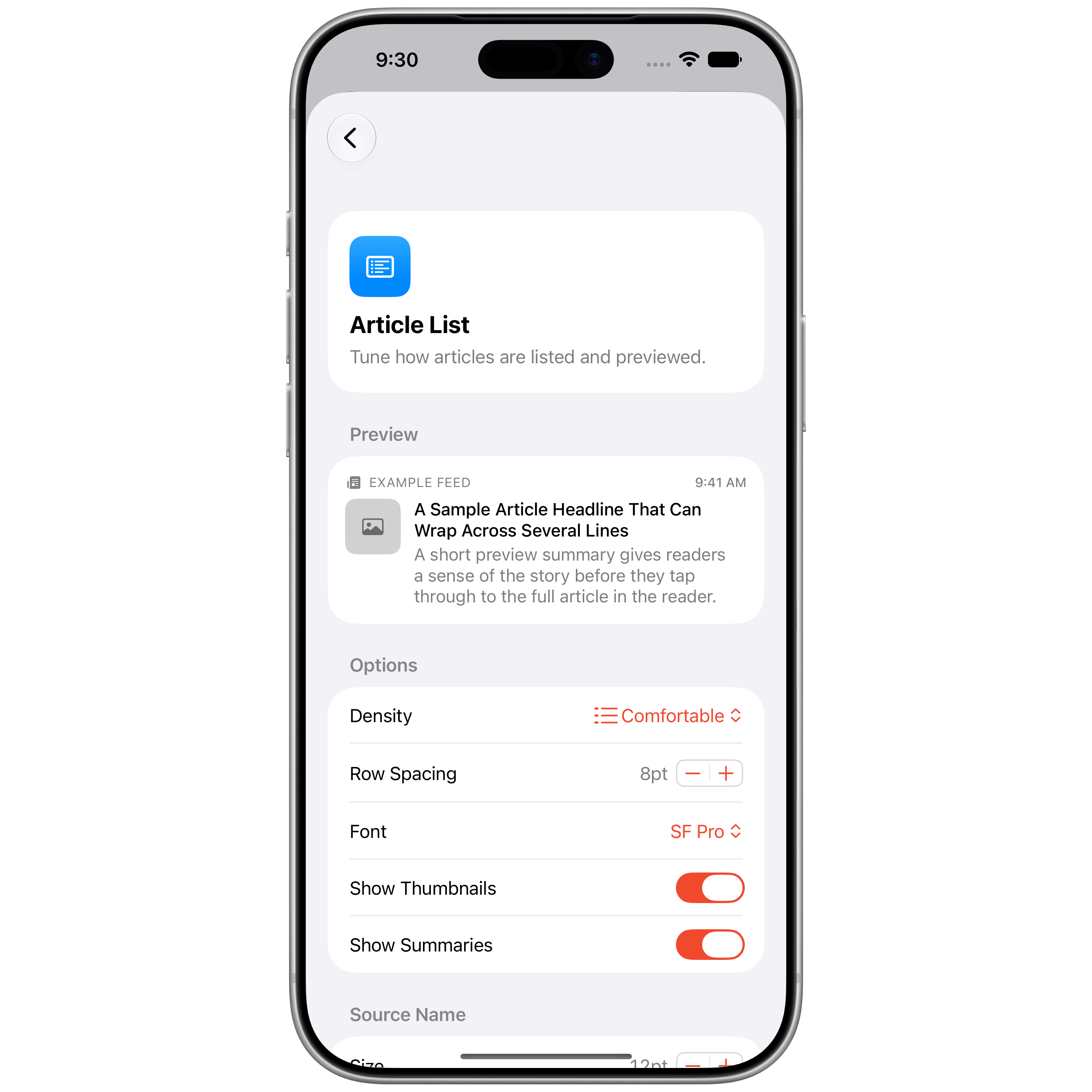
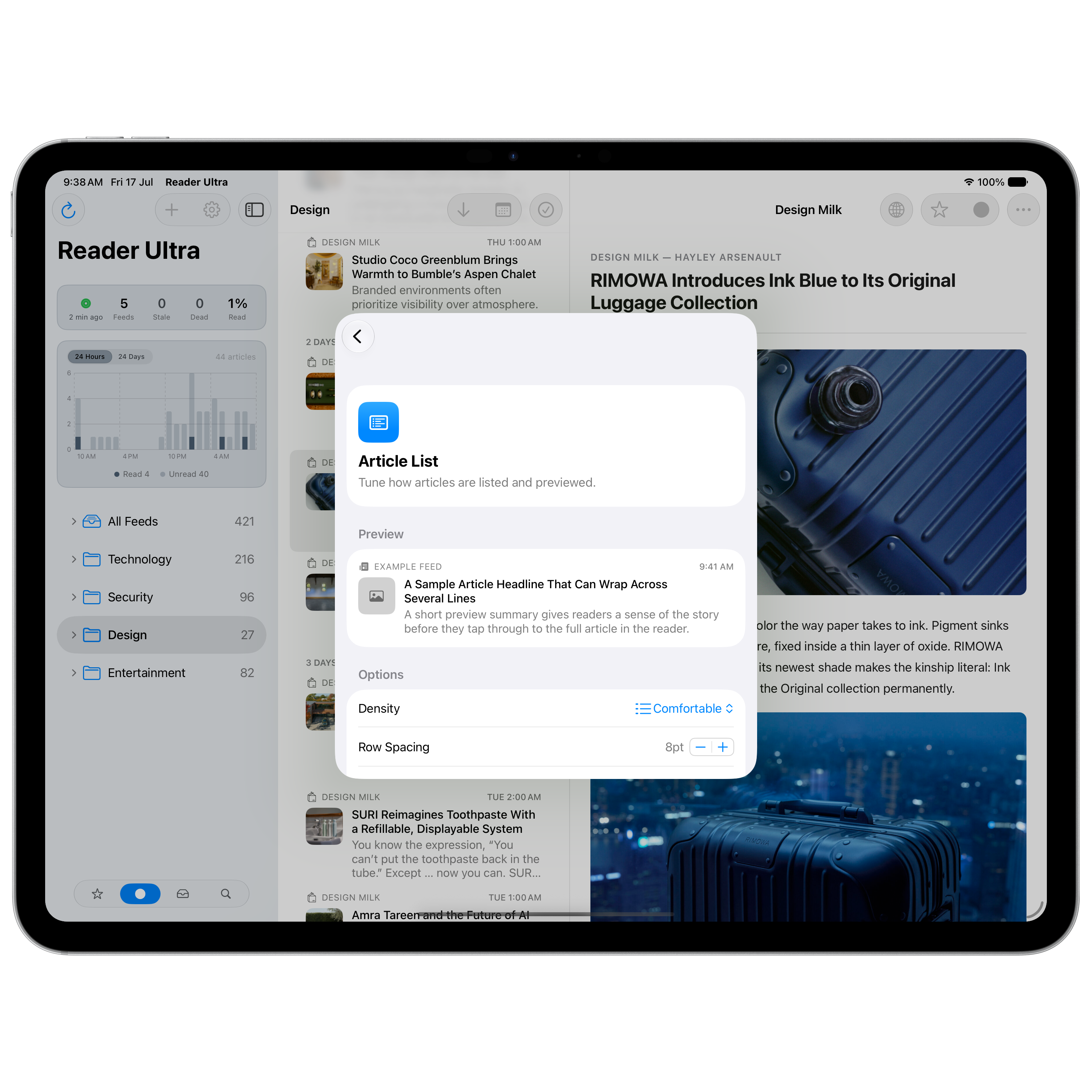
Choose Compact or Comfortable lists with optional thumbnails and summaries, and set independent font design, size, weight, and line limits for title, summary, and source — with a live preview.
Personalised folders
Give every folder its own glyph from a wide range of SF Symbol icons, and set the sort order with drag-to-reorder. Your expanded and collapsed folders are persisted and synced across your devices — so your sidebar always looks exactly how you left it.
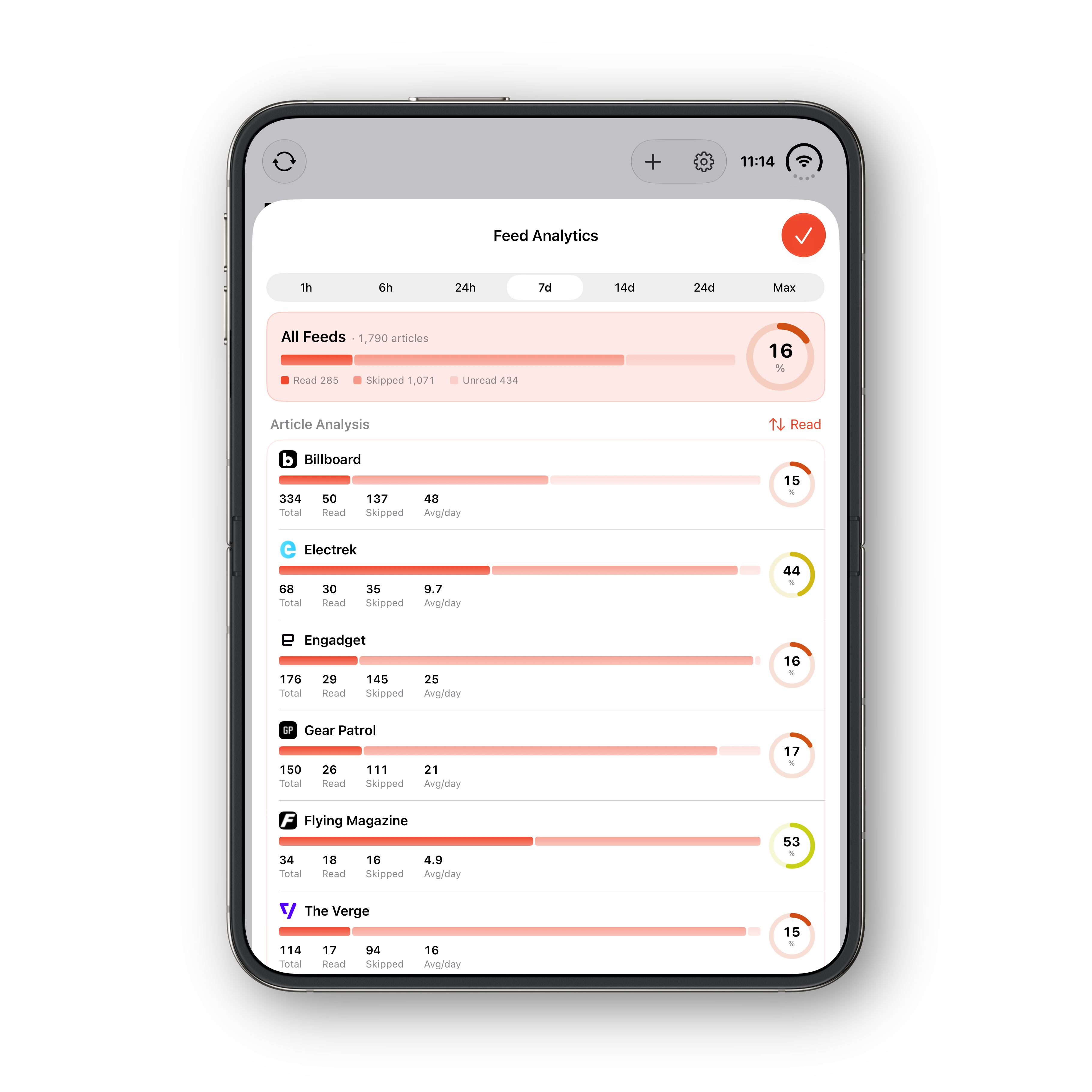
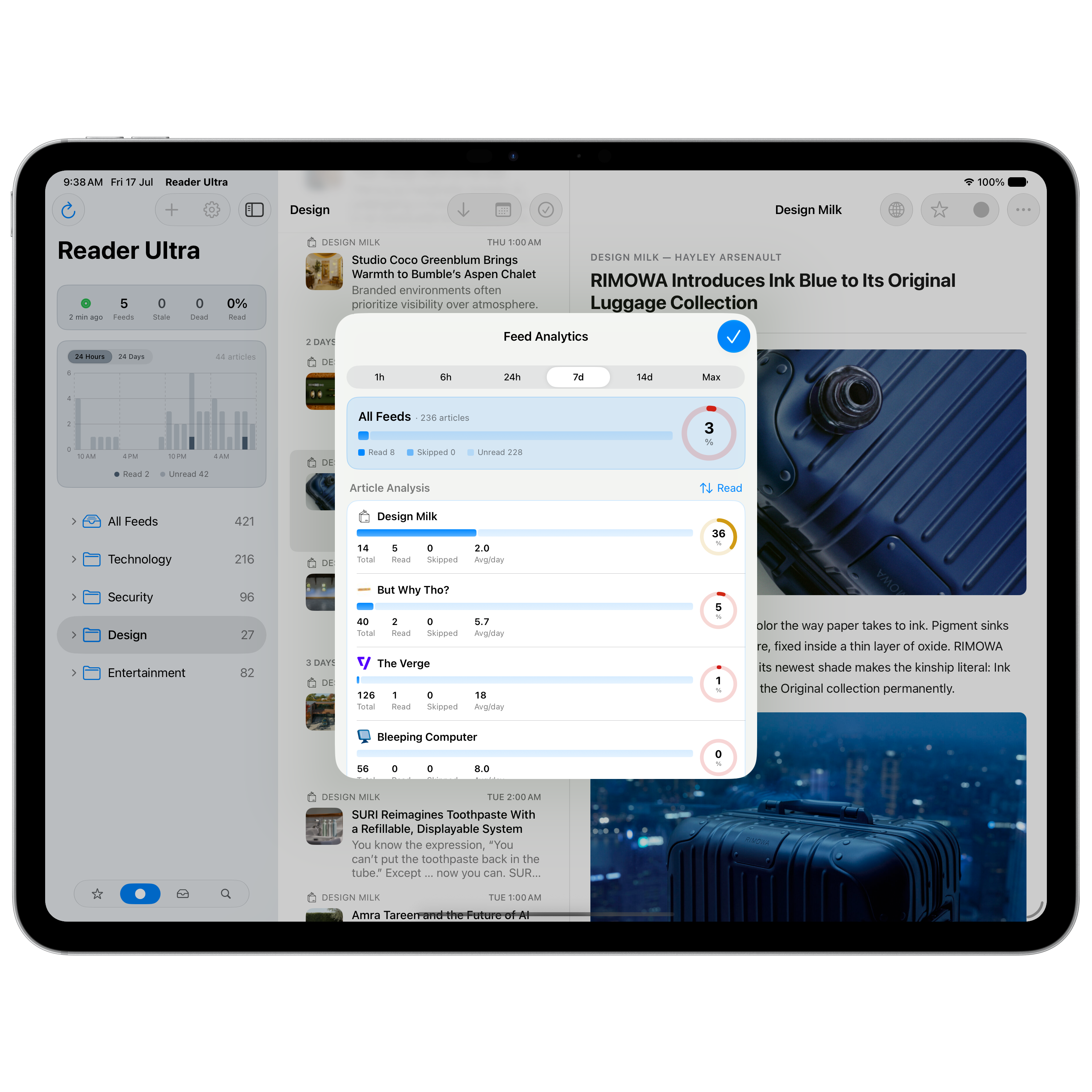
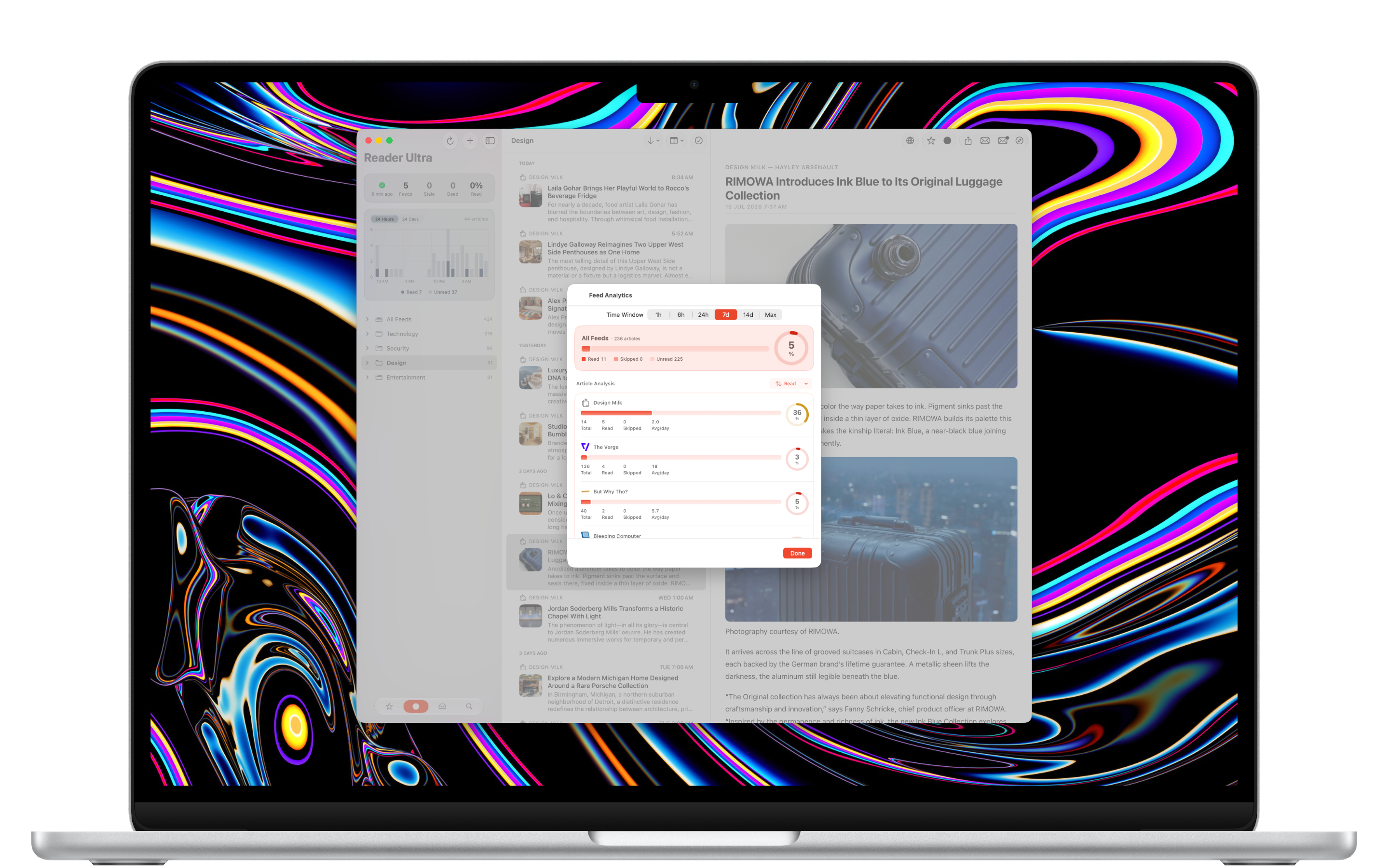
Analytics dashboard
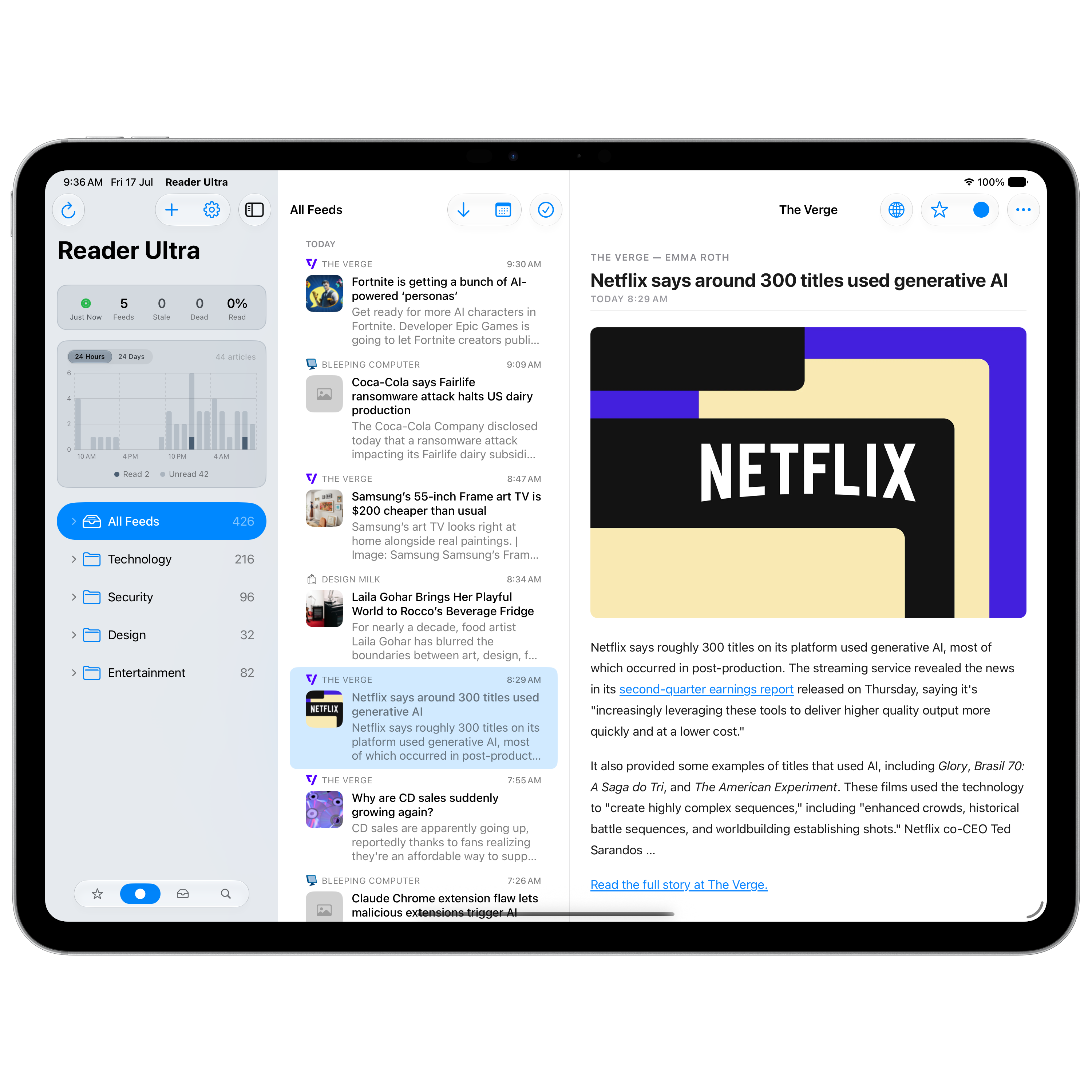
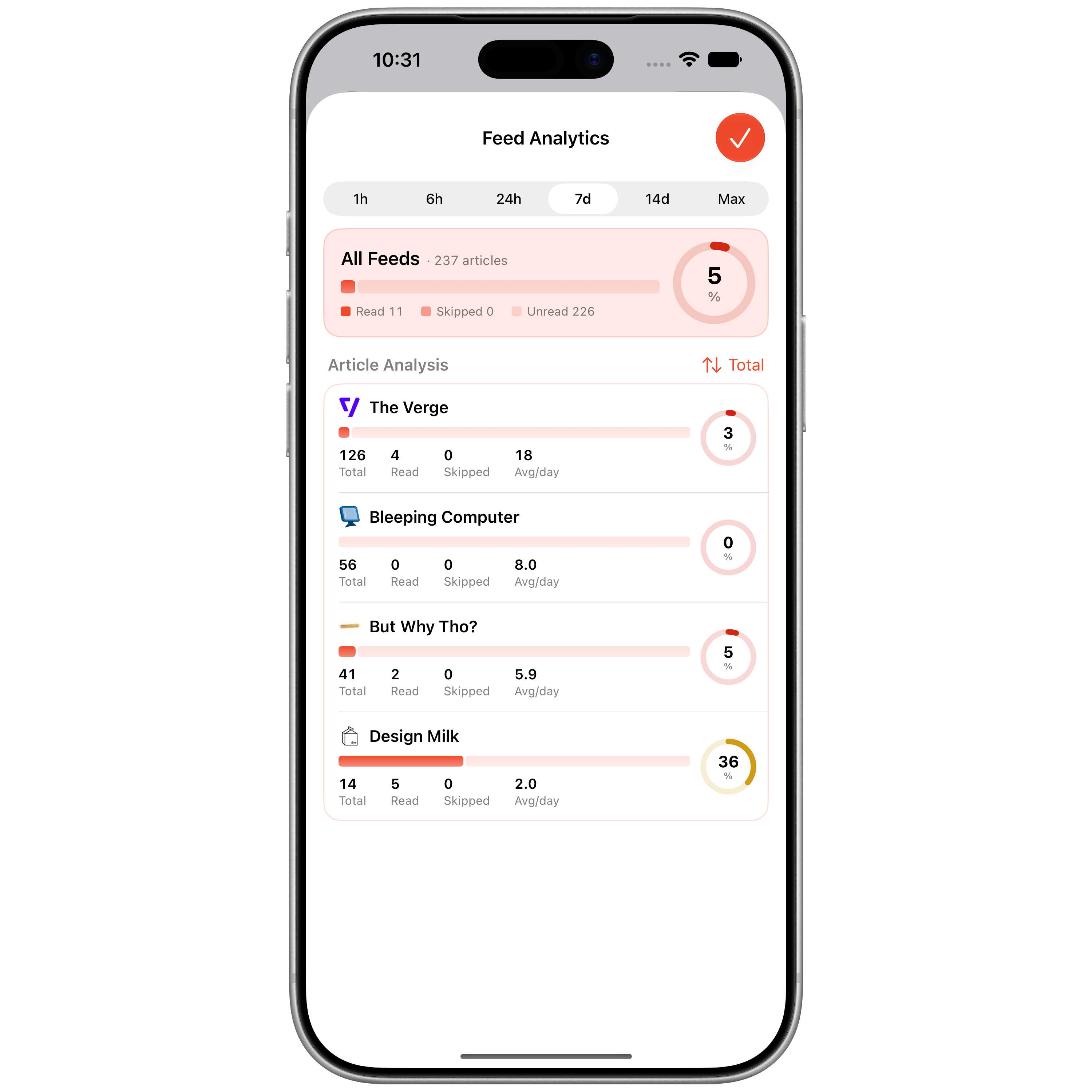
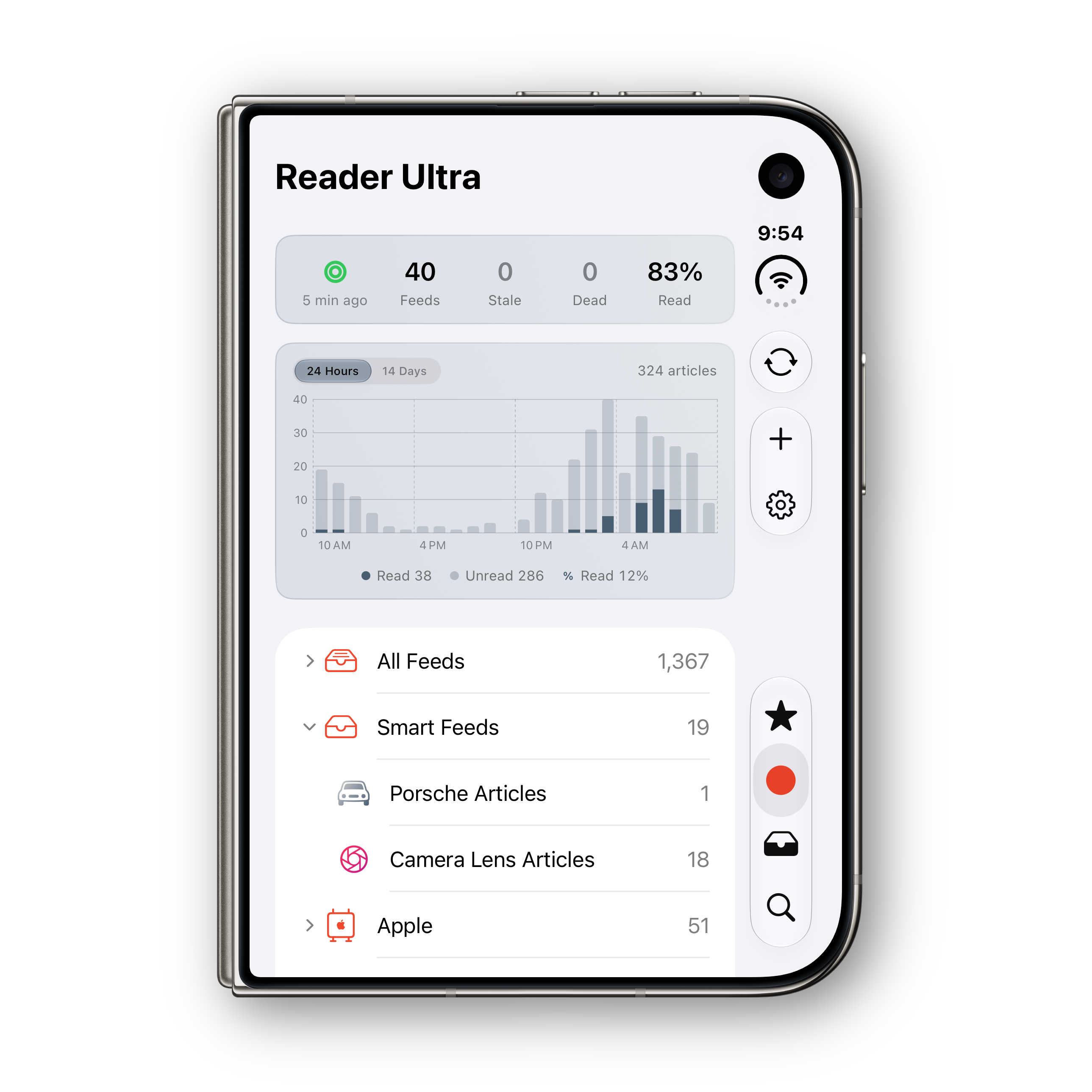
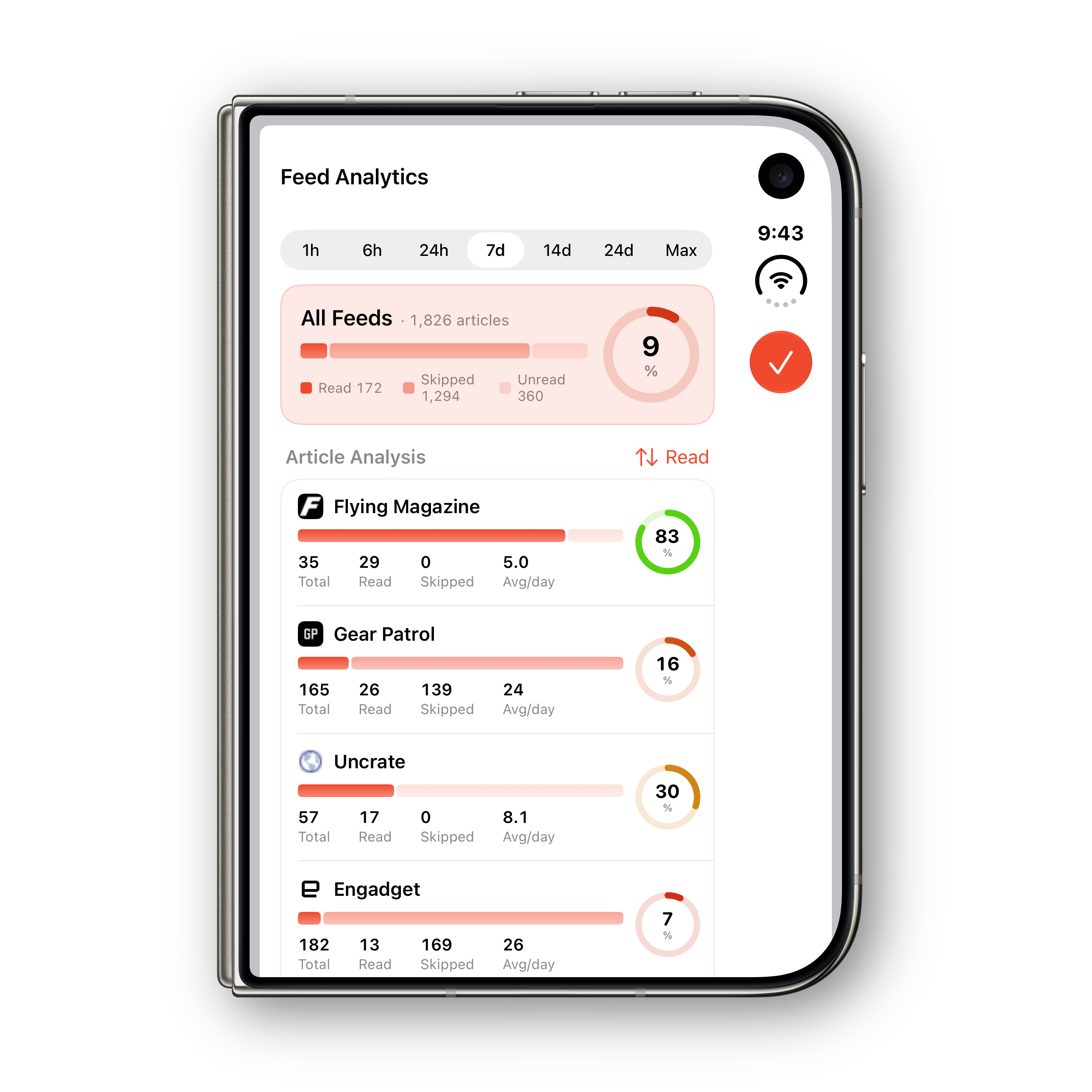
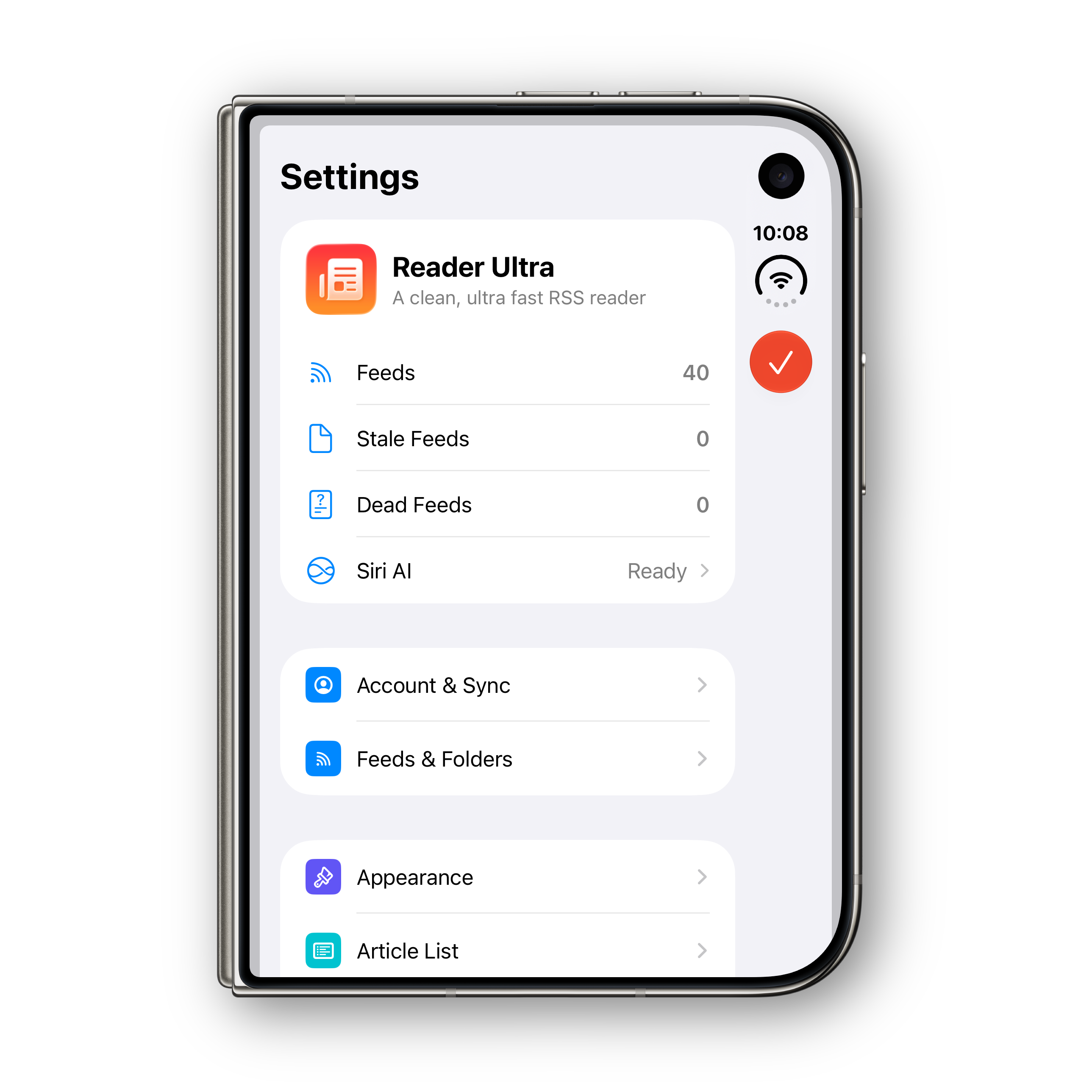
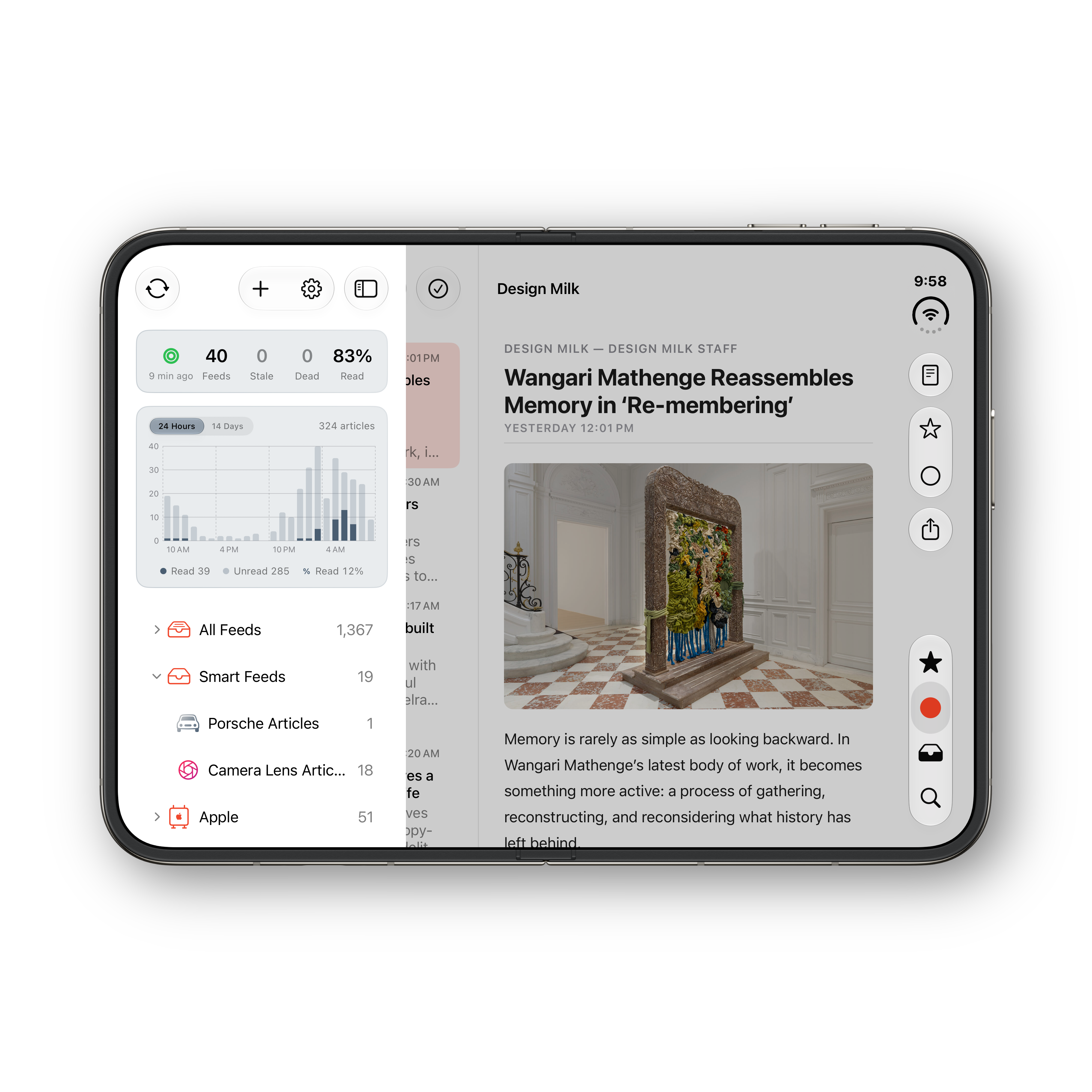
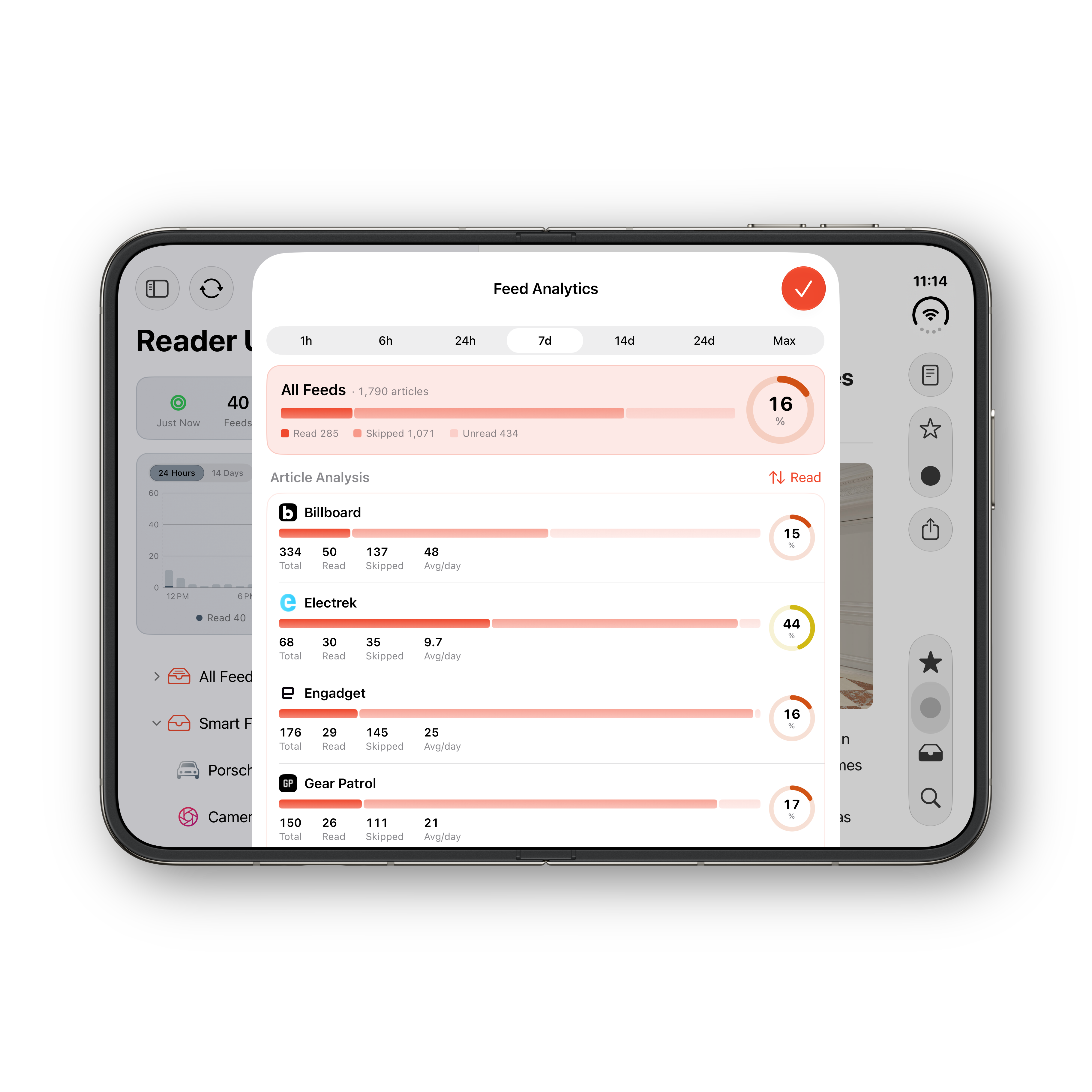
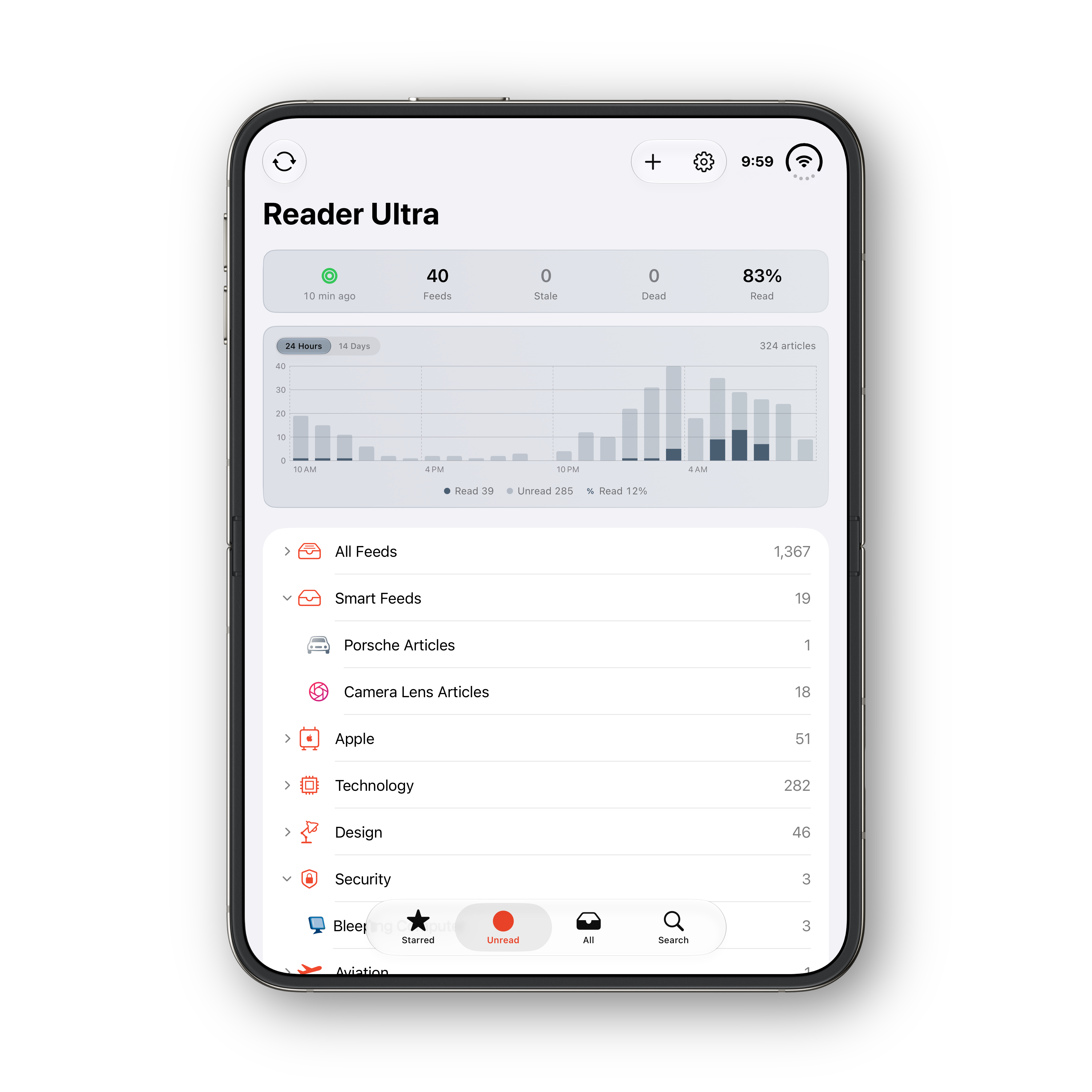
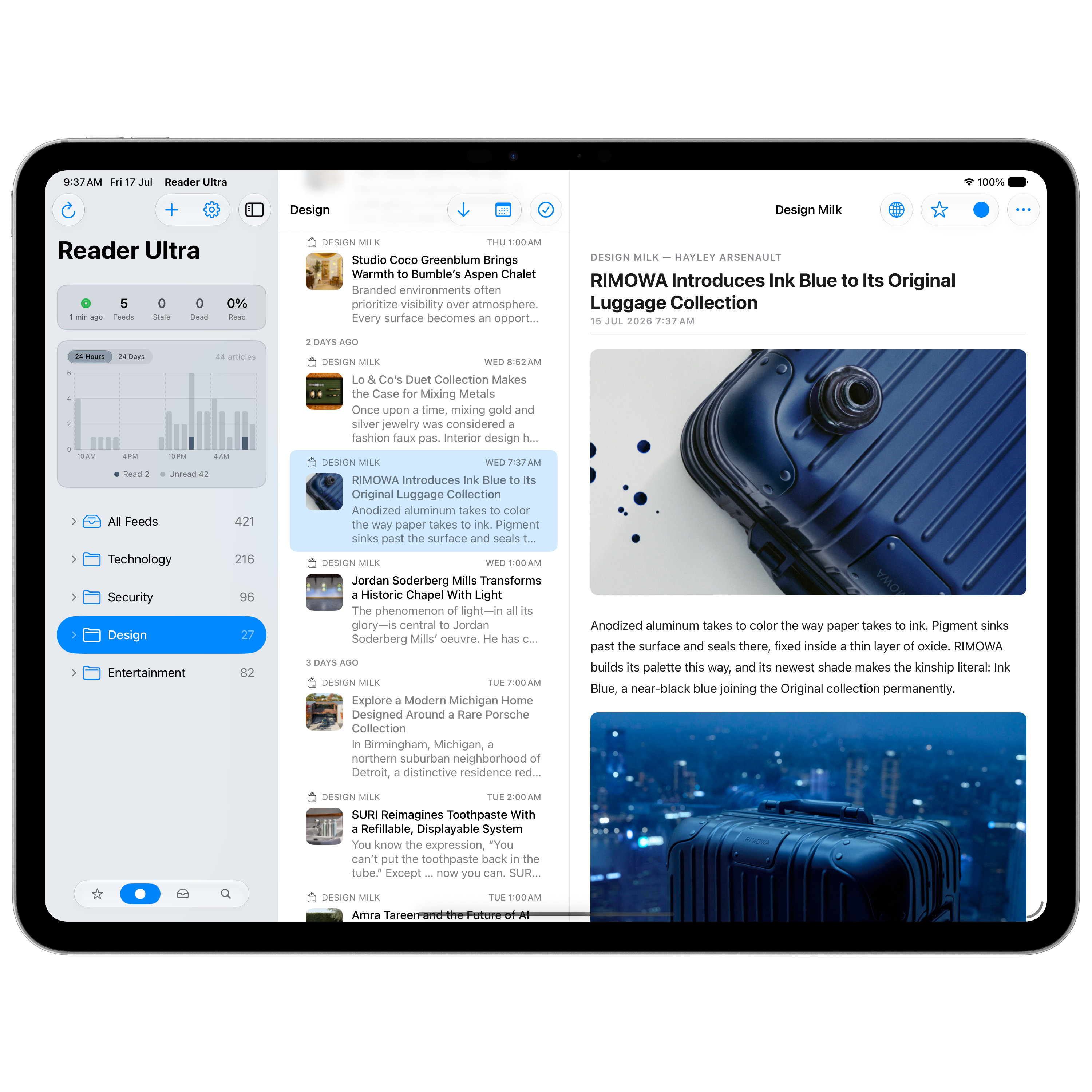
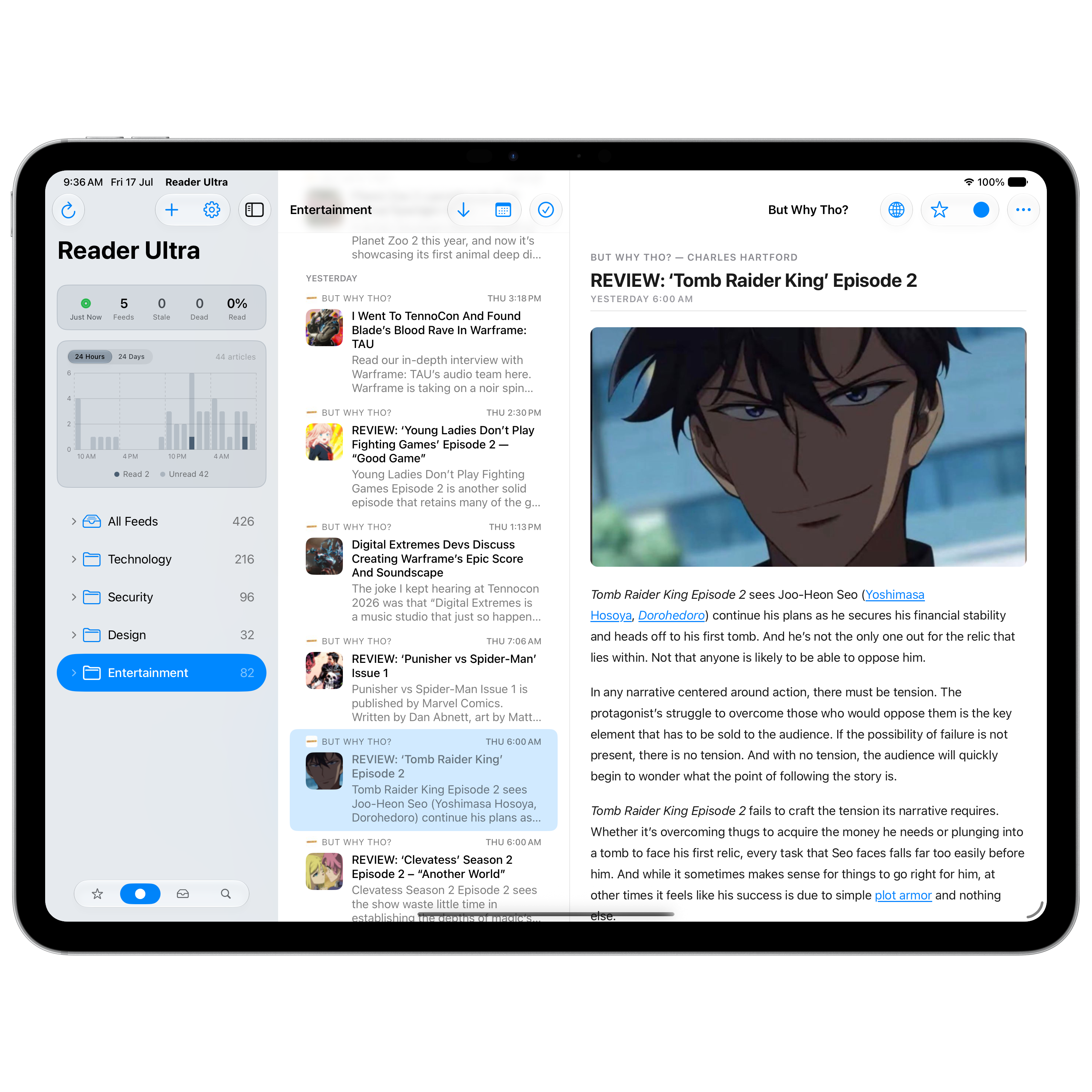
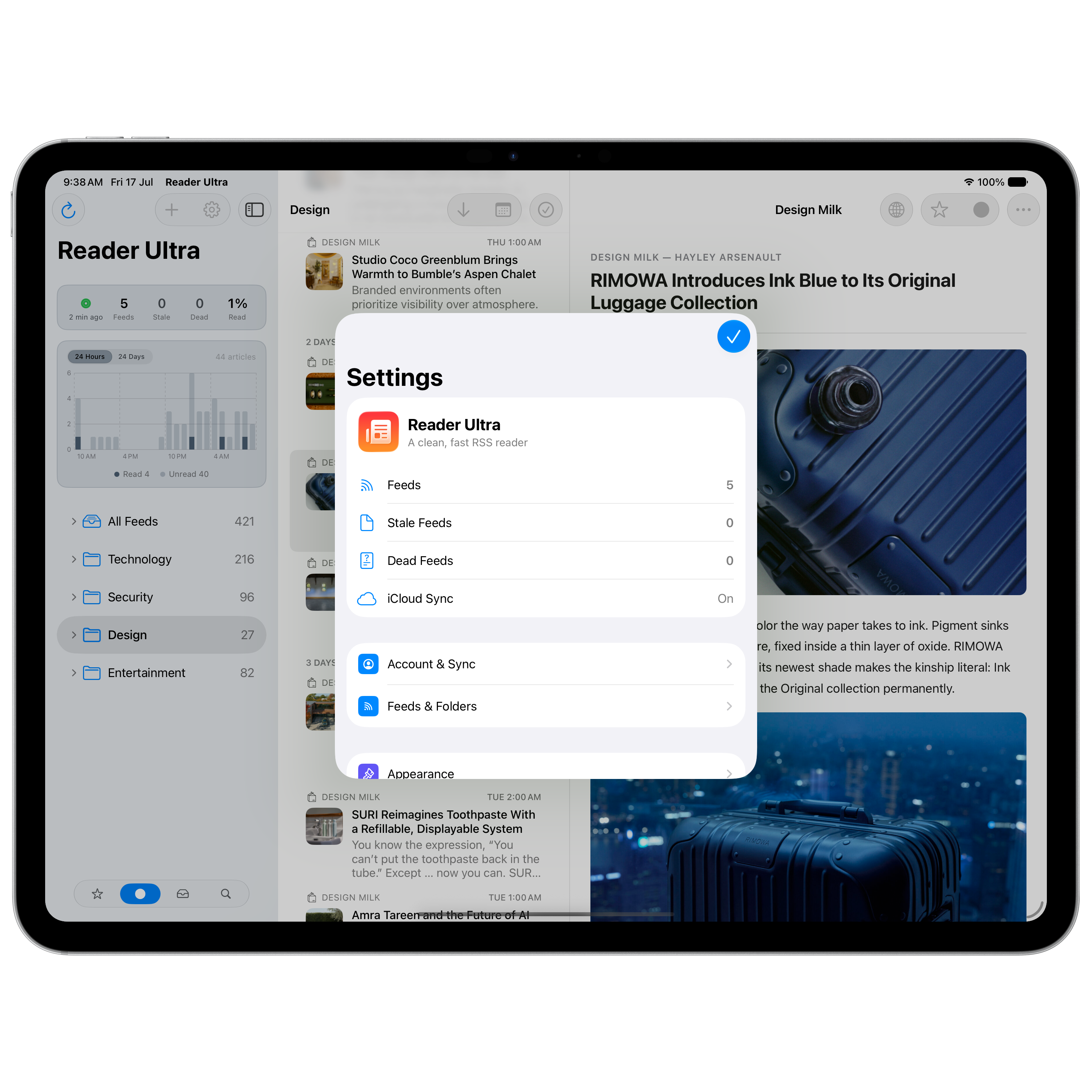
A feed analytics dashboard right in the feed list shows feed counts, read rate, and flags dead or stale feeds — so you always know what's still worth following. Prefer a cleaner list? Hide the analytics pane whenever you like.
Activity charts
Stacked 24-hour and 24-day views break down read, skipped, and unread articles at a glance, with per-feed analytics, selectable time windows, and engagement ranking.
Sync status & badges
Sync status lights show how fresh your data is, and unread badges at feed, folder, and app level keep the numbers that matter always in view.
Light, Dark & System
Switch the whole app between Light, Dark, or System, with independent accents for the stats dashboard and the activity chart if you want them to stand apart.
Screenshot gallery
See it in action.
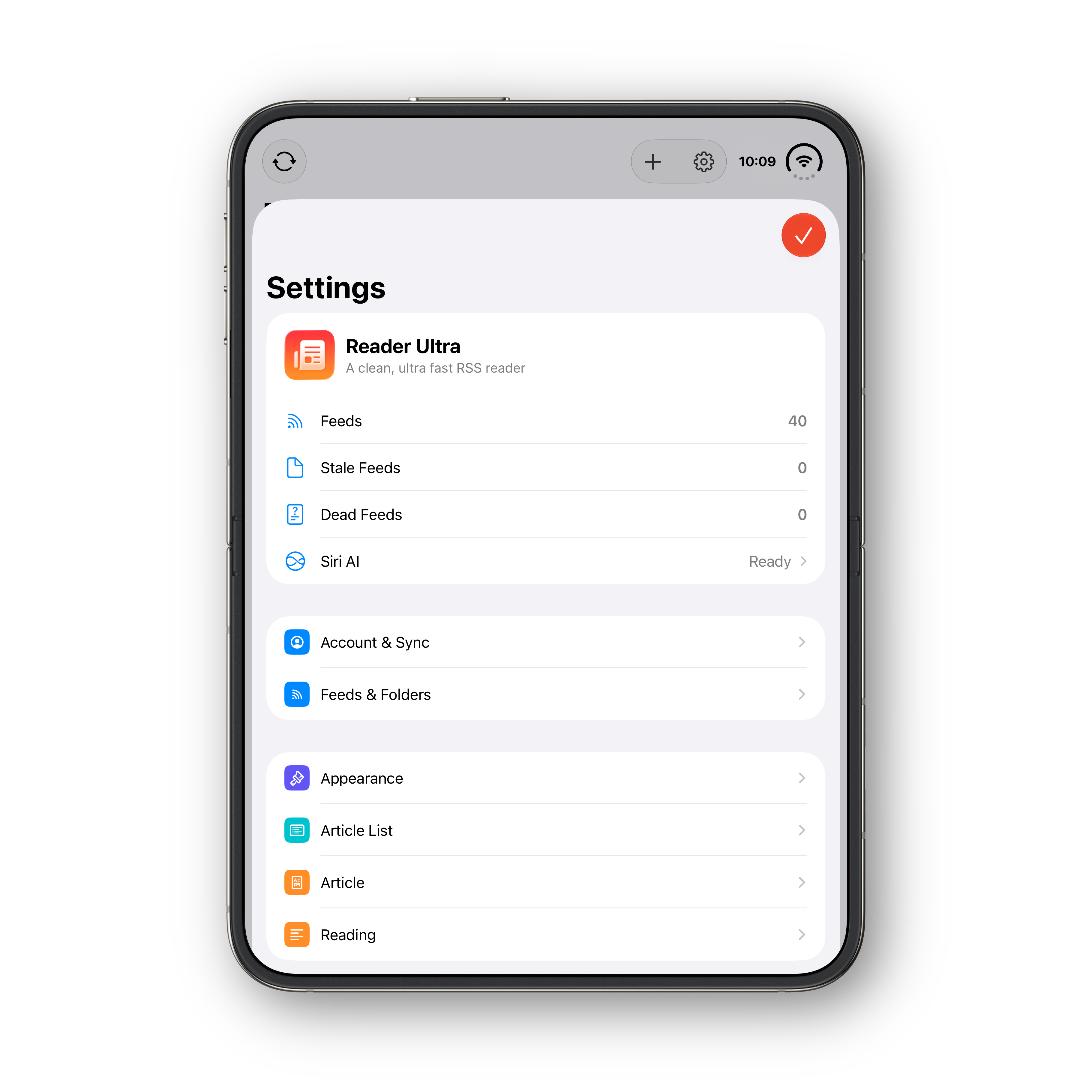
Scroll to explore Reader Ultra on iPhone, iPhone Duo, iPad, and Mac.
iPhone
iPhone Duo — folded
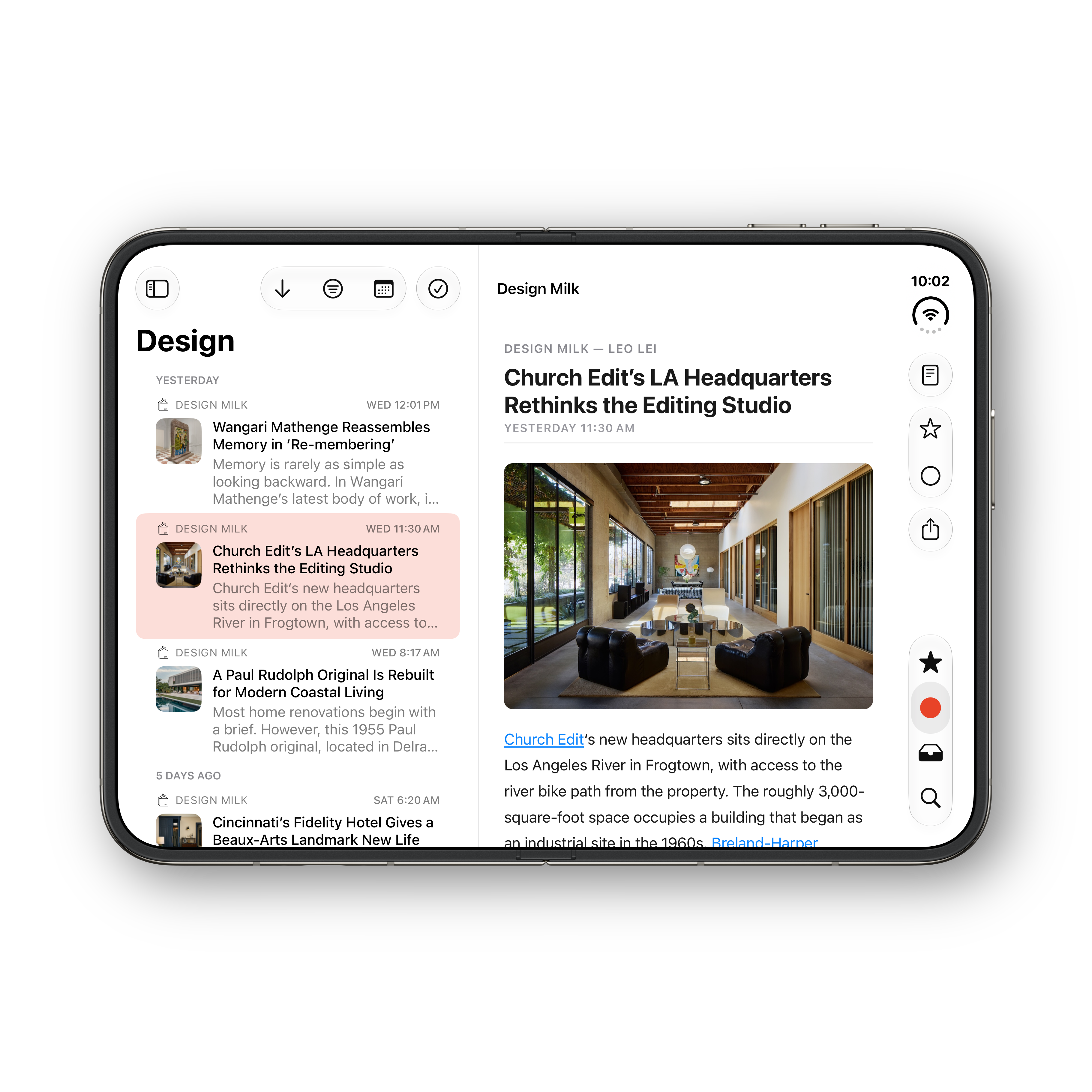
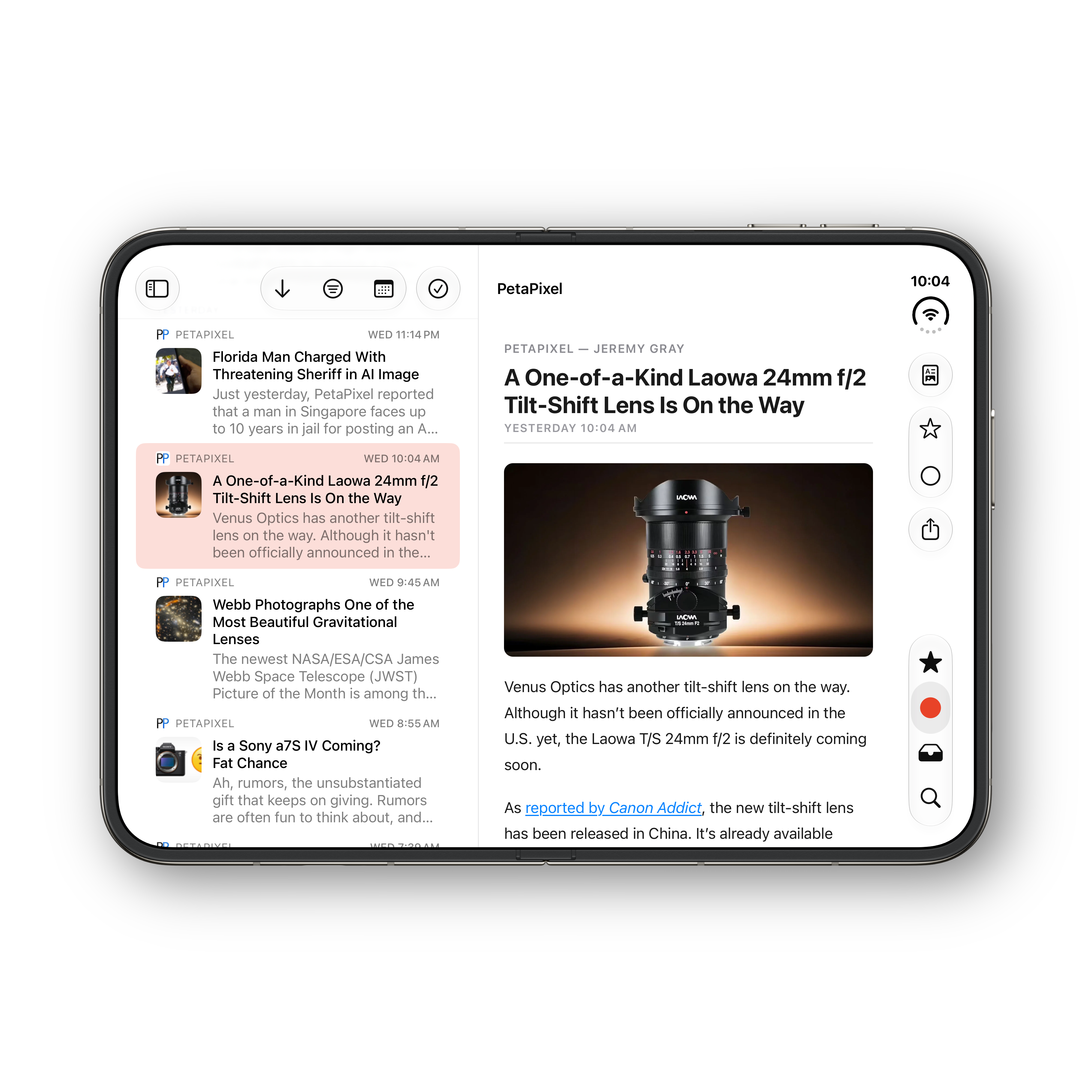
iPhone Duo — unfolded
iPhone Duo — portrait
iPad
Mac
← Scroll to see more →
Platform fit
Native on every Apple platform.
100% SwiftUI and SwiftData with async/await throughout — no cross-platform wrappers, no web shell. It adopts Liquid Glass, adaptive colours, and platform-correct layouts on each device.
iPhone
Built for one hand
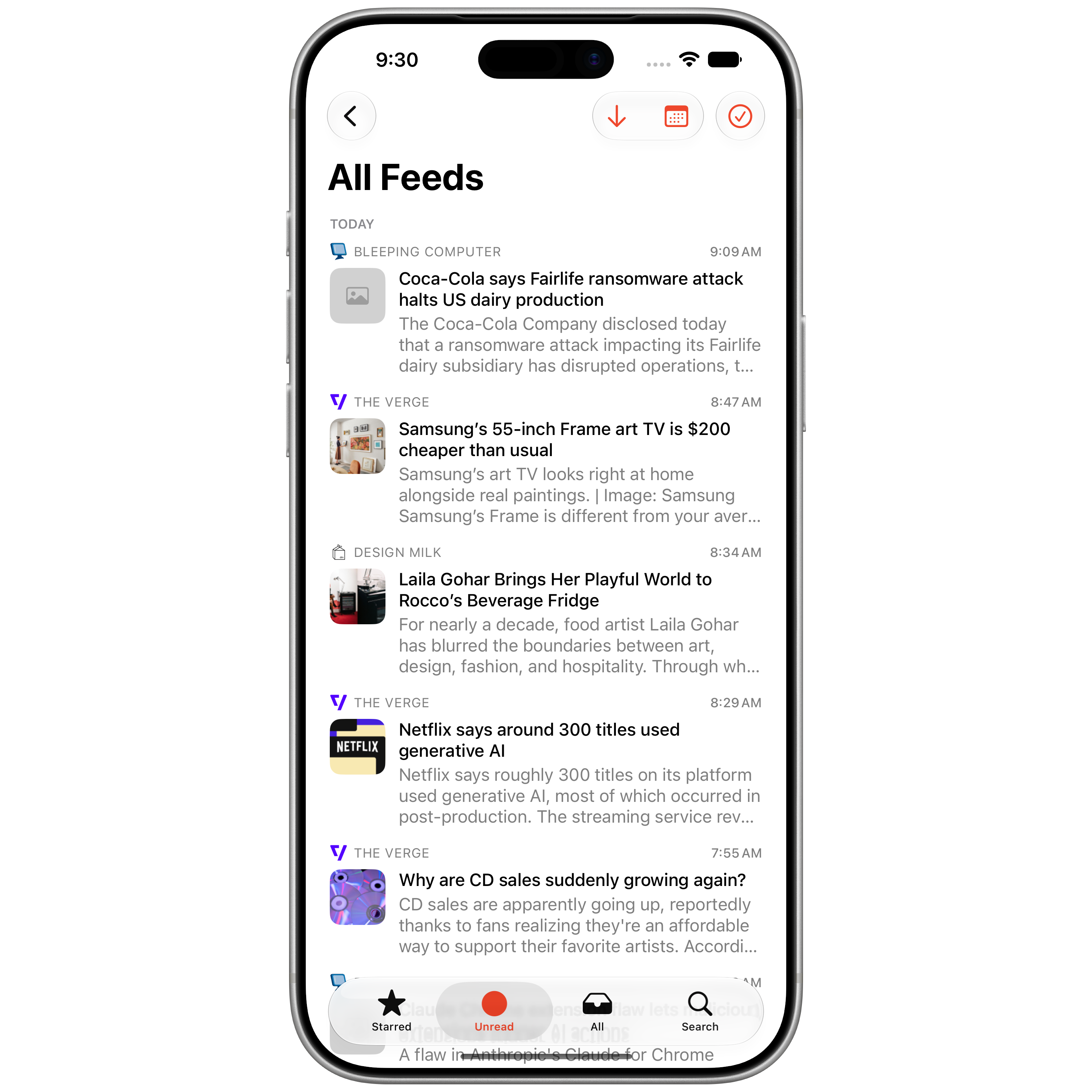
A bottom tab bar for Starred, Unread, All, and Search, with pull-to-refresh and swipe actions — everything within thumb's reach.
iPad
Room to read
A three-column split view with a floating Liquid Glass scope selector, so your feeds, articles, and reader sit side by side.
Mac
A real Mac app
Window and column-width persistence, a dedicated Settings window, a customisable Dock icon, and a close button that keeps the app resident in the Dock.
iPhone Duo
Opens into two columns
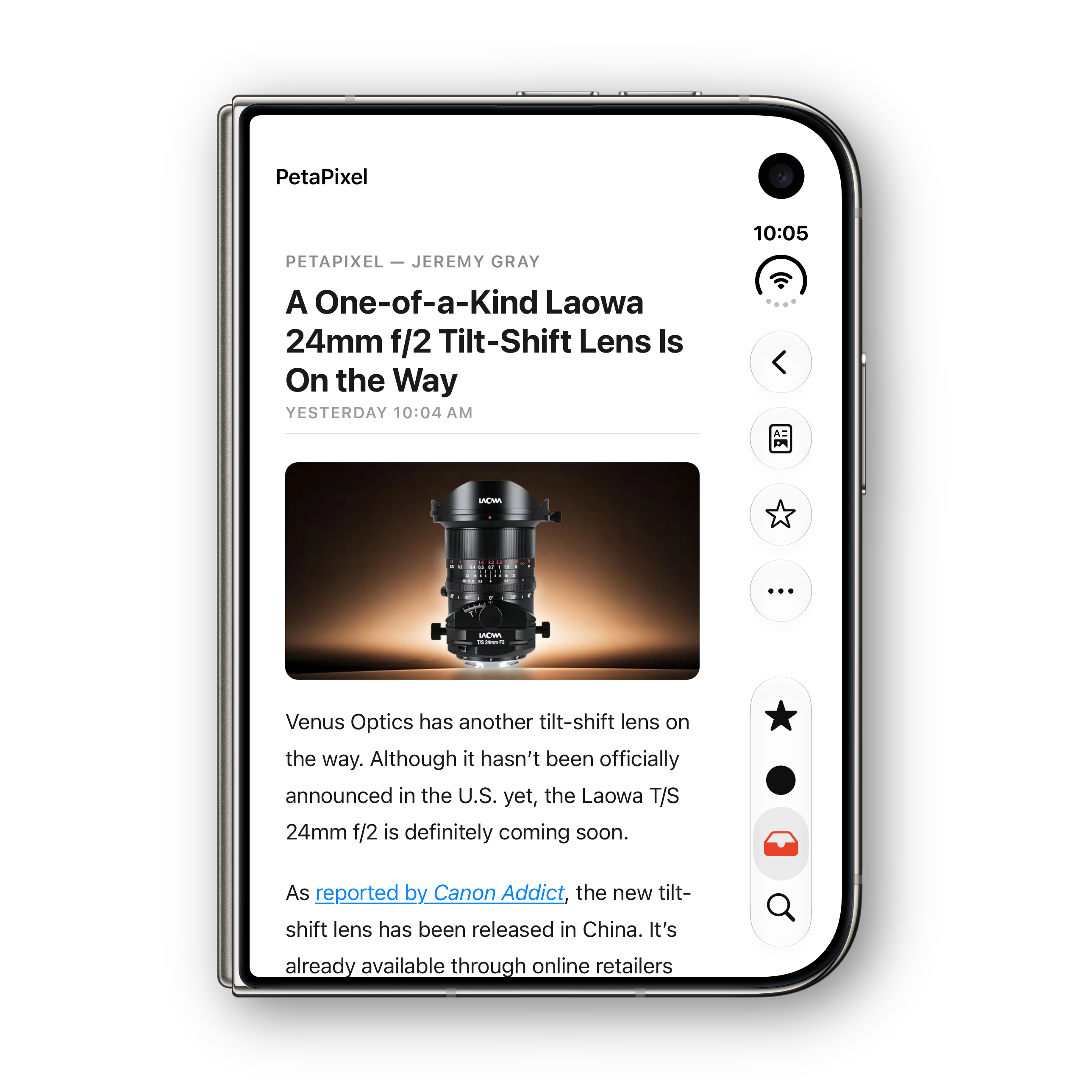
Folded, it’s the same one-handed iPhone layout. Unfold the inner display and Reader Ultra expands — list and reader side by side in landscape, or a full-width column with a floating tab bar in portrait.
Reader Ultra.
A blazing-fast, highly optimised, native RSS reader that syncs privately across iPhone, iPhone Duo, iPad, and Mac. Available now on the App Store.